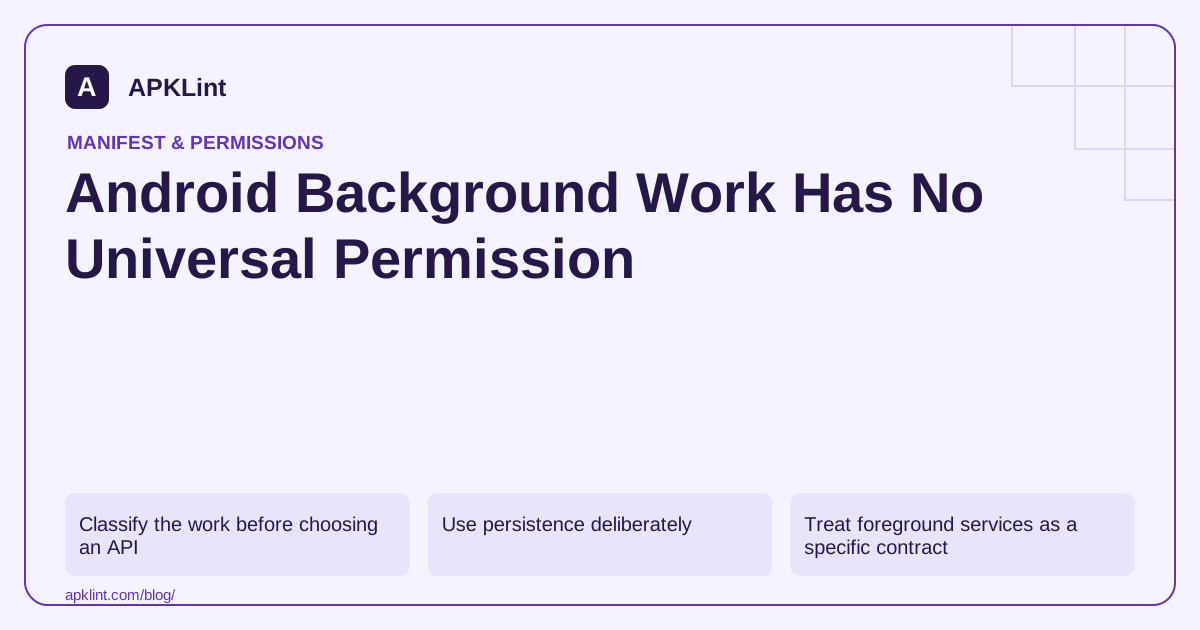
Classify the work before choosing an API
| Work | Starting point |
|---|---|
| Deferrable, persistent task | WorkManager with suitable constraints |
| User-visible ongoing operation | An eligible foreground service or a more specific API |
| Precise user-facing alarm | Alarm APIs and applicable exact-alarm access |
| Short work while the screen is active | Lifecycle-aware asynchronous execution |
| Server-driven event | Appropriate push and notification handling |
The background-work guidance should drive this choice. A service name or a manifest permission cannot override scheduling, battery or background-start restrictions.
Use persistence deliberately
WorkManager is designed for eligible persistent work, not immediate execution at an exact wall-clock time. Define constraints such as network availability and make the task retry-safe. Store enough state to resume after process death without duplicating a payment, upload or destructive action.
Do not put a never-ending loop inside a worker and assume that this creates a permanent background process.
Treat foreground services as a specific contract
A foreground service needs an appropriate use case, notification behavior, service type and permissions. Newer Android versions impose additional start and duration rules. Declaring every service type to avoid an exception is not a valid design.
Record the device API and target SDK when diagnosing a start failure. The same code path can be governed differently after a target update.
Test interruption and recovery
Test loss of connectivity, process termination, device restart and user cancellation. Define whether a task should resume, restart or stop. A feature that only works while the development device is connected to a debugger has not demonstrated reliable background behavior.
Inspect declarations without overclaiming
APKLint's Manifest Checker can help review service declarations and permissions. It cannot predict exact scheduling or prove that an OEM will keep a process alive. Fix the work model and recovery behavior rather than directing every user to disable battery protections.
Make an upload retry distinguishable from a new upload
Consider a worker that sends a synthetic document and loses connectivity before receiving the server's acknowledgement. The request may already have completed remotely. Retrying without a stable operation identity can create duplicate records even though the scheduling system behaved correctly. Define the application's retry contract with the destination and persist the information needed to reconcile an uncertain result.
The background task guide helps select the appropriate API. WorkManager is suitable for eligible persistent work, while a precise alarm or an ongoing user-visible operation has different requirements. Choose based on the feature's timing and visibility needs rather than searching for a universal background permission.
Keep pending, running, failed and complete separate
Enqueue a task while its network constraint is unavailable. The interface should describe it as pending, not failed merely because it has not run immediately. Once it starts, distinguish a transient transport problem from invalid input that cannot succeed through repetition. Bound retries according to the actual failure and provide a useful terminal state when user action is required.
Test with two different document identifiers and interrupt only the second operation. Confirm that the first remains complete and that the second does not reuse the first result or download link. Terminate the process during a safe synthetic run and verify that persisted state supports the intended recovery when the platform permits execution.
Cancellation needs its own design. If the user cancels or signs out, stop eligible future work and handle an in-flight request according to the application's remote contract. A locally canceled worker cannot automatically undo a request that already changed server state, so avoid presenting rollback as guaranteed unless it is implemented and verified.
Keep input lifetime in view. A queued URI may become unreadable before the worker executes, and a temporary cache file may have been removed. Report missing input specifically and ask for a new selection where appropriate. Declaring another permission or disabling battery controls does not restore bytes that no longer exist.
Finally, record the device API, target SDK, task constraints and observed transitions in a concise diagnostic log without private document contents. A reliable background feature has clear state and recovery behavior under interruption; it does not depend on the app process remaining continuously alive or on a broad manifest declaration.
Sources and further reading
- Android Developers: Background work overview
- Android Developers: Foreground services
- Android Developers: WorkManager
Reference review: 29 September 2026. Examples illustrate the workflow; check your installed versions, release artifact and account-specific Console requirements before applying them. This guide is not a claim that APKLint executed your project or verified your private account.

Android inspection tools and practical release guides. About APKLint · Report a correction