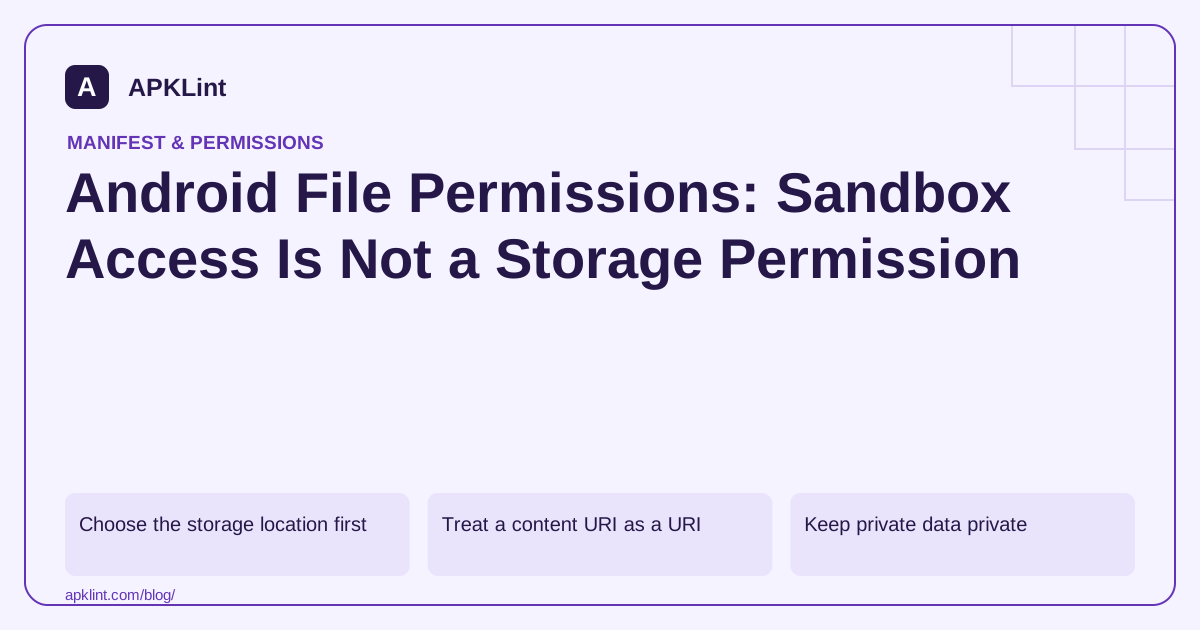
Choose the storage location first
| Data | Appropriate starting model |
|---|---|
| Private app state | App-internal storage |
| Temporary derived data | App cache with safe regeneration |
| Shared media | MediaStore or a suitable picker |
| User-selected document | Storage Access Framework URI |
| App-specific external files | App-specific external storage rules |
The storage overview explains these models. Choose by ownership and sharing requirements, not by which path is easiest to concatenate into a string.
Treat a content URI as a URI
A document picker may return a content:// URI. Use ContentResolver to open it under the granted access rather than assuming it maps to a readable filesystem path. Some providers are remote or virtual and may not expose a stable local path at all.
Handle cancellation, unavailable providers, read failures and files larger than expected. Stream data where possible instead of reading an unbounded document into memory.
Keep private data private
Do not make internal files world-readable to solve an integration problem. Use documented sharing mechanisms with narrow URI grants and appropriate lifetime. Validate filenames and destinations when importing archives or user-controlled data.
Android security guidance should inform decisions about sensitive data, backups and temporary files. Storage convenience is not a reason to expose tokens or private documents.
Diagnose access failures by layer
A permission denial, missing URI grant, nonexistent path and scoped-storage restriction are different failures. Record the URI scheme, operation and relevant API version without logging the document's private contents.
Audit with the correct expectation
APKLint can review manifest storage declarations, but it cannot determine every file the app reads or whether a particular provider grants access. Test actual open, read, write and revoke flows on representative devices. A clean manifest scan is not proof of safe file handling.
Share one generated report with a narrow URI grant
Suppose an app generates a private report and lets the user send it to another application. Keep the working file in an appropriate app-controlled location, then expose only the intended sharing path through the supported provider configuration. Do not make an entire private directory broadly readable merely because another app needs this one report.
The secure file-sharing guidance describes content URIs and temporary grants. The provider setup guide explains the configured paths. Review that path scope carefully; a provider that exposes more directories than the feature needs expands the consequences of an incorrect share operation.
Confirm that each recipient gets the intended file
Create a synthetic report with a unique title, share it and open it in an independent receiving app. Generate a second report with different contents and repeat. Verify the second share does not reuse the first file, URI or cached preview. Check the actual opened document rather than relying on the sender's success message.
Test an unavailable recipient and a user canceling the chooser. These outcomes should not erase the generated report or be recorded as a completed transfer. Keep the application's statement limited to what it observes; launching another app does not prove that a remote recipient eventually received the file.
For imported documents, stream the content under its grant and validate the intended format. A content URI is not a path to concatenate into a filesystem location. Providers can fail or become unavailable after selection, so handle read errors at the operation and avoid retaining an old successful result as if it belonged to the new input.
When importing archives, validate destination paths and filenames before writing into app storage. Keep output inside the intended directory and avoid letting archive entries choose arbitrary destinations. Bound input size and extraction work according to the feature's needs so a small-looking selection cannot exhaust memory or storage unexpectedly.
Review cleanup and backup behavior for temporary and sensitive files. A correctly granted share can still leave unnecessary copies in cache or exported storage if retention is unspecified. Test deletion or regeneration of temporary data without touching unrelated user files. The complete access model includes ownership, grant scope, safe processing and lifecycle, not just manifest storage permissions.
Sources and further reading
Reference review: 29 September 2026. Examples illustrate the workflow; check your installed versions, release artifact and account-specific Console requirements before applying them. This guide is not a claim that APKLint executed your project or verified your private account.

Android inspection tools and practical release guides. About APKLint · Report a correction