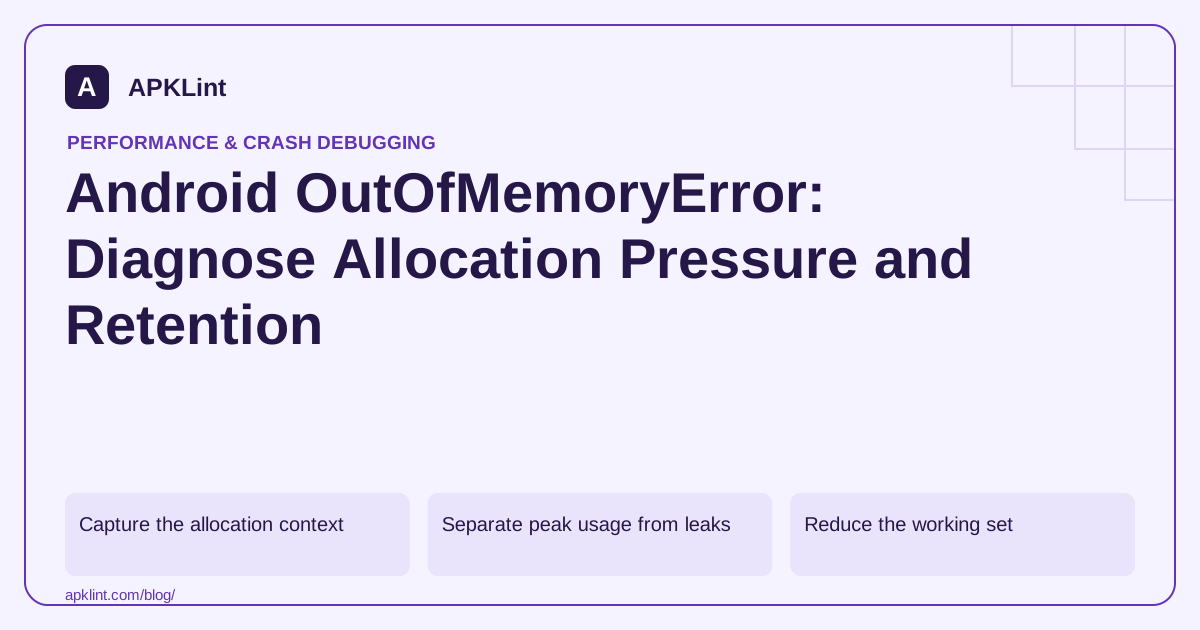
Capture the allocation context
Read the exception message, requested allocation and relevant memory guidance. Record device RAM class, app state, input size and the operation that failed.
A full-resolution image decoded for a small preview can consume far more memory than its compressed file size suggests.
Separate peak usage from leaks
| Pattern | Investigate |
|---|---|
| One large file causes failure | Decode size, buffering and streaming |
| Failure after repeated navigation | Retained references or cache growth |
| Many short-lived allocations | Object churn and collection pressure |
| Managed heap looks modest | Native or graphics allocation |
Use the Memory Profiler and relevant native/graphics tools rather than assuming every allocation belongs to the Java heap.
Reduce the working set
Decode images for their actual display size, process large inputs in bounded chunks where the format allows, and avoid keeping multiple full copies of the same data.
A streaming API still needs review: a downstream conversion that collects the entire stream into memory can erase the benefit.
Bound caches and concurrency
Several individually reasonable tasks can exceed memory limits when they run concurrently. Limit simultaneous heavy operations and release intermediate buffers promptly.
Do not use largeHeap as the default correction. It may change the limit on some devices without fixing scaling, ownership or native pressure.
Test the supported maximum
Use the largest documented input and representative lower-memory devices. Verify that oversized or unsupported input fails clearly before exhausting the process where practical.
APKLint's size and performance tools can help identify packaged assets and review risk areas, but APK size is not runtime heap usage. Keep allocation traces and a reproducible input with the fix, and document realistic limits instead of promising unlimited processing.
Estimate decoded memory before loading an image
An illustrative 4,000 by 3,000 pixel image in ARGB_8888 requires 48,000,000 bytes for its pixel data, about 45.8 MiB, before additional objects or copies. Its compressed JPEG might occupy only a few megabytes on disk. Two full decoded copies therefore approach 91.6 MiB even before the rest of the application is counted. File size alone is a poor input to an image-memory budget.
Android's bitmap-memory guide describes format-dependent allocation, while the large-bitmap guide explains checking dimensions and decoding for the required display size. Use the actual pixel format and dimensions in your estimate. A thumbnail grid rarely needs every original decoded at camera resolution.
Distinguish a peak from a retained-object leak
If opening one large photograph immediately fails, inspect the allocation peak: original decode, resized output, temporary transform buffers and concurrent requests. Reduce dimensions or concurrency at that stage. If memory instead rises after repeatedly opening and closing a small screen, inspect retained references, cache bounds and resources tied to a destroyed owner. These failure shapes need different changes.
Reproduce the same operation while capturing allocation and heap evidence on a representative lower-memory device. Record the dimensions and request count with the trace, then inspect which objects remain reachable after the screen closes. Include native or graphics allocations where relevant; a managed heap view alone may not explain the whole process footprint.
After the repair, repeat the image sequence and verify the exported or displayed result still has the intended quality and orientation. Test several images arriving rapidly rather than only one leisurely load. A bounded cache should evict data without losing a user's unsaved edit, and cancellation should release work that no longer has a consumer. Avoid treating a larger heap request or manual garbage-collection call as the default repair: neither establishes bounded memory growth. Define the supported image limits and provide an understandable rejection when an operation cannot fit, while keeping the application responsive and any prior valid document intact.
Sources and further reading
Reference review: 29 September 2026. Examples illustrate the workflow; check your installed versions, release artifact and account-specific Console requirements before applying them. This guide is not a claim that APKLint executed your project or verified your private account.

Android inspection tools and practical release guides. About APKLint · Report a correction