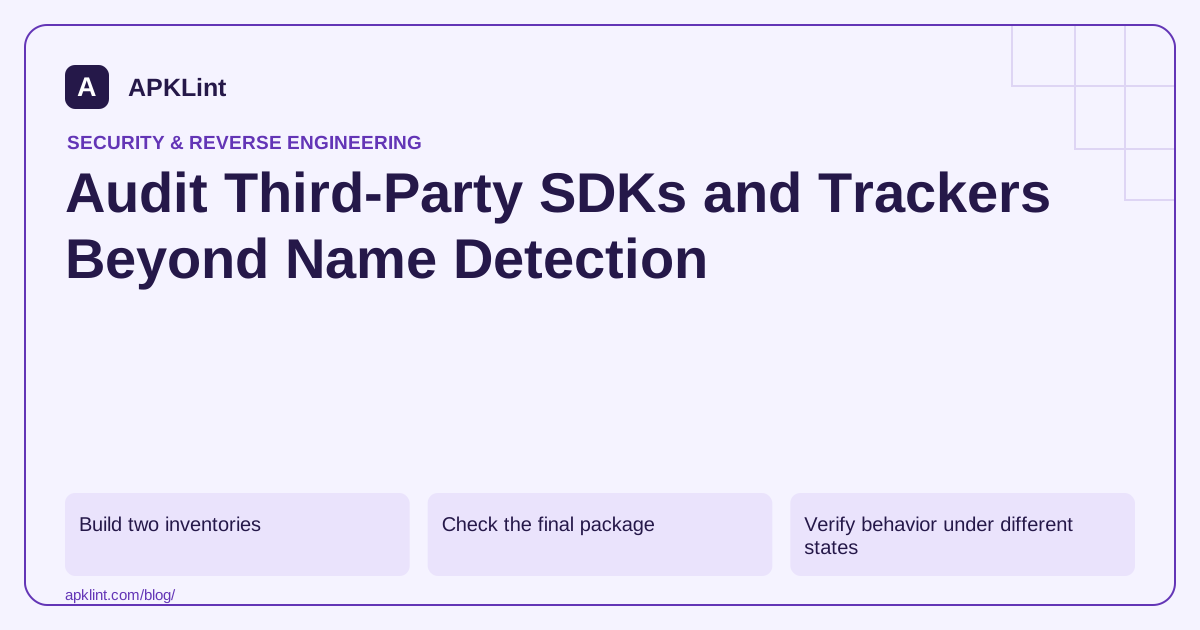
Build two inventories
The first inventory describes the build: direct dependencies, transitive dependencies and the versions resolved for the release. The second describes behavior: initialization, collection settings, consent requirements and data flows.
| Inventory field | Why it matters |
|---|---|
| Resolved version | Policies and vulnerabilities can be version-specific |
| Initialization path | An SDK may start before your main screen |
| Data categories | Needed for privacy and Play disclosures |
| Destination and purpose | Distinguishes analytics, ads, diagnostics and core features |
| Consent or opt-out controls | Determines behavior before and after a user choice |
| Removal owner | Makes an obsolete SDK actionable |
Check the final package
Use the resolved Gradle graph and inspect the shipped APK or split set. An SDK can arrive transitively or remain through a different dependency after you remove a direct declaration. Obfuscation can also make name-only detection incomplete.
APKLint's tracker detector and SDK scanner help surface recognizable indicators, but those indicators do not prove every library or exact version has been identified.
Verify behavior under different states
Observe a clean installation before consent, after consent, after withdrawal and after logout where applicable. Use test accounts and controlled traffic inspection. Check background initialization and failure paths, not only the happy path through your settings screen.
Do not assume a documentation statement about an SDK's optional feature describes your configuration. Compare provider documentation with the actual settings and observed requests.
Reconcile disclosures
Google Play's Data safety guidance makes the developer responsible for data practices in the app, including relevant third-party code. Maintain a mapping from each disclosed data category to the feature or SDK responsible for it.
A tracker scanner cannot fill the Data safety form accurately by itself: collection, sharing, optionality and purposes require context that static package inspection does not contain.
Make updates reviewable
Treat an SDK upgrade as a data-flow change until checked. Review release notes, permissions, initialization and disclosure implications. Retain the inventory per release so a future policy question can be answered with evidence rather than a guess about what the current source tree contains.
Separate recognition from observed behavior
For each scanner result, maintain two columns: the package indicator that triggered recognition and the behavior established through other evidence. A namespace match belongs in the first column. A documented initialization path, configured event or observed request belongs in the second. Leaving the second column unresolved is more accurate than promoting a name match into a claim that the app transmitted a particular field.
Investigate an SDK that arrived indirectly
Imagine that a crash-reporting package includes another library transitively. Find its path in the resolved release dependency graph and inspect the packaged version. Ask which feature uses it and when that feature initializes. The direct dependency's familiar name does not make all code it brings into the app irrelevant to the data-flow review.
Use the vendor's versioned documentation to identify configurable behavior, then inspect the actual settings. A feature documented as optional may still be enabled in your integration. Conversely, code present in a library can remain unused. Record the supported conclusion and the uncertainty instead of treating either presence or absence from a single traffic capture as definitive.
Exercise a synthetic user journey that includes first launch, the feature that initializes the library, a relevant choice change and logout. Observe application-owned payload fields and available diagnostics. Repeat a failure path such as offline startup, because retries or queued events can execute after the screen that created them has disappeared.
Map confirmed data flows to the current Play Data safety guidance and the app's own privacy description. Keep the mapping at field and purpose level where useful: an account label attached to a diagnostic event needs a more specific explanation than the word analytics.
For the next release, compare the inventory before reviewing everything from scratch. Investigate new versions, new initialization providers, changed manifest declarations and new destinations. Retain the older inventory with its artifact hash, so a question about an installed historical version can be answered without assuming it contains the dependencies currently visible in the source tree.
Sources and further reading
Reference review: 29 September 2026. Examples illustrate the workflow; check your installed versions, release artifact and account-specific Console requirements before applying them. This guide is not a claim that APKLint executed your project or verified your private account.

Android inspection tools and practical release guides. About APKLint · Report a correction