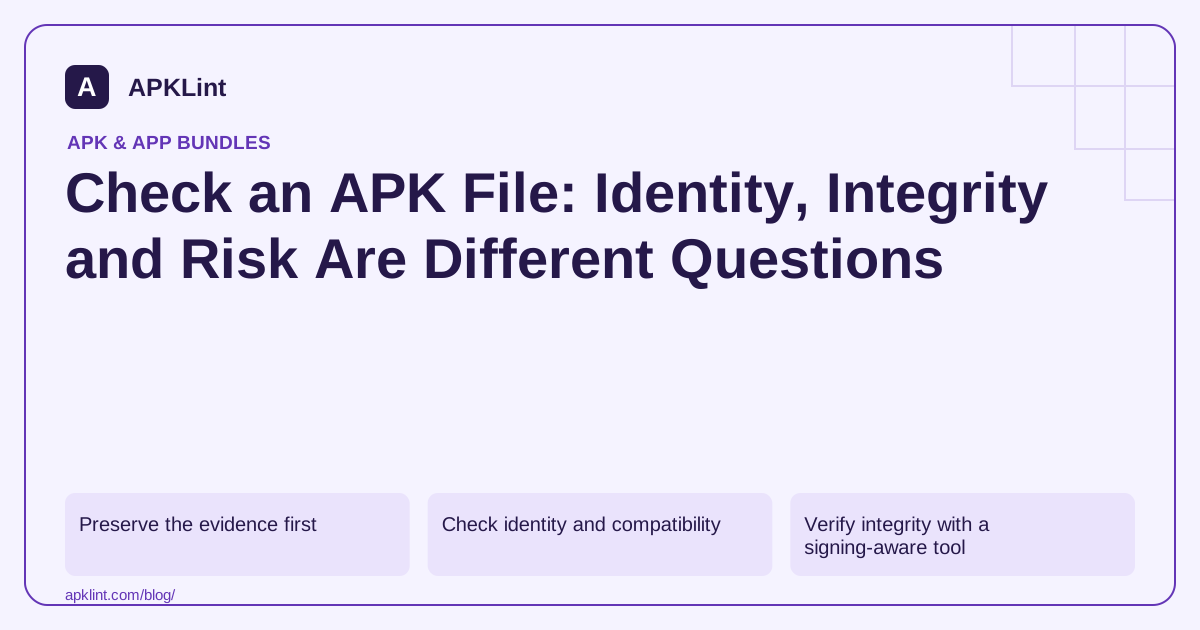
Preserve the evidence first
Download from the publisher's intended distribution channel where possible. Record the source URL, retrieval date and a cryptographic file hash in your own release notes. A hash is useful only when compared with a trusted expected value; computing a hash of an unknown download does not make it trustworthy.
Do not install an unfamiliar APK merely to learn its package name. Inspect a copy first, and avoid uploading confidential customer builds to third-party services without permission.
Check identity and compatibility
Use the packaged manifest, not the filename:
apkanalyzer apk summary candidate.apk
apkanalyzer manifest min-sdk candidate.apk
apkanalyzer manifest target-sdk candidate.apk
apkanalyzer manifest permissions candidate.apk
Compare the application ID and version with the publisher or your build record. Review native architectures separately if the app includes native code. A plausible name and icon can be copied, so treat identity strings as claims made by the package. Analyzer reference.
Verify integrity with a signing-aware tool
Run a real signature check:
apksigner verify --verbose --print-certs candidate.apk
Read the exit status and verification output, not just whether certificate details printed. Then compare the signing-certificate fingerprint against a known-good release or a trusted publisher record. A correctly signed malicious app is still malicious; valid signing means the signed material passes the verification rules, not that the signer deserves trust. apksigner.
Review risk signals in context
Unexpected exported components, cleartext network access, embedded secrets, obsolete libraries and unnecessary sensitive permissions deserve investigation. However, a permission declaration is not proof of misuse, and a clean static report cannot observe all runtime behavior.
For your own app, reconcile each finding with the feature owner and test configuration. For an untrusted app, use an isolated analysis environment rather than a personal device with real accounts. Do not grant broad accessibility or administrator access to “see what happens.”
Decide what action the evidence supports
| Finding | Reasonable next step |
|---|---|
| Package or version does not match | Obtain the intended artifact before proceeding |
| Signature verification fails | Stop; investigate corruption, tampering or packaging problems |
| Valid signature, unknown publisher | Seek trusted provenance; validity alone is insufficient |
| Risk signal with an explained purpose | Verify the actual implementation and required safeguards |
| No static findings | Continue relevant runtime and release tests |
APKLint's checker can organize release-readiness findings. Its output should be one part of the worksheet, not a universal “safe APK” verdict. Android's security guidance is the baseline for interpreting the app's design choices.
Check a candidate against a known release
Imagine you maintain com.example.notes and receive an update candidate labelled version 2.4. The package reports the expected application ID and a larger version code, but its signing-certificate fingerprint differs from the trusted installed release. That is a reason to inspect signing history and distribution context. It is not resolved by changing the filename or by observing that a clean installation succeeds on an empty emulator.
Determine whether the candidate is a local debug build, an upload-signed artifact or an APK delivered under Play App Signing. Compare equivalent artifacts and account for a documented signing-key rotation where applicable. The apksigner verification reference explains signing-aware verification. A trusted record must come from your release process or publisher verification, not from another copy of the same unknown download.
Separate damaged files from suspicious behavior
If the archive cannot be parsed, first check that the transfer completed and that the file is actually an APK. An HTML error response saved with an APK extension is a download problem; a truncated package is an integrity problem. Neither result supports a conclusion about the app's runtime behavior. Reacquire the intended artifact through the trusted channel and compare its recorded size or published digest before repeating deeper inspection.
For an owned app whose structure and signature are valid, review a specific change such as a newly exported activity. Identify which component declared it, whether it is intentionally callable by other apps and how it validates incoming data. A report that merely counts exported activities cannot decide whether a particular entry point is safe. Document the component name and the observed protection, leaving the conclusion open when the relevant implementation has not been reviewed.
Keep separate worksheet fields for provenance, signature verification, static observations and runtime testing. This prevents a successful parser response from being promoted into a security approval. It also makes a failure useful: the next owner can see whether they need the correct file, the signing records, a source-code change or a focused runtime test.
Sources and further reading
- Android Developers: apkanalyzer command-line reference
- Android Developers: apksigner
- Android Developers: Security best practices
Reference review: 29 September 2026. Examples illustrate the workflow; check your installed versions, release artifact and account-specific Console requirements before applying them. This guide is not a claim that APKLint executed your project or verified your private account.

Android inspection tools and practical release guides. About APKLint · Report a correction