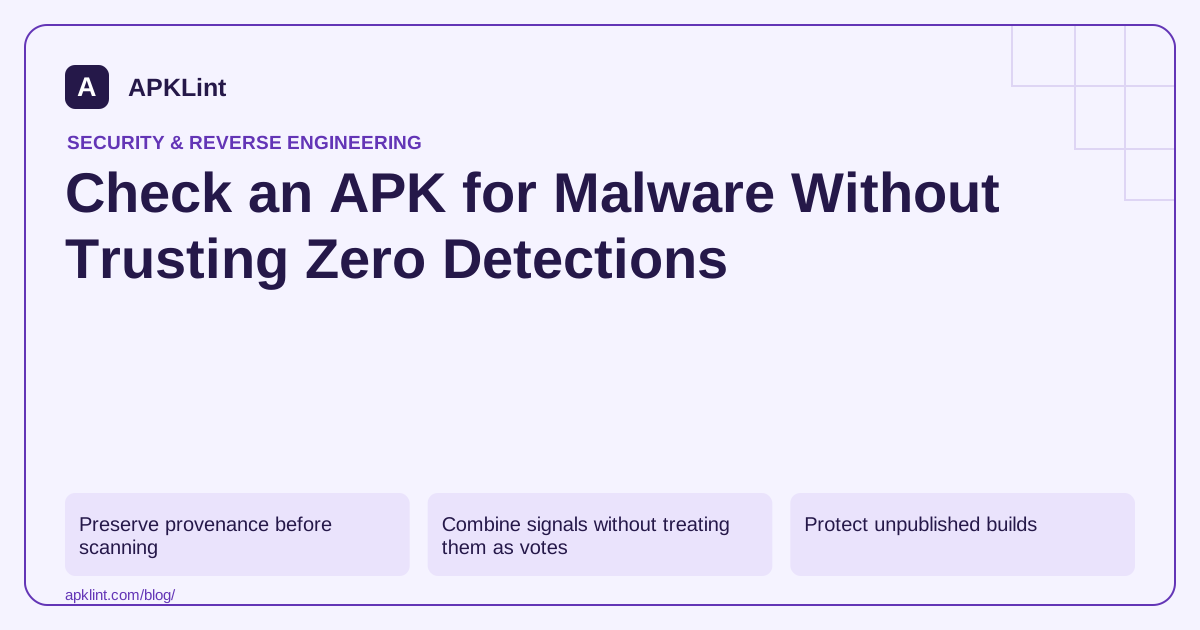
Preserve provenance before scanning
Record where the file came from, its download time, package name, version and SHA-256 hash. Work on a copy. Compare the signing certificate with a trusted version obtained through a known distribution channel; a matching app name or icon is weak identity evidence.
sha256sum candidate.apk
apksigner verify --verbose --print-certs candidate.apk
Use installed Android build tools for the second command. A valid signature establishes package integrity relative to the signing identity, not that the signer is benevolent.
Combine signals without treating them as votes
| Signal | Useful question | What it cannot establish |
|---|---|---|
| Scanner detections | Do engines recognize suspicious content? | Complete absence of malicious behavior |
| Permissions | Can requested access be justified by features? | Whether the access is abused at runtime |
| Embedded domains | Where might the client communicate? | Every dynamically selected endpoint |
| Certificate identity | Does this match a trusted release lineage? | Trustworthiness of an unknown publisher |
Investigate the nature of a detection. A packing heuristic, an advertising classification and a confirmed credential-stealing family are not interchangeable labels.
Protect unpublished builds
Before using an online scanner, decide whether the APK contains confidential code, customer endpoints or embedded secrets. VirusTotal documents public reporting and potential sample sharing. Use an approved private or local workflow when public submission is inappropriate.
APKLint also processes uploaded files on its server under its stated privacy terms. It should not be treated as an offline inspection tool.
Escalate uncertain results safely
For an application you own or are authorized to assess, use an isolated test device or emulator without personal accounts. Observe permissions, network behavior and changes across realistic user flows. Do not install an unknown sample on your everyday phone just to see whether it opens.
Make the decision explicit
Retain a short outcome: known source and matching identity, unexplained detection requiring review, or insufficient evidence to install. APKLint's malware-risk and static scanners can support triage. They do not replace dynamic analysis, specialist incident response or your organization's software-approval process.
Compare the file you received with the file being discussed
Imagine receiving two APKs with the same filename from different download locations. Compute their hashes locally before comparing scan results. If the hashes differ, treat them as separate artifacts even when the displayed package name and version are identical. A report about one file cannot be transferred to the other based on branding alone.
The apksigner reference describes signature verification and certificate output. Compare the signing identity with a trusted release record where one is available. A successful cryptographic verification establishes consistency of the signed package, not the publisher's intentions or the complete safety of its code.
Ask what caused the detection
If a scanner flags the file, retain the exact engine label, timestamp and artifact hash. Investigate whether the label concerns a known harmful component, a potentially unwanted advertising behavior or a broad heuristic. Do not average unlike labels into a confidence percentage that the evidence does not support.
For your own app, compare the detected release with the preceding release's dependencies and packaged resources. A newly included SDK, native library or build transformation may explain the changed observation. Confirm that relationship before modifying code; removing a harmless string merely to change a scan result does not establish that a real behavioral concern was resolved.
Keep an unknown third-party sample off a personal device while the evidence is unresolved. If controlled execution is authorized and necessary, use an isolated environment with synthetic accounts and bounded network access. Record the tested user journey because an app that opens normally may defer behavior until a later event.
Before any online submission, review the scanner's handling model. VirusTotal's description explains public reports and sample sharing. A confidential internal build may require an approved local or private assessment route rather than public upload.
Finish the triage with an explicit decision and its basis: trusted identity with reviewed evidence, unresolved concern requiring further investigation, or insufficient evidence to install. Keep zero detections as one observation, never as a promise that every possible behavior has been examined.
Sources and further reading
- Android Developers: Security best practices
- OWASP: Mobile Application Security Testing Guide
- VirusTotal: How it works
Reference review: 29 September 2026. Examples illustrate the workflow; check your installed versions, release artifact and account-specific Console requirements before applying them. This guide is not a claim that APKLint executed your project or verified your private account.

Android inspection tools and practical release guides. About APKLint · Report a correction