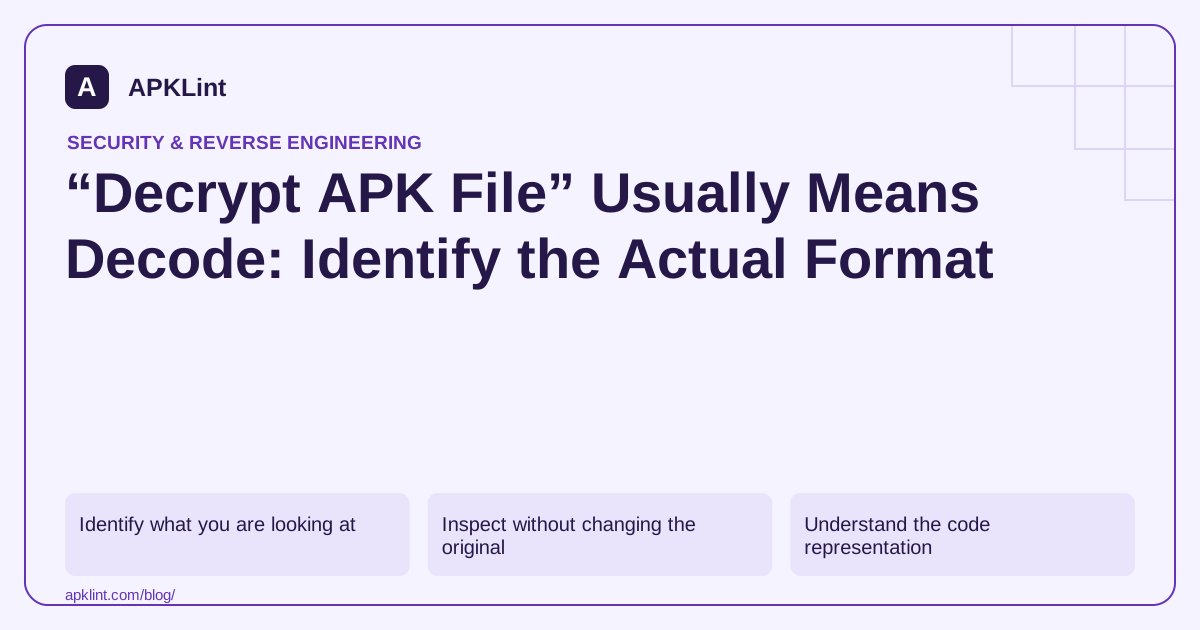
Identify what you are looking at
| Input or symptom | Likely task |
|---|---|
| APK opens as an archive | Inspect packaged files |
AndroidManifest.xml looks unreadable |
Decode compiled binary XML |
classes.dex is not text |
Inspect Dalvik bytecode or decompile supported code |
| An asset contains ciphertext | Determine the app-specific data format and authorized key source |
| Tool rejects the file | Check truncation, corruption or a different container format |
Do not rename an XAPK, AAB or arbitrary downloaded file to .apk and assume the contents become compatible.
Inspect without changing the original
For an APK you own, establish its hash and use Android's analysis CLI:
sha256sum app.apk
apkanalyzer files list app.apk
apkanalyzer manifest print app.apk
A readable manifest from the third command demonstrates decoding, not the removal of encryption. Work on copies and retain tool errors; malformed or incomplete inputs can produce misleading partial results.
Understand the code representation
DEX has its own documented binary structure. A decompiler such as JADX attempts to reconstruct higher-level code from supported bytecode. Optimization, obfuscation and missing metadata can make that output incomplete or different from the original source.
Native libraries and framework-specific AOT code require different analysis. A Java decompiler cannot transform every binary in an APK into its original language and project structure.
Treat genuine encryption separately
If the app encrypts an asset or local database, identify the algorithm, data format and legitimate key-management path in your own project. There is no universal APK password or decryption key. Android signing certificates are public identity material; they are not a general-purpose key for decrypting application data.
For lost project material, first check source control, build archives and authorized backups. Avoid online services promising guaranteed source recovery in exchange for private signing files.
Use the right APKLint tool
APKLint's analyzer is appropriate for package structure and metadata. Its decompiler can assist supported code inspection. Neither should be described as a universal APK decryptor or a way to recover protected third-party secrets.
Treat an unreadable manifest as a format question first
Suppose an APK opens in an archive viewer but its manifest appears as binary data. Use a tool that understands Android's compiled manifest representation before concluding that the file is encrypted. The APK Analyzer CLI provides manifest decoding and file inspection specifically for this package format.
Keep a copy of the original bytes and their hash. If a tool fails, retain its error and verify that the input is complete and actually represents the expected container. An HTML download-error page renamed with an APK extension remains an HTML page; a renamed app bundle remains a different delivery artifact.
Separate archive extraction, decoding and decompilation
Archive extraction gives you packaged entries. Manifest decoding translates a compiled resource representation into readable XML. Decompilation attempts to reconstruct a higher-level view of executable bytecode. These operations produce different outputs and can succeed or fail independently within the same application.
The JADX project explicitly describes limitations in complete decompilation. Preserve warnings and inspect the relevant lower-level representation when needed for an authorized question. A missing reconstructed method does not prove that the packaged program lacks that behavior.
For an asset that is genuinely encrypted, return to the owned application's data format and key-management design. Identify how the app is intended to obtain the authorized key and how it validates decrypted data. An APK signing certificate is public identity information and does not provide a universal asset-decryption capability.
If the objective is recovering a lost project, search authorized source archives and build records alongside package inspection. A decoded manifest or reconstructed class can help identify configuration, but it does not recreate repository history, original names, server code or all build dependencies.
Describe the achieved result precisely: archive listed, manifest decoded, selected bytecode inspected or app-specific asset understood with an authorized key. This avoids promising a generic decrypt operation that the Android package format does not define and helps the next investigation use the tool suited to the actual representation.
Sources and further reading
- Android Developers: apkanalyzer command-line reference
- Android Open Source Project: Dalvik executable format
- JADX: Official project documentation
Reference review: 29 September 2026. Examples illustrate the workflow; check your installed versions, release artifact and account-specific Console requirements before applying them. This guide is not a claim that APKLint executed your project or verified your private account.

Android inspection tools and practical release guides. About APKLint · Report a correction