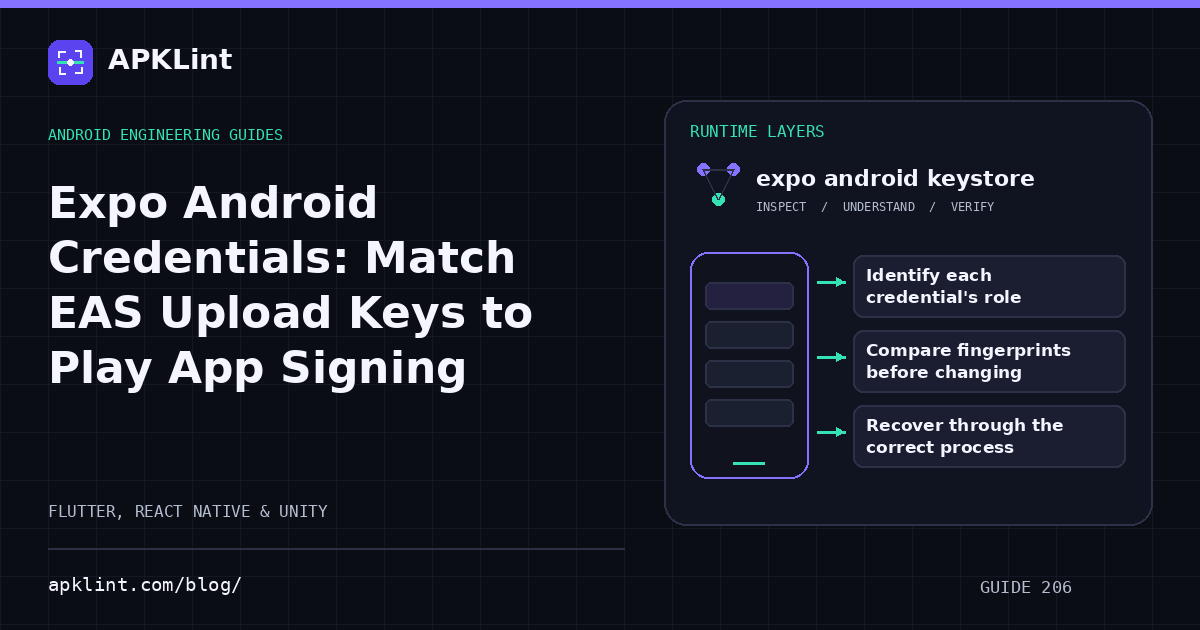
Identify each credential's role
The Expo credentials guide explains managed app-signing material. Play App Signing distinguishes the upload key from the key used for APKs delivered to users.
| Credential | Role |
|---|---|
| Upload keystore | Signs the artifact submitted to Play |
| Play app-signing certificate | Identifies the installed Play-distributed app |
| Google service-account key | Authorizes submission API operations |
| Expo access token | Authenticates the EAS/Expo workflow |
These are not interchangeable and should not all be stored in client configuration.
Compare fingerprints before changing anything
Inspect the current EAS credential and the upload certificate expected by Play. Keep a controlled backup and record who owns credential recovery.
Do not delete a working credential to troubleshoot a package-name or version-code error.
Recover through the correct process
For a lost upload key on an eligible Play App Signing app, use the documented upload-key reset process. Resetting the upload key is different from rotating the app-signing key and should not be described as changing the installed app's identity.
Restrict automation access
Store service-account and Expo tokens in controlled CI secrets. Grant only the permissions needed for the release workflow and revoke obsolete access.
Avoid displaying private key material in support screenshots or attaching it to an APK analysis request.
Test the next real submission
Build with the intended credential, inspect the artifact and submit to the appropriate test track. APKLint's signing tools can display certificate information, but they cannot access EAS credentials or verify Play's private account configuration. Retain fingerprint comparisons and the successful accepted upload as distinct evidence.
Sources and further reading
Reference review: 22 September 2026. Examples illustrate the workflow; check your installed versions, release artifact and account-specific Console requirements before applying them. This guide is not a claim that APKLint executed your project or verified your private account.

Android inspection tools and practical release guides. About APKLint · Report a correction