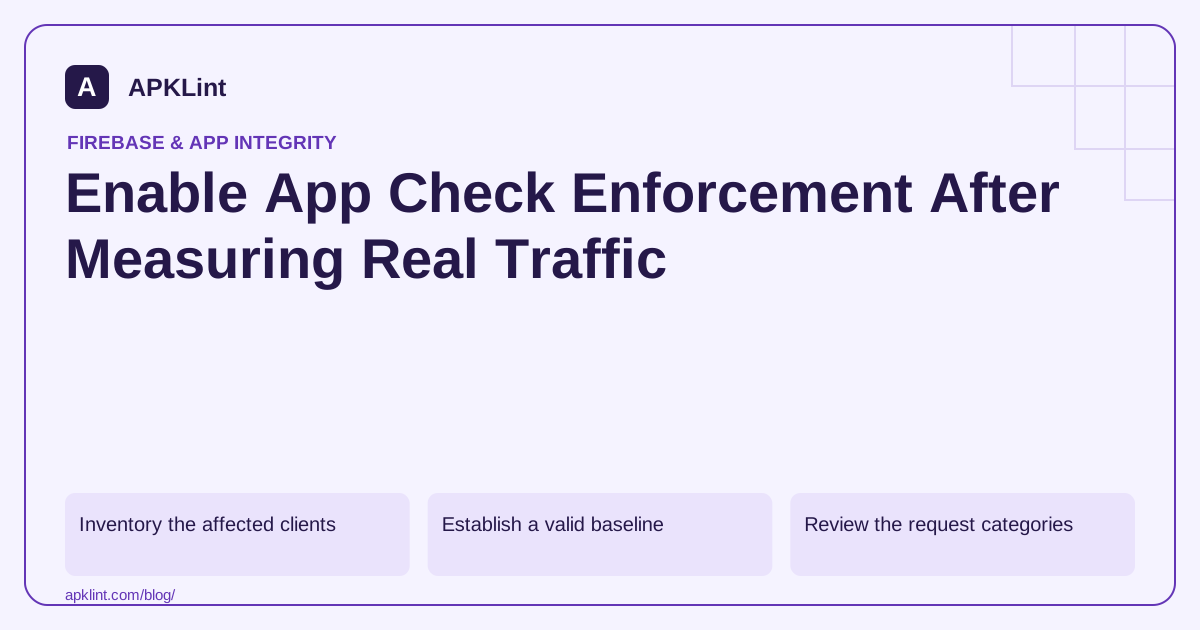
Inventory the affected clients
List Android app versions, development builds, other platforms, server integrations and any administrative access paths. The App Check overview explains supported products and the scope of protection.
Enforcement is not a single universal switch for every custom endpoint. A custom backend needs its own verification and enforcement implementation.
Establish a valid baseline
Use the Android provider guide to verify package, certificate and provider setup. Test the actual Play-delivered artifact where distribution signals matter.
Check that provider initialization happens before protected requests, including startup and background operations.
Review the request categories
| Traffic | Question before enforcing |
|---|---|
| Verified | Does it represent intended release clients? |
| Invalid | Configuration defect, unsupported client or abuse? |
| Missing token | Old app version, early request or non-app integration? |
| Development | Correctly separated and controlled? |
Do not assume every missing token is malicious. Investigate by release and integration path while avoiding collection of unnecessary identifiers.
Roll out product by product
Choose a protected service, document the expected behavior and keep a rollback decision ready. A rollback should be an operationally controlled response to legitimate impact, not a hidden permanent bypass.
Monitor errors, support reports and backend request patterns after enforcement. Confirm both a valid request accepted and an invalid request rejected.
Retain other controls
Authentication, Security Rules, resource authorization and rate limits remain necessary. App Check does not authorize one user to read another user's documents.
APKLint can assist configuration inspection, but it cannot read enforcement settings or traffic metrics from your project. The final evidence must come from your provider setup, service metrics and server-side tests, not from a static APK scan alone.
Build a service-specific readiness record
Consider an app that uses Cloud Firestore and a separate orders API. Enforcing App Check for Firestore and requiring it at the orders endpoint are two separate changes. List the client paths for each: foreground reads, background synchronization, older released app versions, test builds and authorized server integrations. For each path, record whether App Check is expected, how a token is obtained and what happens if verification fails.
Use the Firebase enforcement instructions for supported products and the separate custom-backend verification guide for your own API. Do not assume that selecting enforcement in Firebase adds a verification gate to an unrelated HTTP server. The explicit service list also makes rollback narrower: a problem with one integration need not cause you to disable protection everywhere.
Explain the missing-token cohort
Suppose a test observation contains 970 verified requests and 30 requests without tokens. This illustrative 97 percent verified share is not, by itself, a safe enforcement threshold. If all 30 missing requests come from a still-supported app version performing an essential login action, those users would be affected. If they belong to a deliberately obsolete test script, the remedy is different. Group the observation by the application version and request path where available, while collecting only the diagnostic data needed for that distinction.
Check startup ordering too. A client can be correctly registered but make its first protected request before initialization completes. Test launching from a cold start and triggering a background operation, rather than testing only after the app has been open for several minutes. Record the actual error path when token acquisition is unavailable; an endlessly spinning screen hides the difference between a network outage and an enforcement denial.
Verify app authenticity and user authorization separately
In a non-production project, create synthetic documents owned by two different test users. Test a valid app token with the owner's user session, a missing app token, an invalid app token, and a valid app token with the other user's session. The last case is particularly useful: App Check can accept the app environment while Security Rules or your authorization code must still deny access to the other user's data.
Keep the expected result for each case beside the actual response. Avoid interpreting any non-success status as proof of App Check enforcement: a malformed query or expired user session can also fail. Use service diagnostics or a controlled server decision log to establish which gate rejected the request. Do not print raw tokens into those logs.
Set a recoverable rollout boundary
Choose one service, identify who can change its enforcement setting, and decide which observed legitimate-client failures would trigger investigation or rollback. Keep a working test request ready before changing the setting, then repeat both the valid and rejected cases afterward. Account for the documented propagation behavior instead of assuming a saved Console change is instantaneous on every request.
If rollback is needed, fix the identified client or integration path and repeat the readiness tests before trying again. A permanent secret bypass distributed inside the app would undermine the purpose of enforcement. Preserve authentication, resource authorization and rate controls throughout; the rollout changes the app-authenticity gate and does not replace those other decisions.
Sources and further reading
Reference review: 29 September 2026. Examples illustrate the workflow; check your installed versions, release artifact and account-specific Console requirements before applying them. This guide is not a claim that APKLint executed your project or verified your private account.

Android inspection tools and practical release guides. About APKLint · Report a correction