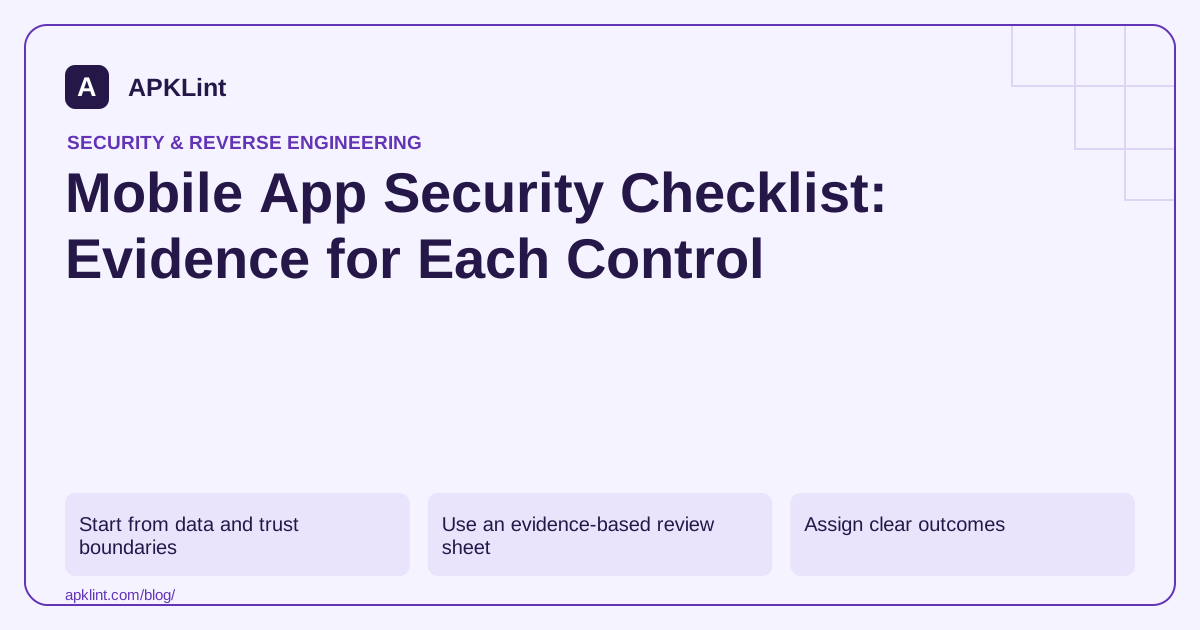
Start from data and trust boundaries
Sketch the path from user input to local storage, network transport, backend processing and third-party SDKs. Mark where identity or authorization changes. This reveals gaps that a list of APK permissions alone cannot show.
Use the MASVS as a control framework and the MASTG for practical testing references. Select applicable controls based on the product, rather than claiming that every check applies equally to every app.
Use an evidence-based review sheet
| Review area | Evidence to collect | Failure example |
|---|---|---|
| Local storage | Files, databases and backup rules | Session token included in an unintended backup |
| Authentication | Login, logout and expiry tests | Logged-out user retains protected access |
| Authorization | Tests with two controlled roles | Server trusts a client-supplied role |
| Network | Endpoint and certificate behavior | Production client accepts an untrusted server |
| Platform | Exported-component inventory | Private action exposed without protection |
| Dependencies | Resolved dependency inventory | Known vulnerable runtime library remains shipped |
| Privacy | SDK data-flow inventory | Disclosure does not match collection behavior |
These examples are prompts for investigation, not findings about your application.
Assign clear outcomes
Use “pass with evidence,” “fail,” “not applicable with reason” and “not tested.” Avoid a single percentage score that treats all controls as equally important. One broken authorization boundary can matter more than many cosmetic hardening improvements.
Every failure needs an owner and a closure condition. “Improve security” is not a testable task; “remove the release cleartext exception and demonstrate the production request still succeeds over HTTPS” is.
Review the release artifact
Check the actual APK or delivered split set after build-time merging and optimization. Confirm debug flags, effective network configuration and included SDK versions. Source changes do not prove that an old release was replaced in every distribution track.
Keep runtime evidence separate
APKLint's OWASP and static security tools can help populate the inventory. They cannot observe all server authorization decisions, user flows or future SDK behavior. Link scanner observations to manual tests and preserve uncertainty rather than turning incomplete coverage into a pass.
Write a checklist row that a second reviewer can execute
For an account-switching feature, define the expected boundary as follows: after switching from account A to account B, the application does not display or export A's private cached records. List the screens, local stores and background tasks that can retain those records. This turns a broad authentication checkbox into a set of observable transitions.
Use the MASVS controls to organize the expectation and the MASTG to choose applicable procedures. Keep the exact feature scope with the row. A check of the home screen alone does not cover a search result, notification or pending export that still refers to the previous account.
Use recognizable synthetic records for each identity
Create distinct records such as A's test invoice and B's test invoice. Sign into A, visit the relevant screens, then switch to B without reinstalling. Inspect the visible content and the independently opened export, if available. Distinct fixtures make a stale result easier to detect than identical sample data in both accounts.
Repeat with a background request still pending during the switch. Its result should be discarded or reconciled under the correct session context. A network callback that updates shared storage after logout can reintroduce data even when the immediate screen cleanup looked correct.
Give any failure a specific owner and closure condition. If the export cache is responsible, require the repaired artifact to produce only B's authorized file after the same transition while preserving normal exports for both accounts. Avoid a closure condition that can be satisfied by hiding the export button without repairing the underlying access boundary.
Record the tested artifact, environment, steps, outcomes and evidence location. For an inaccessible feature, mark it not tested and explain the missing prerequisite. That statement is more useful to release planning than an unexplained blank cell or an automatic pass based on zero scanner findings.
Review the checklist when the feature changes. A new offline mode or background synchronizer can create another path for account-bound data, so earlier evidence should not be assumed to cover the new behavior.
Sources and further reading
- OWASP: Mobile Application Security Verification Standard
- Android Developers: Security best practices
- OWASP: Mobile Application Security Testing Guide
Reference review: 29 September 2026. Examples illustrate the workflow; check your installed versions, release artifact and account-specific Console requirements before applying them. This guide is not a claim that APKLint executed your project or verified your private account.

Android inspection tools and practical release guides. About APKLint · Report a correction