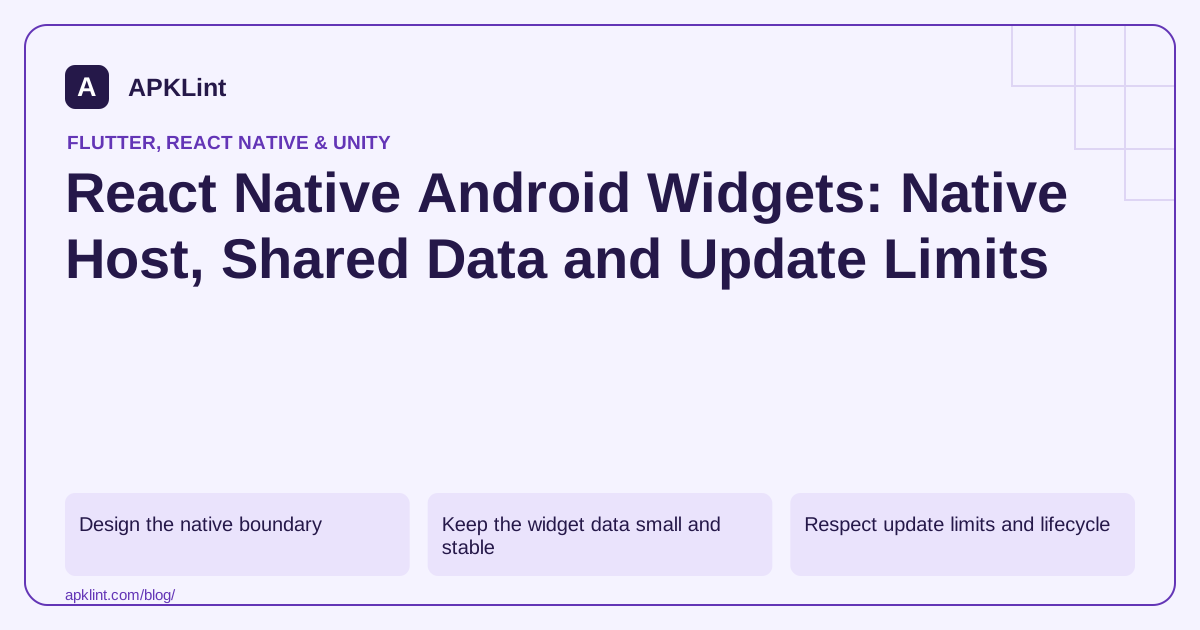
Design the native boundary
Use the Android widget overview for the host/update model and the React Native native-platform guide for integration boundaries.
Decide which data the widget needs, where it is stored and how the main app updates that shared state. Do not assume the React Native JavaScript runtime is continuously running when the launcher requests widget content.
Keep the widget data small and stable
| Data | Design choice |
|---|---|
| Current summary | Persist a small native-readable snapshot |
| Sensitive content | Require an appropriate privacy/display policy |
| Network refresh | Use supported scheduled/background work |
| Tap action | Open a defined app destination safely |
A widget should handle stale or unavailable data without showing a broken loading state indefinitely.
Respect update limits and lifecycle
The background-work guide helps choose a supported update mechanism. Avoid a constant polling service merely to keep a small home-screen view current.
Handle widget creation, deletion, resize and multiple instances. One global preference can be insufficient when separate widgets display different accounts or items.
Validate deep-link and account behavior
A tap should open the intended destination only after the app checks authentication and resource access. Do not place private credentials in a pending intent or URI.
Test signed-out state and removed content as well as the normal active-account flow.
Test without the app process alive
Add the widget, close the app and exercise launcher updates and taps. APKLint's Manifest Checker can help inspect receivers and component exposure, while its React Native Analyzer can inspect the package. Neither simulates launcher lifecycle or shared-state behavior, so native device tests remain essential.
Create the Android pieces explicitly
For an illustrative saved-task widget, start in the Android app module. Add a small layout such as res/layout/task_widget.xml, metadata such as res/xml/task_widget_info.xml, and a Kotlin TaskWidgetProvider extending AppWidgetProvider. Register the provider's receiver and its android.appwidget.provider metadata in the manifest. The XML resource links the initial layout to the widget's dimensions and resizing behavior. Follow the Android widget setup for the manifest and resource contract.
The provider uses supported RemoteViews operations rather than mounting a React component. A fragment of its rendering method can look like this; the resource IDs are names you must define in the native layout, and taskTitle comes from your persisted snapshot.
val views = RemoteViews(context.packageName, R.layout.task_widget)
views.setTextViewText(R.id.task_title, taskTitle)
appWidgetManager.updateAppWidget(appWidgetId, views)
This fragment updates a single widget instance. Iterate the IDs passed to onUpdate when refreshing multiple instances, and read each instance's configuration separately. The AppWidgetManager API provides the update and instance lookup operations. Keeping the ID explicit prevents one user's chosen list from accidentally replacing every widget with the same content.
Bridge a small persisted snapshot
Define the data boundary before writing JavaScript. For this task example, a useful snapshot contains a list identifier, one display title, a completion count and an update timestamp. A React Native native module can validate that shape, write it to storage accessible to the native provider, then request a widget refresh. The module must resolve its JavaScript promise only after the write succeeds, so the screen cannot report success while the widget still reads an old snapshot.
Choose a module implementation compatible with the project's React Native architecture. The native-platform documentation distinguishes native modules from native UI components and covers migration from older APIs. The widget provider does not need a Fabric view merely to read a stored task title. Avoid solving this by launching the entire React Native runtime whenever the launcher asks for an update.
Persist a safe empty state too. If the user signs out, clear account-bound text and render a message such as “Open the app to choose a list.” Do not leave yesterday's private task on the home screen until the next scheduled refresh. For multiple accounts, store the active account context with the snapshot and reject a snapshot whose account no longer matches the application's selected identity.
Test a widget with no live React screen
Add two widget instances and choose different lists. Save a new title in the app, return to the launcher and check that the correct instance updates. Then stop the app process through the development tools without clearing its data. Trigger a normal widget update and confirm that the title can still be rendered from storage. A design that only works while the original JavaScript screen remains open has missed the native lifecycle requirement.
Resize each instance, change the device's font scale and switch between light and dark launcher themes. A long title should remain understandable within the allocated cells, and the tap target should open the correct destination. If the destination needs authentication, recheck the session inside the activity rather than treating a widget click as proof of login. Use an explicit pending intent with the correct mutability flags for the supported Android versions.
Finally, simulate a network outage while the last saved snapshot exists. Keep that snapshot with a visible update time, or show a deliberate unavailable state according to the product's requirements. Widget scheduling and background limits are unsuitable for a promised continuously live feed. Measure the experience on a device and launcher you support; an APK inspection can confirm packaged declarations, but it cannot demonstrate these launcher interactions.
Sources and further reading
- React Native: Native platform integration
- Android Developers: Background work overview
- Android app widgets overview
Reference review: 29 September 2026. Examples illustrate the workflow; check your installed versions, release artifact and account-specific Console requirements before applying them. This guide is not a claim that APKLint executed your project or verified your private account.

Android inspection tools and practical release guides. About APKLint · Report a correction