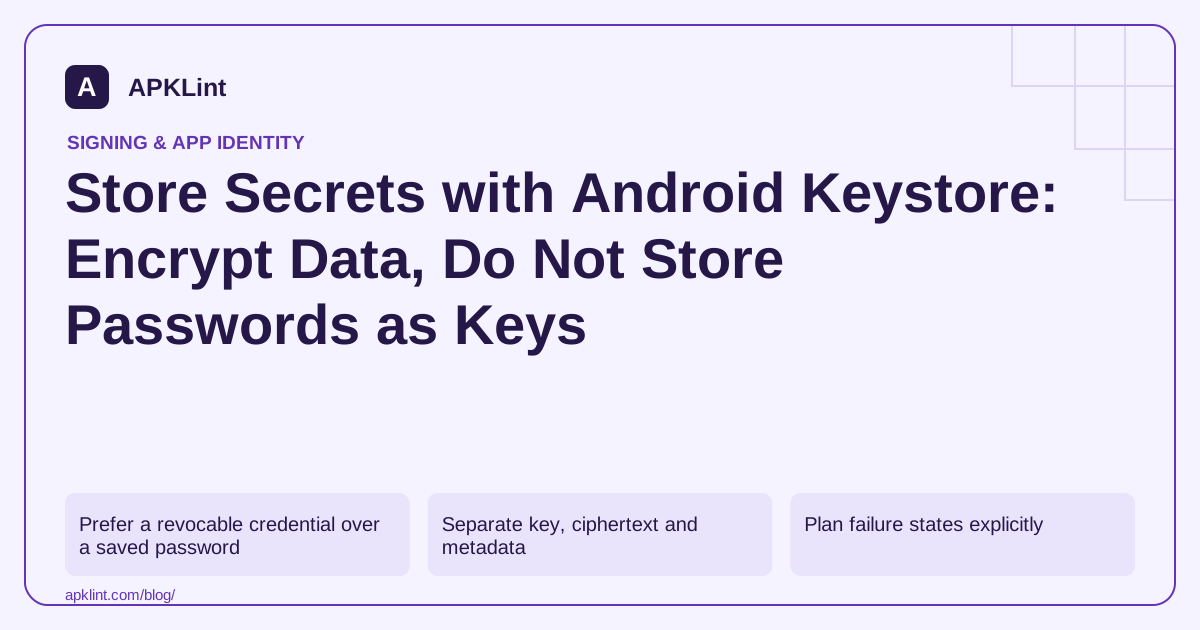
Prefer a revocable credential over a saved password
For an account-backed app, use the authentication provider's supported session or token mechanism where possible. A long-lived user password stored locally increases the consequences of a mistake and complicates revocation.
If offline access genuinely needs a local secret, define its lifetime, recovery behavior and threat model. Encryption protects a particular boundary; it does not stop malicious code already executing with the app's privileges from abusing authorized operations. Android Keystore.
Separate key, ciphertext and metadata
A defensible encrypted record includes the ciphertext, the algorithm/version information needed to interpret it and a unique IV or nonce where required. The encryption key should not be stored beside the ciphertext as a hardcoded string.
For AES-GCM, never reuse the same IV with the same key. Let the cryptographic implementation generate an appropriate fresh IV during encryption and preserve it with the ciphertext. Authenticate the data and treat a failed authentication check as a real failure, not a reason to return partial plaintext. Cryptography guidance.
Plan failure states explicitly
| Event | Required product decision |
|---|---|
| Key unavailable after reinstall or restore | Reauthenticate, resynchronize or explain unrecoverable local data |
| Authentication-bound key invalidated | Re-enroll securely rather than silently weakening protection |
| Ciphertext authentication fails | Reject the record and investigate corruption or tampering |
| User signs out | Delete or invalidate local credentials as designed |
A try/catch that replaces the encrypted record with plaintext makes the error path the weakest security path.
Keep secrets out of secondary surfaces
Do not log plaintext, place it in crash-report custom attributes or copy it into clipboard-based diagnostics. Review backups, screenshots, exported files and analytics parameters. Securing one preferences file is incomplete if the same credential appears in a support log.
Android's security practices help frame these adjacent channels. Use a test account and inspect actual files and reports during validation.
Test recovery as well as success
Exercise first use, process restart, sign-out, reinstall, restore and a deliberately corrupted encrypted record. Confirm that each path produces a safe, understandable outcome.
APKLint's privacy and static-code tools can highlight suspicious APIs or hardcoded values, but they cannot prove that your runtime key lifecycle, IV handling or authentication-bound recovery logic is correct. That requires implementation review and device tests.
Define a record that can be interpreted after an update
For an illustrative encrypted session record, retain a format version, the ciphertext and the non-secret parameters required by the selected cryptographic scheme. Keep the key reference distinct from the key material. A decoder should reject an unknown format version instead of guessing a mode or treating undecodable bytes as plaintext.
Use the platform's cryptography guidance and the chosen API's contract to implement the scheme. For authenticated encryption, accept the record only after authentication succeeds. The interface should never display partial plaintext produced before a failed integrity check as though it were a recovered credential.
Corrupt each part deliberately in a test copy
Encrypt two different synthetic records through the application's normal path. Confirm both decrypt correctly after process restart. Then change a byte in a copied ciphertext, truncate the record and alter a required parameter in separate tests. Each malformed record should reach the designed recovery state without leaking the original secret through the error message or diagnostic log.
Exercise sign-out while a protected operation is pending. A late result must not restore credentials into the signed-out state or reopen another account's screen. Bind the result to the session that requested it and verify that session remains current before consuming the plaintext.
Test restoration onto an environment without the original usable key. If the credential can be renewed through account authentication, guide the user through that path. If the data is intentionally local and unrecoverable, explain the limitation accurately. Generating a replacement key does not recover the existing ciphertext, even if the replacement uses the same alias and algorithm.
Review secondary copies after the successful path as well as the error path. Search authorized test logs, crash attributes and export files for the synthetic secret marker. A protected local record offers limited benefit if the same value is attached to every diagnostic event. Keep the marker test synthetic and bounded so verification does not create new copies of a real user's credential.
Sources and further reading
- Android Developers: Android Keystore system
- Android Developers: Cryptography
- Android Developers: Security best practices
Reference review: 29 September 2026. Examples illustrate the workflow; check your installed versions, release artifact and account-specific Console requirements before applying them. This guide is not a claim that APKLint executed your project or verified your private account.

Android inspection tools and practical release guides. About APKLint · Report a correction