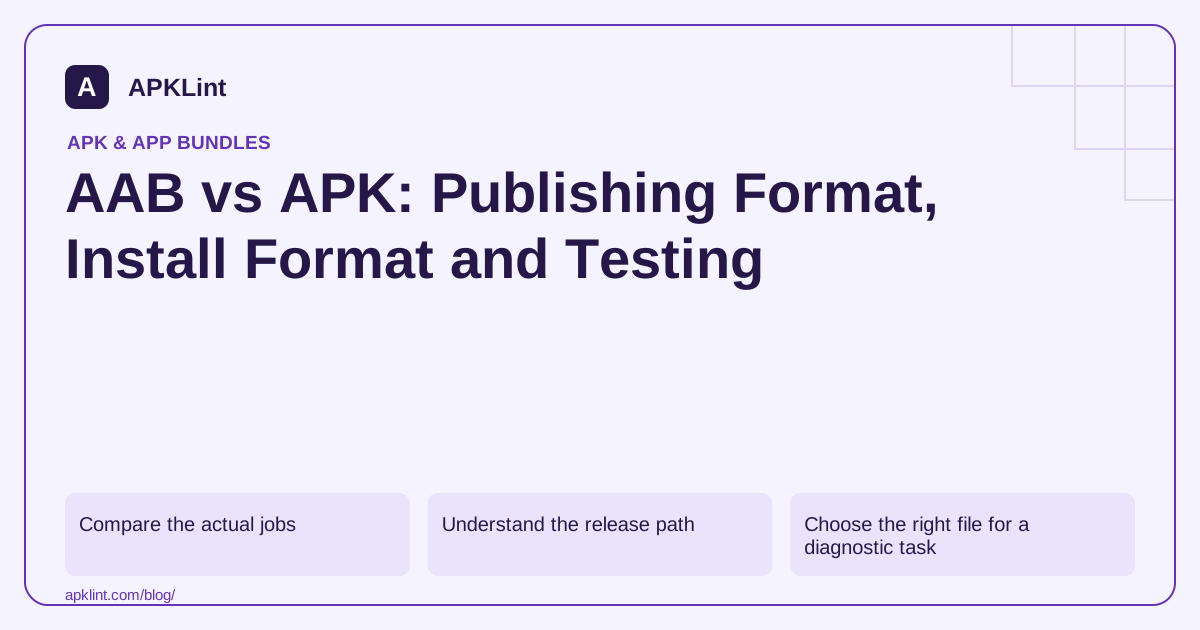
Compare the actual jobs
| Question | APK | AAB |
|---|---|---|
| Can the normal package installer install this file directly? | Yes, when complete and compatible | No |
| Can it represent a device-specific delivery unit? | Yes, including splits | It describes modules for APK generation |
| Is its size a universal store-download measurement? | No | No |
| Does it need signing in a release workflow? | Yes | Yes, with the relevant publishing key |
An AAB does not make code inherently safer or eliminate the need for release testing. It changes packaging and delivery. Android App Bundles.
Understand the release path
A typical Play workflow builds an AAB, signs it with the upload key and sends it to Play. Play App Signing then signs delivered APKs using the app-signing identity. For some other distribution channels, a signed APK is the required artifact.
That distinction explains why a Firebase or API integration can work with a locally installed build and fail after a store install: the package name may match while the signing certificate differs.
Choose the right file for a diagnostic task
Use an APK when you need to inspect the exact installed code and manifest for a device. Use an AAB when you need to review module organization, publishing configuration or generate test APK sets. If the app uses dynamic delivery, document which modules are installed during a runtime test.
The bundle structure is module-oriented. A generic ZIP listing does not perform the transformations required for an installable APK.
Test both build and delivery behavior
Generate local APKs with bundletool for development checks, then test through the intended Play track when store signing or delivery matters. A universal local APK cannot prove every device-specific path works.
Test upgrades as well as clean installs. Verify version codes, signing continuity, saved data and availability of required feature modules. Treat a clean launch screen as the start of a smoke test, not the whole release test.
Avoid the common conversion mistake
Changing .aab to .apk changes only the name. It does not decode module manifests, create split packages or sign the result. Use a bundle-aware tool and keep generated output separate from the original publishing artifact.
APKLint provides separate APK and AAB analysis pages because the formats answer different questions. Compare reports only after matching the artifact type and the scope of the analysis.
Plan a release for two distribution channels
Consider a team shipping through Google Play and an authorized enterprise portal. Its Play pipeline may produce an AAB, while the portal expects an installable signed APK. Keep two explicit outputs with documented signing and version rules. The portal cannot make an AAB installable by serving it under an APK filename, and a universal APK uploaded to one channel does not demonstrate the split selection used by the other.
Use one source revision where practical, then record the build tasks, application IDs, version codes and signing identities for each deliverable. If users can move between channels, test the supported migration route and data continuity. A clean install of each artifact says nothing about whether one can update the other. Resolve signing and version compatibility as part of the distribution design.
Test a feature after it is requested
Imagine that the app's optional document scanner is packaged as an on-demand feature. A base launch test can pass while the scanner is absent. Your test should request the feature through the app's actual flow, verify successful installation and exercise a scan with synthetic input. Then repeat the request under an expected failure condition and check that the app offers a useful recovery state.
The bundle format describes how modules are represented, while bundletool supports generating local APK sets. Neither document turns the presence of a module directory into proof that your feature-request UI handles installation failure. That observation comes from the app and selected delivery path.
When sharing a diagnostic artifact with a colleague, state whether it is the publishing bundle, a universal APK or a complete device-specific split set. Include the device specification for the last case. This short label prevents an analyst from treating an intentionally partial base APK as a corrupted copy of the full application, and makes size or missing-resource reports reproducible.
Sources and further reading
- Android Developers: Android App Bundles
- Android Developers: App bundle format
- Android Developers: bundletool
Reference review: 29 September 2026. Examples illustrate the workflow; check your installed versions, release artifact and account-specific Console requirements before applying them. This guide is not a claim that APKLint executed your project or verified your private account.

Android inspection tools and practical release guides. About APKLint · Report a correction