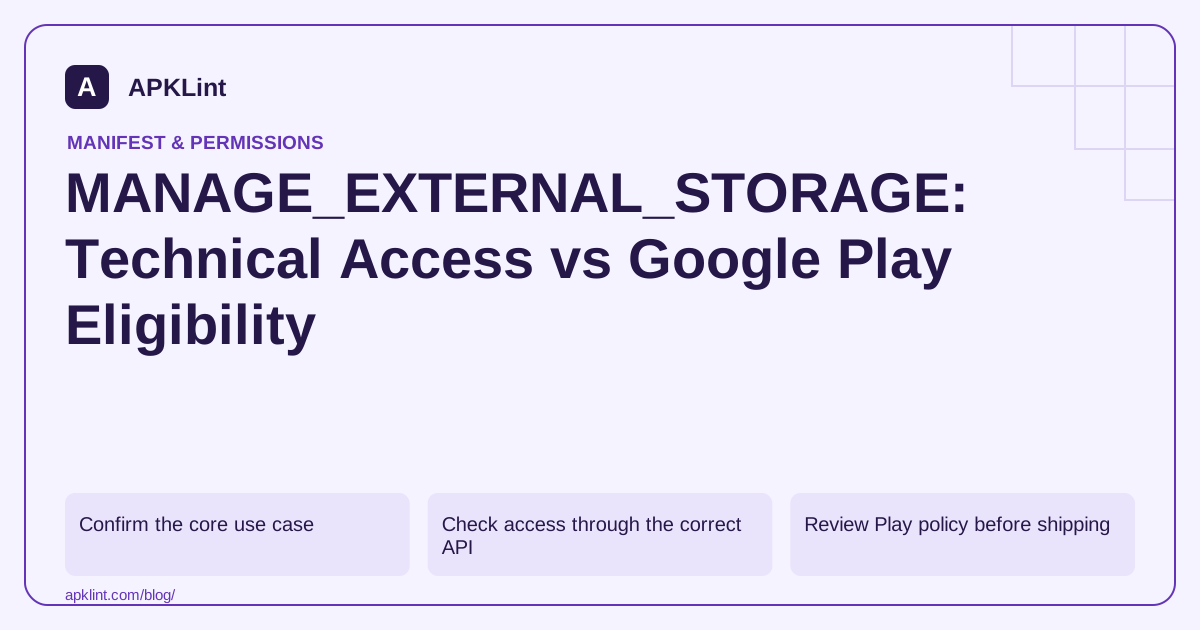
Confirm the core use case
The all-files access documentation describes the platform capability and its limits. It does not grant unrestricted access to every private directory or another app's protected data.
| Need | Prefer reviewing first |
|---|---|
| Import one document | Storage Access Framework |
| Select a photo | Photo Picker |
| Save app cache | App-specific storage |
| Work with shared media | MediaStore |
| Core broad file-management feature | All-files eligibility and special-access flow |
Do not request broad access merely to preserve an old direct-filesystem implementation after a target-SDK update.
Check access through the correct API
For supported versions, Environment.isExternalStorageManager() checks the relevant special access. The settings flow is not an ordinary dangerous-permission dialog. Recheck when the user returns, and handle the case where access remains disabled.
A successful settings launch is not evidence of a grant.
Review Play policy before shipping
Google Play's permissions policy restricts eligible uses and may require declarations. Describe the core feature and why narrower APIs are insufficient. A test build working on a device does not prove that the store will approve the distribution use case.
Keep the app listing, in-app explanation and actual behavior aligned. Do not claim that all-files access is required for unrelated analytics or background tasks.
Test within the actual scope
Test readable and unreadable locations, removable storage where relevant, revoked access and user cancellation. Handle permission failures at the operation rather than assuming the special grant makes every path available.
Avoid logging full private filenames or document contents in diagnostics.
Inspect the release with APKLint
The permission checker can flag MANAGE_EXTERNAL_STORAGE and related declarations for review. It cannot determine Play eligibility or validate every filesystem operation. Use its findings alongside a feature-level access map, current policy evidence and device tests demonstrating why narrower access is insufficient.
Compare a document importer with a file manager
A document importer that opens one user-selected invoice can usually investigate a picker-based design. A file manager whose core task spans many shared directories has a different access requirement. Describe the actual operations and why narrower APIs are insufficient before adding a special-access request. The existence of a legacy filesystem library is an implementation constraint, not proof that broad access is essential to the product.
The all-files access reference explains the capability and its limits. In particular, the grant does not expose every other app's private files. Keep the UI and documentation from implying that a successful grant permits browsing any directory on the device.
Check the grant after settings and at the operation
Start the supported settings flow from an explicit user action, then return without enabling access. The app should remain in its ungranted state and explain which core operation is unavailable. Repeat with access enabled and verify the actual capability through the documented check before starting the broad scan.
Next revoke access between selecting a task and opening its files. Handle the resulting failure without reporting a successful backup or showing stale file counts. A scan can also encounter unreadable paths despite the special grant, so record skipped or failed entries honestly instead of treating every failure as a reason to request even more capabilities.
Use synthetic directories with a small known set of files. Compare discovered counts and byte totals with that fixture, then modify one file and rerun. For destructive features such as deletion or replacement, separate selection, preview and execution clearly within the application's own design. Broad read access should not turn a browsing action into an implicit mutation.
Review distribution eligibility against current Google Play guidance linked from the platform reference. The permission's technical availability and the store's permitted-use assessment are different decisions. Keep the declared core purpose, listing, in-app explanation and actual runtime operations consistent, including any SDK that shares the application's access.
Finally, provide useful behavior where possible when the user declines. A narrower selected-file operation can remain available if it meets the feature's needs, while genuinely unavailable broad operations should state their limitation. Do not claim approval or universal access based solely on a manifest entry or a successful test-device settings change.
Sources and further reading
- Android Developers: Manage all files on a storage device
- Google Play: Permissions and APIs that access sensitive information
Reference review: 29 September 2026. Examples illustrate the workflow; check your installed versions, release artifact and account-specific Console requirements before applying them. This guide is not a claim that APKLint executed your project or verified your private account.

Android inspection tools and practical release guides. About APKLint · Report a correction