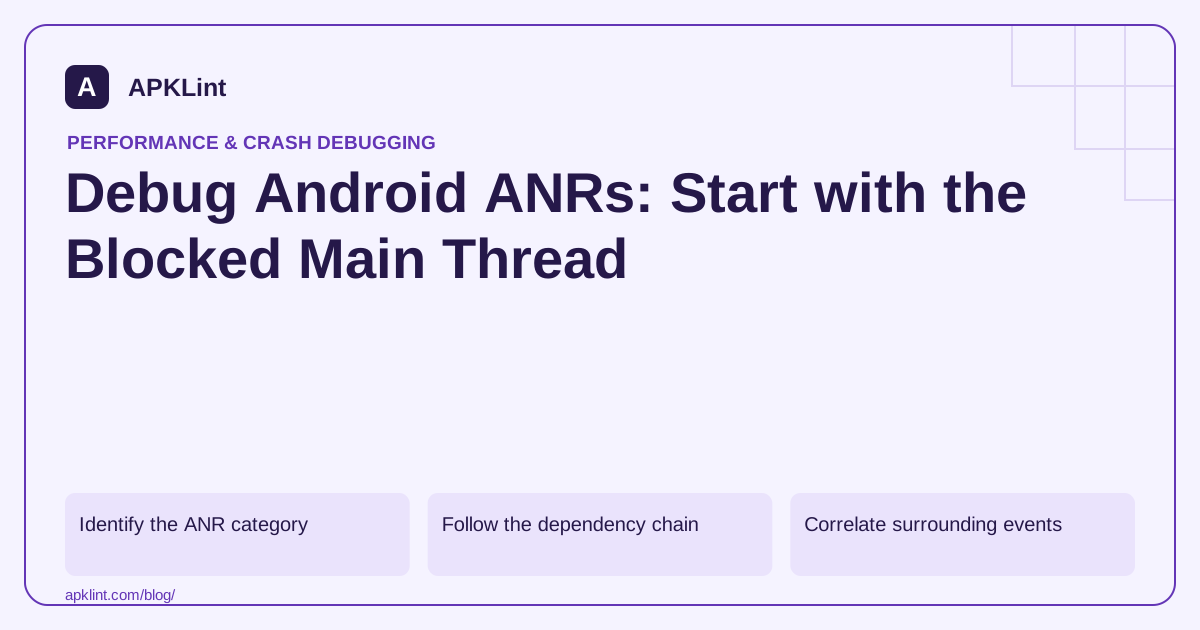
Identify the ANR category
The ANR guide describes different causes and timing contexts. Do not apply one universal timeout number to every input, service or broadcast situation.
Capture the reported reason, process, affected version and thread traces. A stack showing an idle main thread can be a late snapshot rather than proof that no blockage occurred.
Follow the dependency chain
| Main-thread state | Investigation |
|---|---|
| Doing CPU work | Expensive computation or serialization |
| Waiting on a lock | Which thread owns the lock? |
| Blocking I/O | Disk, network or provider operation |
| Waiting on another task | Deadlock or synchronous bridge |
Inspect other threads as well as the main stack. Moving work to a background thread does not help if the UI immediately blocks waiting for its result.
Correlate surrounding events
Use Logcat and available system traces to align the ANR with user actions, lifecycle events, SDK initialization and resource pressure.
Avoid discarding timestamps or process information when redacting logs. Remove credentials and personal data while preserving the timing needed for diagnosis.
Fix ownership and scheduling
Make blocking work asynchronous with lifecycle-aware completion. Reduce lock scope, avoid calling unknown external code while holding a lock, and keep broadcast/service work within the appropriate execution model.
Do not hide the symptom by adding a longer application timeout when the system's responsiveness requirement still applies.
Verify under stress
Test slow storage/network, repeated navigation and representative lower-end devices. APKLint's Crash / ANR Analyzer can help interpret redacted traces, but it cannot reconstruct every scheduling event from one stack snapshot. Confirm the fix with a reproducible scenario and watch the affected release cohort after rollout.
Work through a blocked-thread example
Imagine an ANR trace in which the main thread is waiting to enter SessionStore.save, while a worker holds the same monitor and performs a slow disk operation. The method named at the top of the main-thread stack is where the UI stopped, but the worker owns the work that must finish before it can proceed. Copy the lock identity, find the owning thread and read that thread's stack before changing the UI method.
A useful repair hypothesis is to build a small immutable snapshot while holding the lock, release the lock, then persist that snapshot asynchronously. This is a design example, not a universal patch: establish how concurrent updates are ordered so an older snapshot cannot overwrite a newer one. Replacing synchronized with a different lock type without changing the ownership or duration would preserve the same blocking dependency.
Capture a bounded reproduction
Use a synthetic account and a local development build. Record the app version, device model, Android version and exact sequence of actions. Reproduce the screen transition or request that precedes the freeze, then keep the thread dump and surrounding timestamped logs. Android's ANR documentation explains that ANR causes include blocking operations and lock contention; the relevant system reason matters when interpreting a trace.
For a controlled slow-storage case, inject a delayed persistence implementation into a test build instead of filling a user's device or running unbounded stress. Confirm whether navigation remains responsive while the operation is pending. For a network-related case, use your test endpoint's delayed response and distinguish a background request from an accidental main-thread wait for its future. A timeout in the HTTP client does not help the UI if the thread still blocks for the entire timeout interval.
Avoid a misleading stack snapshot
A main thread captured in its message loop can be idle by the time evidence is collected. Do not close the incident solely because that one frame looks normal. Align the system's ANR timestamp with the application's logs and any available trace, and compare reports from the same action and release. Conversely, a busy frame observed during ordinary profiling does not by itself establish an ANR; it needs the timing and responsiveness context.
Annotate what is observed separately from what is inferred. “Main waits on monitor X; worker Y owns X during persistence” is evidence. “Storage was slow because the user's phone is old” is a hypothesis unless measurements establish it. This distinction prevents the next fix from optimizing an unrelated computation that happens to appear in the same stack.
Verify cancellation and repeated actions
After making the asynchronous change, repeat the original action, navigate away while the work runs, and trigger the action again. Check that completion does not update a destroyed screen and that duplicate actions cannot create conflicting writes. Measure input responsiveness in the reproduction and compare traces under the same artificial delay. Then test without the artificial delay so the diagnostic hook itself is not mistaken for production behavior.
Retain the original and repaired traces with a short explanation of the removed dependency. APKLint can help organize stack information, but a parsed trace does not certify scheduling behavior on every device. A controlled reproduction plus observed responsiveness provides a stronger basis for deciding that this specific ANR path is repaired.
Sources and further reading
Reference review: 29 September 2026. Examples illustrate the workflow; check your installed versions, release artifact and account-specific Console requirements before applying them. This guide is not a claim that APKLint executed your project or verified your private account.

Android inspection tools and practical release guides. About APKLint · Report a correction