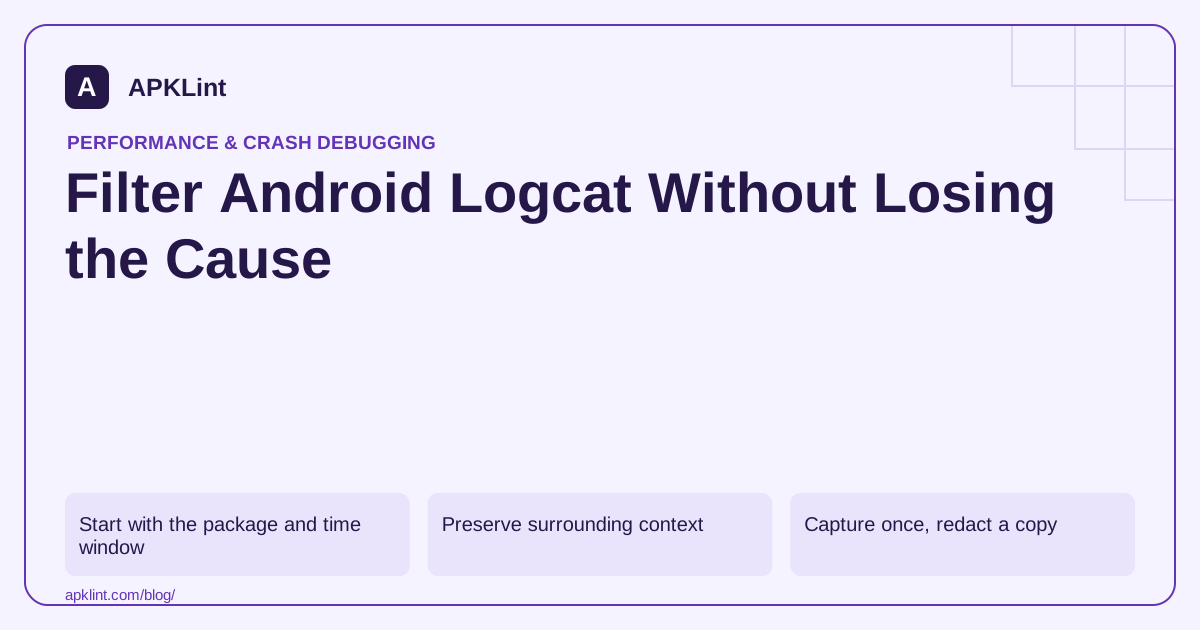
Start with the package and time window
Use the Android Studio Logcat guide for current query syntax and process selection. Record the app's build and the time of one controlled reproduction.
For command-line capture, an illustrative process filter is:
adb shell pidof -s com.example.app
adb logcat --pid=12345
Replace the PID with the current process. A process restart changes it, so this filter can stop covering the new process after a crash.
Preserve surrounding context
| Context | Why keep it |
|---|---|
| Timestamps | Correlate app and system events |
| PID/TID | Distinguish processes and threads |
| Nested causes | Reveal the underlying exception |
| Preceding warnings | Identify the first failed operation |
| Lifecycle events | Explain recreated or destroyed state |
The ADB documentation covers device selection and command execution. Specify the intended device when several are connected.
Capture once, redact a copy
Save the original controlled capture in restricted storage, then create a redacted version for sharing. Remove tokens, user content and private URLs while retaining enough structure to diagnose the issue.
Do not clear all device logs indiscriminately when another investigation needs them. A fresh controlled test can use a deliberate capture boundary instead.
Avoid logging secrets to make debugging easier
Add stable error codes and operation categories rather than full request bodies. Temporary debug logging must not silently remain in a public release.
Turn the trace into a reproducible report
Include steps, expected behavior and actual behavior with the redacted excerpt. APKLint's Crash / ANR Analyzer can help interpret that excerpt, but missing earlier lines may limit the conclusion. Keep uncertainty explicit when the filter removed potentially relevant context.
Notice when the process filter no longer follows the app
Suppose the app crashes, restarts and reproduces another failure. A command filtered to the first process ID can stop showing relevant lines after the restart. Record the process transition and choose the appropriate fresh filter or package-based view. An empty capture after a crash does not establish that the restarted application produced no diagnostic output.
The Android Studio Logcat guide documents query and process behavior. Keep the selected device visible in the capture record, especially when an emulator and physical device are both connected. Otherwise, a correctly formed filter can still target the wrong running app.
Mark one synthetic operation in a bounded capture
Use a development-only operation identifier to mark the beginning of an import or network request. Reproduce the issue once with synthetic data and preserve the surrounding time window. Include timestamps and thread context so the sequence can be compared with lifecycle and system events.
Start with a broad enough view to retain the cause, then create a narrower excerpt for the report. Filtering only for the final exception class can discard the earlier permission denial or failed resource acquisition that explains the failure. Keep nested causes and indicate where unrelated sections were removed.
Do not add raw request bodies or tokens merely to connect the events. A stable error category, feature name and synthetic operation identifier usually provide a safer correlation boundary. Review temporary logging before the release so a diagnostic experiment does not become persistent sensitive-data collection.
When the relevant signal is absent, consider whether the build disables that logging, the process changed or the failure occurred in another component. Avoid turning the absence into a strong conclusion until the capture method is known to cover the intended path.
Attach the redacted excerpt to exact reproduction steps and the tested artifact identity. A useful report states what the user did, what should have happened and what the logs support. Keep speculation separate from the observed sequence so the next developer can test the proposed cause instead of inheriting it as fact.
Sources and further reading
Reference review: 29 September 2026. Examples illustrate the workflow; check your installed versions, release artifact and account-specific Console requirements before applying them. This guide is not a claim that APKLint executed your project or verified your private account.

Android inspection tools and practical release guides. About APKLint · Report a correction