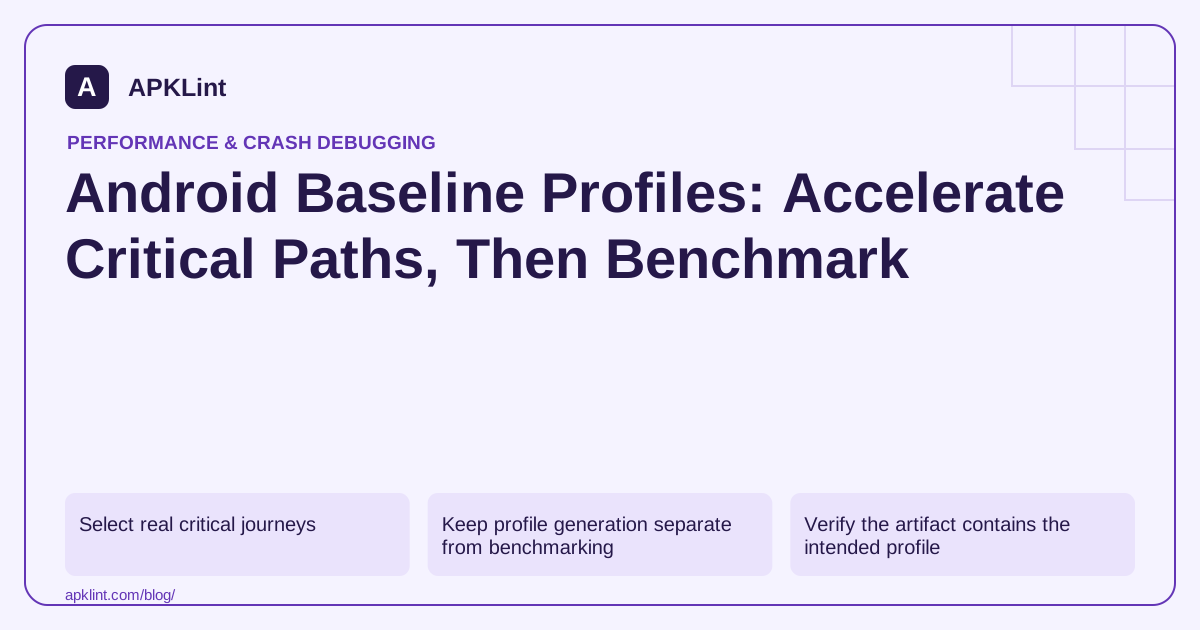
Select real critical journeys
Use the Baseline Profiles guide to set up generation for startup and other important interactions. A profile covering only a trivial test screen will not necessarily help the production journey users perform.
Choose stable flows with realistic data and avoid including development-only screens as the main workload.
Keep profile generation separate from benchmarking
| Activity | Purpose |
|---|---|
| Generate profile | Record important execution paths |
| Package profile | Include supported optimization information |
| Benchmark | Measure whether the target experience improves |
| Regression test | Detect when future changes lose the benefit |
Macrobenchmark provides a controlled way to compare relevant compilation modes and journeys.
Verify the artifact contains the intended profile
Follow the tooling's packaging checks and inspect the release output. A generated file sitting in a local directory is not evidence that the distributed APK or bundle includes it correctly.
Revisit profile coverage when navigation, startup dependencies or frequently used features change.
Compare against the same workload
Use equivalent release builds, device state, input and iteration setup. Record whether the comparison isolates the profile effect or includes other code changes.
A benefit on startup does not establish an improvement in memory, network usage or every screen. Report the metric and journey that were actually measured.
Fix structural bottlenecks too
A profile cannot make an unnecessary synchronous network call disappear. Combine runtime compilation benefits with removal or deferral of work that does not belong on the critical path.
APKLint's package and performance tools can support artifact review and test planning. They do not generate profiles or run benchmarks, so use measured traces and packaging evidence rather than a static “profile present” signal as the final acceptance criterion.
Profile a real catalog journey
For an illustrative shopping app, choose startup into a seeded catalog, a scroll through several populated rows and opening an item detail. Make the account and catalog state reproducible so generation consistently executes the paths users need. A journey that waits on changing production inventory or enters only an empty placeholder screen may record the wrong workload.
The Baseline Profiles overview explains the role of recorded execution paths. Profile generation, inclusion in a release and measurement of a benefit are separate tasks. Keep evidence for each, rather than treating a generated text file as proof that users received or benefited from it.
Isolate the profile's effect from unrelated app changes
Compare the same app revision and journey under the intended compilation conditions, with and without the profile effect. Record target artifact, device, benchmark version and iteration setup. If image decoding or network latency dominates the trace, the profile can be correctly packaged while the measured end-to-end gain remains small. That result is more useful than claiming an improvement from an unrelated SDK removal.
Check a critical branch absent from the generation journey, such as opening a saved item while offline. Do not assume coverage transfers automatically to every feature. When navigation or startup ownership changes substantially, regenerate the profile through the actual new paths and repeat the measurement.
For the catalog example, keep synthetic data stable and make the test wait for visible populated rows before scrolling. Confirm that the detail screen actually opens the selected item rather than a login prompt or a stale screen from a prior run. Verify package inclusion using the documented tooling for the project's build integration, then retain the benchmark output and representative traces. Avoid interpreting a single fast iteration as a universal percentage gain. Report the specific startup or interaction metric and the observed distribution for that device and workload. A profile complements removal of unnecessary work; it cannot supply missing data, eliminate a slow server or correct a lifecycle bug in the application.
Sources and further reading
Reference review: 29 September 2026. Examples illustrate the workflow; check your installed versions, release artifact and account-specific Console requirements before applying them. This guide is not a claim that APKLint executed your project or verified your private account.

Android inspection tools and practical release guides. About APKLint · Report a correction