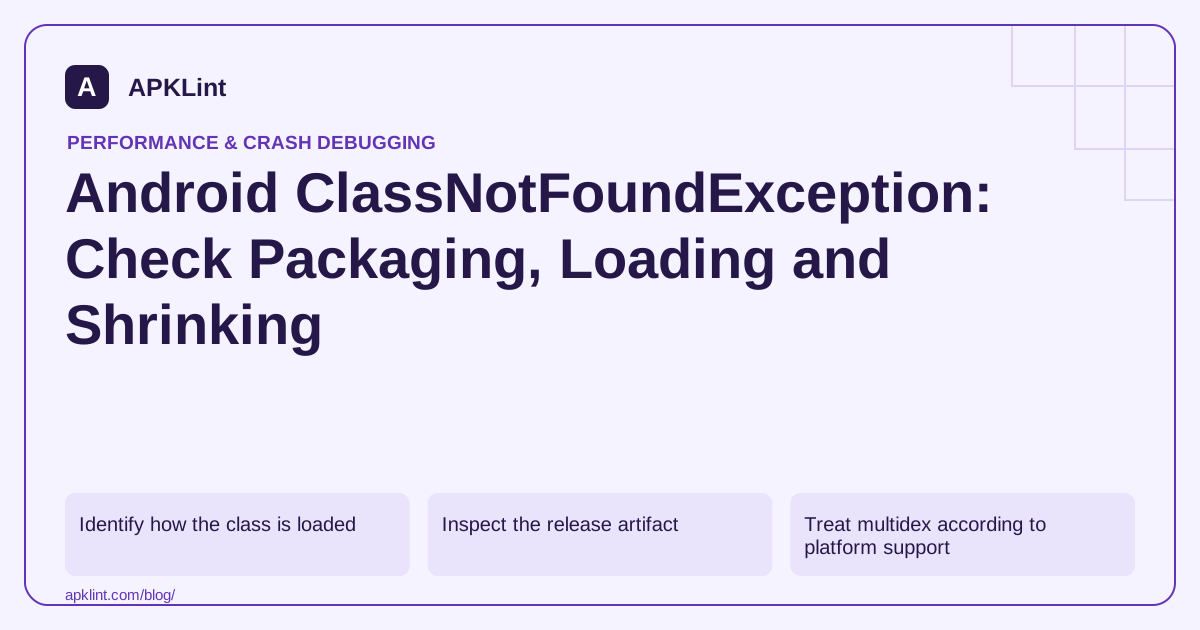
Identify how the class is loaded
A direct source reference, reflection, framework component declaration and native callback have different failure paths. Preserve the class name and the first application frame that requested it.
Use the dependency guide to establish whether the defining library entered the affected runtime configuration.
Inspect the release artifact
| Finding | Next investigation |
|---|---|
| Class absent | Dependency scope, build variant or shrinking |
| Renamed class | Reflection contract and keep rules |
| Class in an uninstalled feature | Feature delivery and load ordering |
| Class present under another name | Package or generated-code mismatch |
The R8 keep-rule guide explains retaining dynamic entry points. A keep rule cannot add a dependency that was never packaged.
Treat multidex according to platform support
For older supported Android versions, multidex setup may affect class availability during startup. Do not add legacy multidex initialization indiscriminately to every modern project without checking its minimum SDK and build configuration.
Avoid broad workarounds
Keeping all classes or copying a random JAR can hide the original dependency mistake and introduce duplicate classes. Correct the specific packaging or loading contract.
Test the optimized release rather than relying only on debug behavior, especially when reflection is involved.
Validate the actual entry path
APKLint's DEX and package tools can help inspect packaged structure, and its crash analyzer can interpret the trace. They cannot prove that a dynamic feature was installed on the failing device. Reproduce the same class-loading path, distribution state and variant before marking the issue resolved.
Follow the requested class name into the installed build
Suppose a serialization library loads example.model.InvoiceAdapter by its string name. First preserve that exact name and the loading call in the stack. Search the relevant release artifact for the class, accounting for shrinking and renaming. A dependency listed in a build file is not proof that its classes reached the installed application: the declaration may belong to another variant, be compile-only, or sit in a feature that has not been installed.
If the class exists under another name, examine the reflection contract and the library's supported consumer rules. If it is absent entirely, inspect the selected runtime dependency graph and the packaged modules before adding a keep rule. A keep rule cannot retain code that was never an input to the build. For a dynamic feature, make loading conditional on successful feature availability rather than assuming every installation contains every module. Record the feature-installation outcome separately from the later reflection call so a download failure remains distinguishable.
Use a targeted repair for the actual loading mechanism
Android's keep-rule overview describes why dynamically accessed code may require explicit retention. Prefer the library's documented integration and a narrow rule for the demonstrated reflection boundary. Keeping every class in the application can hide the defect while increasing output size and disabling useful optimization.
Check a framework-created component's merged manifest and actual class package as a separate case. A stale activity or application class name is a declaration error, not automatically a dependency-resolution problem. Also distinguish ClassNotFoundException from a missing native library or a class whose initialization failed earlier; their messages and causal chains lead to different repairs.
Validate the change in the same release variant and installation mode that failed. For the adapter example, deserialize one valid invoice and one deliberately unsupported shape, confirming that the second reaches the intended validation error rather than a loader exception. Test a clean install with the feature absent and again after its supported installation flow if modules are involved. Keep the mapping, artifact digest and dependency report with the result. This demonstrates that the requested class is reachable under the real distribution conditions without treating a successful debug build as sufficient evidence.
Sources and further reading
- Android Developers: Enable multidex
- Android Developers: Add keep rules
- Android Developers: Add build dependencies
Reference review: 29 September 2026. Examples illustrate the workflow; check your installed versions, release artifact and account-specific Console requirements before applying them. This guide is not a claim that APKLint executed your project or verified your private account.

Android inspection tools and practical release guides. About APKLint · Report a correction