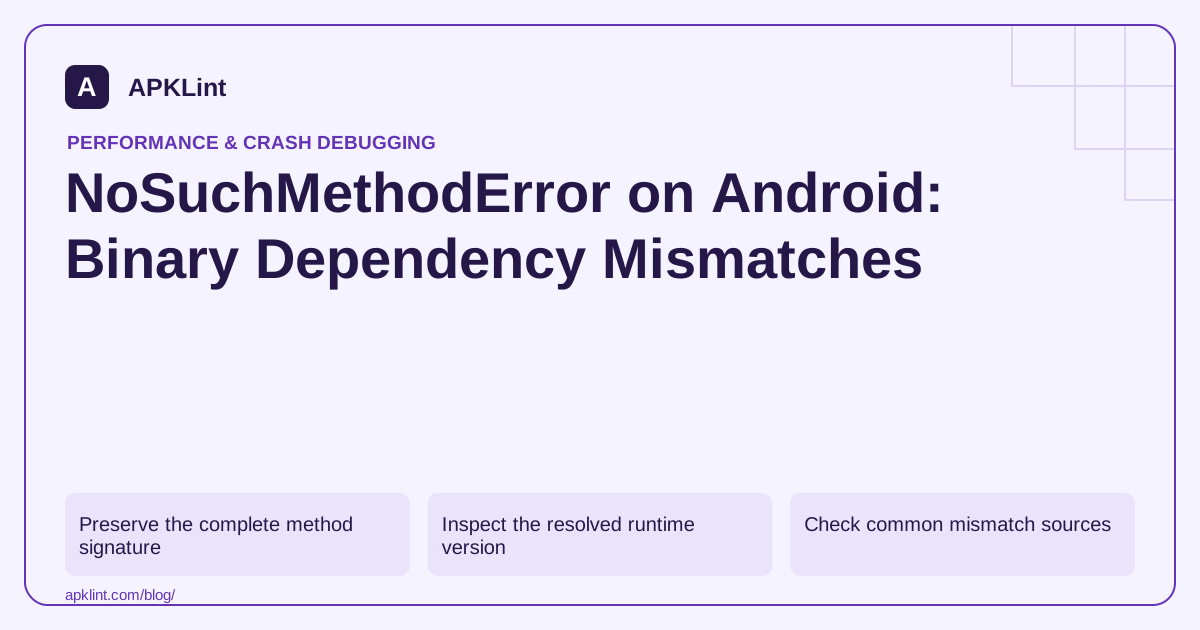
Preserve the complete method signature
Record the class, method name, parameter types and return type from the error. Overloads matter; a method with the same name but different parameters is not a compatible replacement.
Identify which dependency compiled the caller and which artifact supplied the runtime class.
Inspect the resolved runtime version
Use the Gradle dependency reports:
./gradlew :app:dependencyInsight \
  --dependency affected-library \
  --configuration releaseRuntimeClasspath
Replace the placeholder and configuration for the failing variant. A transitive dependency or constraint may select a different version from the one visible in a nearby build declaration.
Check common mismatch sources
| Source | Correction to investigate |
|---|---|
| Incompatible transitive version | Supported version alignment |
| Compile-only dependency | Runtime availability and compatible version |
| Old bundled JAR plus new caller | Remove obsolete distribution |
| Platform API on older Android | Runtime/API compatibility handling |
| SDK family upgraded partially | Publisher-supported compatible set |
The Android dependency guide explains scopes and resolution context.
Do not force a version blindly
A force that satisfies one consumer can break another. Read the compatibility requirements of all affected libraries and prefer an aligned update or replacement.
Clean rebuilds can remove stale local outputs, but they do not fix a genuinely incompatible runtime graph.
Test the release and feature path
Exercise the exact operation that invoked the missing method on the affected Android version. APKLint's Gradle and crash tools can help review evidence, but they cannot determine binary compatibility from an incomplete snippet. Keep the selected dependency graph and reproduced passing call with the fix.
Compare the complete method contract
In an illustrative SDK integration, the caller expects Client.send(Request, Options), but the packaged library only exposes Client.send(Request). Both versions contain a class named Client, so finding that class in the APK does not resolve the failure. Preserve the full missing method signature, including the declaring class, parameter types, return type and whether the call is static or instance-based.
The NoSuchMethodError API reference identifies this as a runtime linkage failure. Compare the library version used to compile the caller with the version selected for the failing runtime configuration. An SDK's transitive dependency can select a different artifact than the one a developer expected from a direct declaration.
Locate the version-selection reason
Use Gradle's dependency insight for the relevant module and release runtime classpath. Record who requests the library and why the final version was selected. Inspect local JARs or bundled SDK copies as well: a dependency constraint cannot repair a second copy hidden inside an unrelated binary. Consult the vendor's compatibility guidance before upgrading just one member of a tightly coupled SDK family.
A platform method missing only on older Android versions needs a different investigation. Compare the method's introduced API level with the device's API level and the executed code path. A high compile SDK allows source to reference newer APIs; it does not add every platform method to older devices. Use a supported compatibility API or an appropriately guarded alternative when the feature must work across that range. Check the guard around every reachable invocation, including callbacks.
After choosing a compatible dependency set, build and install a fresh candidate and exercise the exact call that failed. Test an older supported device as well as a current device when platform APIs are involved. Retain the resolved graph and artifact identity so an accidental future downgrade can be recognized. Avoid catching a broad Error around every SDK call or globally forcing arbitrary versions: either can move the failure to a less visible path. The repair should explain why the caller and runtime now agree on the method contract, including any unsupported operation that must be disabled on older systems.
Sources and further reading
Reference review: 29 September 2026. Examples illustrate the workflow; check your installed versions, release artifact and account-specific Console requirements before applying them. This guide is not a claim that APKLint executed your project or verified your private account.

Android inspection tools and practical release guides. About APKLint · Report a correction