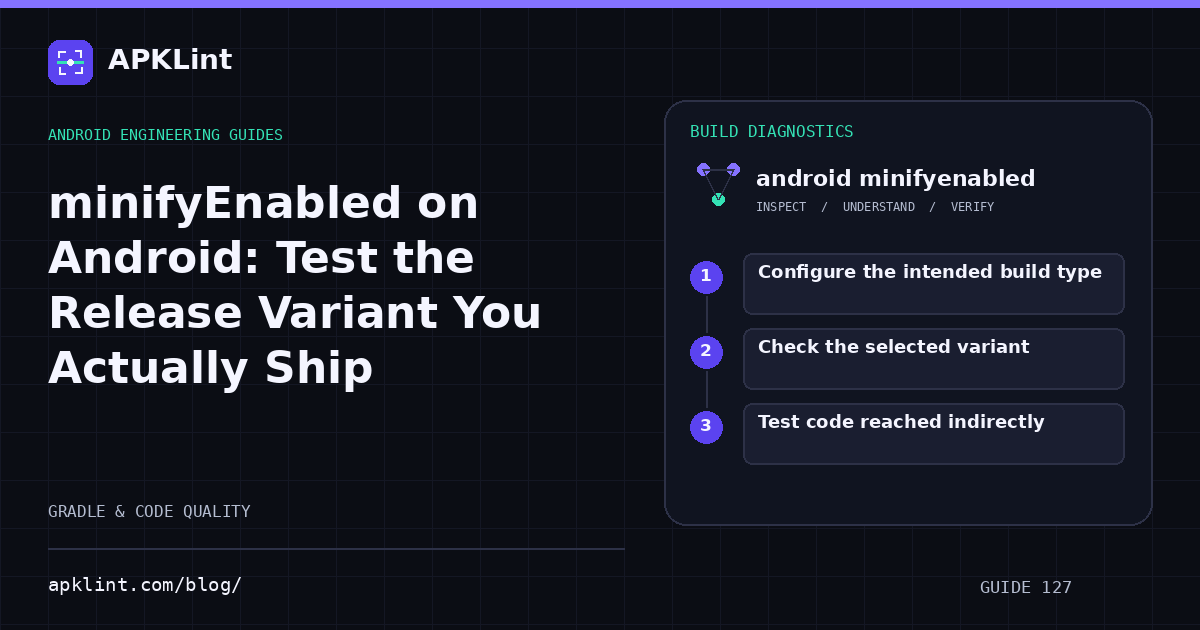
Configure the intended build type
A Kotlin DSL example is:
android {
    buildTypes {
        release {
            isMinifyEnabled = true
            proguardFiles(
                getDefaultProguardFile("proguard-android-optimize.txt"),
                "proguard-rules.pro"
            )
        }
    }
}
This is a module fragment, not a complete build file. Groovy DSL uses different assignment syntax. Follow the current R8 guide for your plugin version.
Check the selected variant
A product flavor combined with a build type creates the final variant. A test of debug says little about productionRelease when signing, endpoints, resources and optimization differ.
Record the exact task, artifact path, application ID and version code. The build-variant documentation helps trace which configuration produced an artifact.
Test code reached indirectly
Prioritize reflective construction, JSON serialization, dependency injection, JNI callbacks, WebView bridges and code loaded by class name. Static analysis may not infer those relationships without correct rules.
Do not solve every failure with -keep class ** { *; }. That effectively opts large parts of the program out of useful optimization and obscures the real contract.
Separate missing code from wrong configuration
| Symptom | First evidence to inspect |
|---|---|
| Class not found only in release | Reflection path and consumer rules |
| Network fails only in release | Variant endpoint and network configuration |
| Login fails only after Play installation | Distributed signing certificate |
| Crash trace has renamed symbols | Matching mapping file |
Not every release-only bug is caused by R8. Temporarily toggling optimization can narrow the problem, but the final fix should address the actual cause.
Validate the shipped artifact
Install the optimized, correctly signed build on representative devices, exercise critical paths and verify a deobfuscated test crash. APKLint can help inspect the resulting package and obfuscation signals; it cannot prove that dynamically accessed features survived.
Sources and further reading
Reference review: 22 September 2026. Examples illustrate the workflow; check your installed versions, release artifact and account-specific Console requirements before applying them. This guide is not a claim that APKLint executed your project or verified your private account.

Android inspection tools and practical release guides. About APKLint · Report a correction