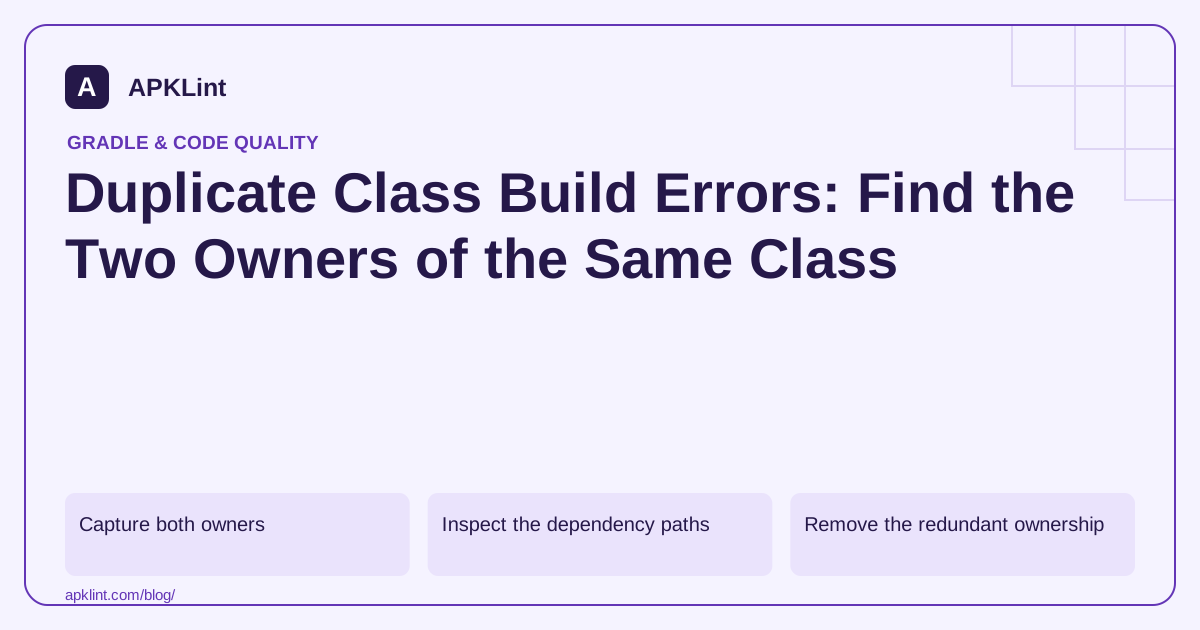
Capture both owners
Copy the class name and both artifact paths from the error. Typical causes include a local JAR plus its Maven equivalent, a bundled SDK plus a standalone copy, or old and new library families included together.
Use the Android dependency guidance to trace how those inputs reach the module.
Inspect the dependency paths
./gradlew :app:dependencies --configuration releaseRuntimeClasspath
./gradlew :app:dependencyInsight \
  --dependency conflicting-module \
  --configuration releaseRuntimeClasspath
The second command uses a placeholder module name. The Gradle report guide explains how to read selection and parent paths.
Remove the redundant ownership
| Duplicate source | Typical resolution |
|---|---|
libs/ JAR and repository dependency |
Keep one supported distribution |
| SDK embeds a library also declared separately | Follow the SDK's integration guidance |
| Legacy and replacement artifacts coexist | Complete the documented migration |
| Two unrelated publishers bundle the same package | Request compatible packaging or replace one |
A version force cannot solve every case because the duplicate may come from different coordinates.
Do not hide code duplication with resource rules
Packaging exclusions intended for metadata files are not a general solution for duplicate executable classes. Removing a class from an archive manually also creates an unsupported artifact with unclear compatibility.
A narrow transitive exclusion can be valid, but verify that the remaining copy satisfies all consumers and that the publisher supports the combination.
Recheck every relevant variant
Build the same variant that failed, then check other flavors using different SDK sets. APKLint's dependency review can help locate suspicious overlaps, but the complete error and resolved build inputs are necessary to identify the two actual owners. Keep those artifacts and paths in the fix record so the same duplicate does not return during a later SDK update.
Resolve a local JAR plus repository copy
Suppose the build names libs/legacy-parser.jar and a repository parser artifact as owners of the same example.parser.Reader class. Inspect how the local JAR enters the build: a broad file-tree declaration may include every JAR in the directory even though the visible dependency block also declares the repository library. Record both paths and compare the integration instructions before removing either input.
If the publisher supports the repository distribution as a complete replacement, remove the redundant local dependency from the build and keep any necessary migration record outside packaged inputs. Rebuild the original failing variant. Merely renaming the local JAR will not help when the file-tree pattern still includes it, and deleting an arbitrary class inside it leaves an unsupported binary with unknown internal references.
Recognize when coordinates cannot explain the conflict
A different case occurs when two vendor SDKs each embed the same third-party package in their own archives. Their Maven coordinates can be completely different, so ordinary version conflict resolution cannot select a single shared module. Use Android Studio's class inspection or archive analysis to confirm which artifact contains the duplicate class. The Android dependency troubleshooting guidance describes investigating duplicate ownership.
Ask whether either vendor publishes a supported distribution without the embedded component, or whether compatible SDK releases remove the overlap. A metadata-resource packaging exclusion does not decide which executable implementation should win. Replacing one SDK can be more reliable than maintaining a custom stripped archive, particularly when the vendors bundled incompatible revisions under the same package names.
Once ownership is reduced to a supported combination, exercise both SDK features. The absence of a duplicate-class build error only proves that packaging no longer sees two definitions; it does not prove the remaining definition supplies every method both SDKs call. Preserve the artifact versions and feature results in the repair record. During the next dependency update, compare those same owners so the old local file or embedded copy cannot quietly return through a changed integration path.
Sources and further reading
Reference review: 29 September 2026. Examples illustrate the workflow; check your installed versions, release artifact and account-specific Console requirements before applying them. This guide is not a claim that APKLint executed your project or verified your private account.

Android inspection tools and practical release guides. About APKLint · Report a correction