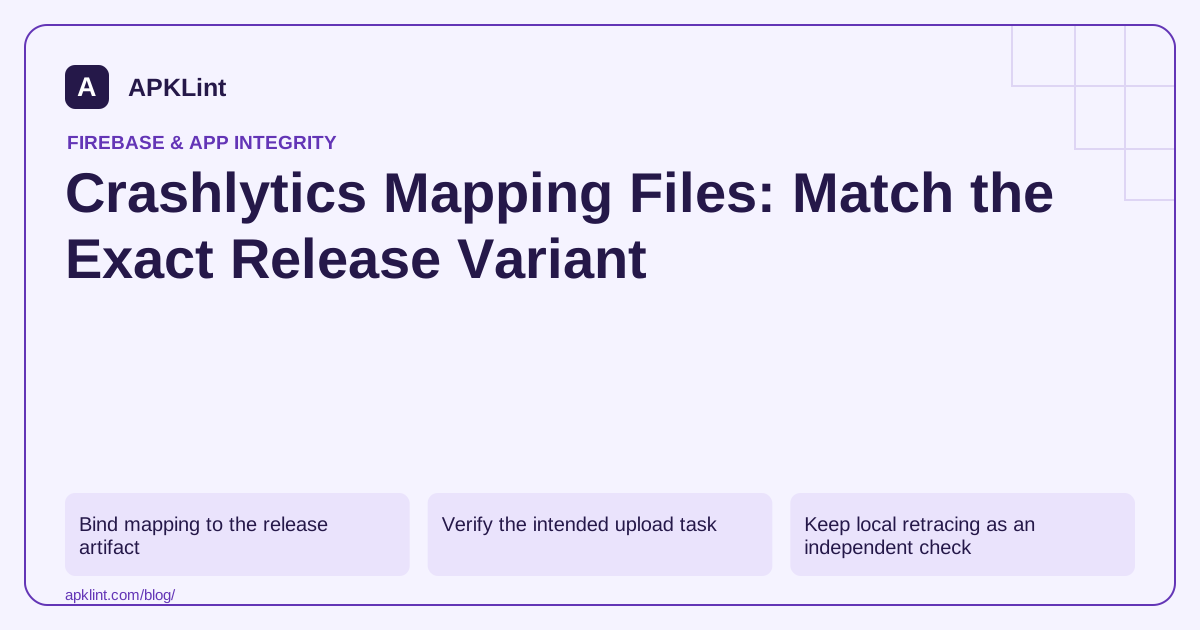
Bind mapping to the release artifact
Archive package ID, version code, build identifier, artifact hash and mapping together in CI. Do not rely on a developer's latest local mapping.txt after an incident.
The Crashlytics deobfuscation guide explains build integration and mapping handling for supported Android setups.
Verify the intended upload task
Check that the plugin is applied to the app module and that mapping upload is enabled for the distributed optimized variant. Task names and configuration should follow the installed plugin version rather than an old hard-coded script.
| Failure | Inspect |
|---|---|
| Upload task fails | Network, credentials/configuration and plugin compatibility |
| No mapping generated | Whether that variant is optimized |
| Report remains obfuscated | Correct app/build association and upload completion |
| Native frames unresolved | Native symbols, not Java mapping |
Keep local retracing as an independent check
Use Retrace with the preserved mapping and a raw trace from that release. If local retracing works but the dashboard does not, investigate upload and association rather than changing keep rules immediately.
If both are wrong, first verify that the mapping belongs to the crash build.
Do not disable upload to hide a release failure
A build that succeeds only after removing a failing mapping task may ship without usable crash diagnostics. Resolve the cause or document the operational limitation explicitly before release.
Keep secrets out of build logs when diagnosing network or configuration failures.
Confirm with a controlled optimized crash
Install the actual test release, trigger a known crash and inspect readable frames in the intended Firebase app. APKLint can support trace interpretation and build review, but it cannot validate a private mapping upload. The completion evidence is a correctly associated, readable report from the exact distributed build.
Distinguish two builds with the same version name
Imagine two release builds both display version name 2.4, but the second contains a small source change and a different optimized output. Their mappings must not be treated as interchangeable. Retain each artifact's digest and its associated mapping under a release-specific identifier. A directory named latest is convenient for navigation but is not a reliable incident record.
For a reported failure, first identify the exact distributed build and retrieve its retained mapping. The Crashlytics readable-report guide explains supported mapping integration. If the correct mapping was never archived or uploaded, a newly generated mapping from the current source is not a dependable reconstruction of the original optimized build.
Compare local retracing with the remote result
Use Android Retrace with the retained mapping and a raw managed-language stack from the same test release. Record whether the expected class, method and useful source position are recovered. Then compare the corresponding Crashlytics report. A locally readable trace with an unreadable dashboard result points toward upload or association; failure in both paths warrants checking artifact pairing and the trace itself first.
Keep ambiguous or inlined frames visible in the investigation. Optimization can transform code in ways that require more context than one renamed method. Do not invent a precise source line when the available mapping and trace do not support it. Preserve the original trace with the retraced result so reviewers can inspect the interpretation.
For a native crash, gather the matching native symbols and library identities instead of trying to apply Java mapping to machine addresses. A mixed stack can require both forms of evidence. Store these diagnostic artifacts with appropriate access controls because they reveal implementation details. Finally, use a controlled optimized crash as a release-pipeline regression check after changing the build plugin or shrinker configuration. The check should establish that the exact candidate's report is usable, while keeping deliberate test failures isolated from public production users.
Sources and further reading
Reference review: 29 September 2026. Examples illustrate the workflow; check your installed versions, release artifact and account-specific Console requirements before applying them. This guide is not a claim that APKLint executed your project or verified your private account.

Android inspection tools and practical release guides. About APKLint · Report a correction