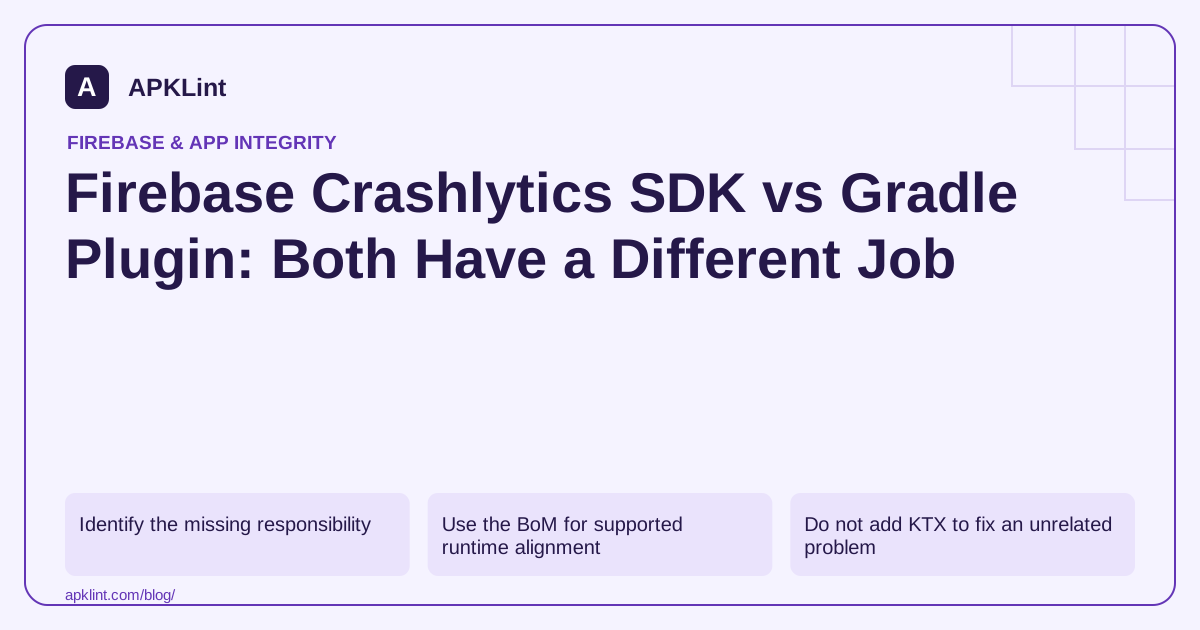
Identify the missing responsibility
| Symptom | Inspect first |
|---|---|
| Crashlytics classes unavailable to app code | Runtime dependency and source set |
| Reports arrive but release names are obfuscated | Mapping/build integration |
| Plugin cannot be resolved | Plugin version and repositories |
| Reports target the wrong Firebase app | Google services configuration and variant |
The setup guide gives the supported combination. Avoid copying a dependency coordinate into the plugin declaration block: those syntaxes are not interchangeable.
Use the BoM for supported runtime alignment
A module fragment can declare:
implementation(platform("com.google.firebase:firebase-bom:34.19.0"))
implementation("com.google.firebase:firebase-crashlytics")
This dated example uses the BoM listed on 22 September 2026. The release table remains the source for later version checks. The Gradle plugin has its own version and compatibility requirements.
Do not add KTX to fix an unrelated problem
Current Firebase guidance moves Kotlin users to main modules; old firebase-crashlytics-ktx examples should not be pasted into a new setup as a default dependency. A missing import may require a documented migration rather than restoring an unsupported module.
Inspect the selected release graph
Run a dependency report for the distributed variant. A transitive constraint or manually pinned library can affect the final SDK version. Keep one clear version-management strategy instead of forcing several Crashlytics coordinates independently.
Verify the full reporting path
Build, install, trigger a controlled test crash, relaunch and inspect the intended Firebase app. For optimized builds, check readable frames from the exact release mapping.
APKLint's Gradle Dependency Checker can help spot misplaced declarations or inconsistent configuration. It cannot confirm plugin execution in your environment or the arrival of a remote report, so retain actual build output and dashboard confirmation as separate evidence.
Diagnose two failures that need different dependencies
In the first example, application source cannot resolve the Crashlytics class. Inspect the runtime SDK declaration in the module and source set that compiles that file, then inspect the resolved compile classpath. Adding only the Gradle plugin does not make the runtime API available to application code. In the second example, the app records a report but optimized method names remain unreadable. The runtime path works; investigate the matching mapping and build integration rather than repeatedly adding the SDK.
The Crashlytics Android setup documents both components and their separate configuration. Keep the plugin version outside the assumption that every Firebase component shares the BoM's number. A plugin version, runtime version and BoM version identify different artifacts.
Inventory the distributed flavor
Suppose the application has staging and production flavors. Record the runtime dependency, applied plugin and selected Firebase app for the production release variant. A staging crash arriving successfully does not establish that production uses the same configuration. Likewise, a dependency visible in the debug report may be absent or changed in the release graph.
Build the production-like test variant, retain its artifact identity and trigger a controlled crash through a test-only path. Restart the app under the documented conditions and confirm the event in the intended Firebase app. If collection depends on consent, test the permitted and disabled states separately without bypassing the shipped decision logic. Keep a handled-exception reporting test distinct from the fatal-crash test: catching an exception changes the application's behavior and does not demonstrate process-crash recording.
For optimized builds, use a known method in the test trace and verify that the report resolves it meaningfully. If native code is involved, inventory the native reporting integration and symbols independently from the managed-language dependency. Keep the result category precise: SDK available to source, runtime event recorded, event delivered and frames readable are separate observations. This prevents a green dependency resolution or successful plugin application from being presented as proof of the complete diagnostic pipeline. Remove the deliberate crash trigger from public access before releasing the candidate.
Sources and further reading
Reference review: 29 September 2026. Examples illustrate the workflow; check your installed versions, release artifact and account-specific Console requirements before applying them. This guide is not a claim that APKLint executed your project or verified your private account.

Android inspection tools and practical release guides. About APKLint · Report a correction