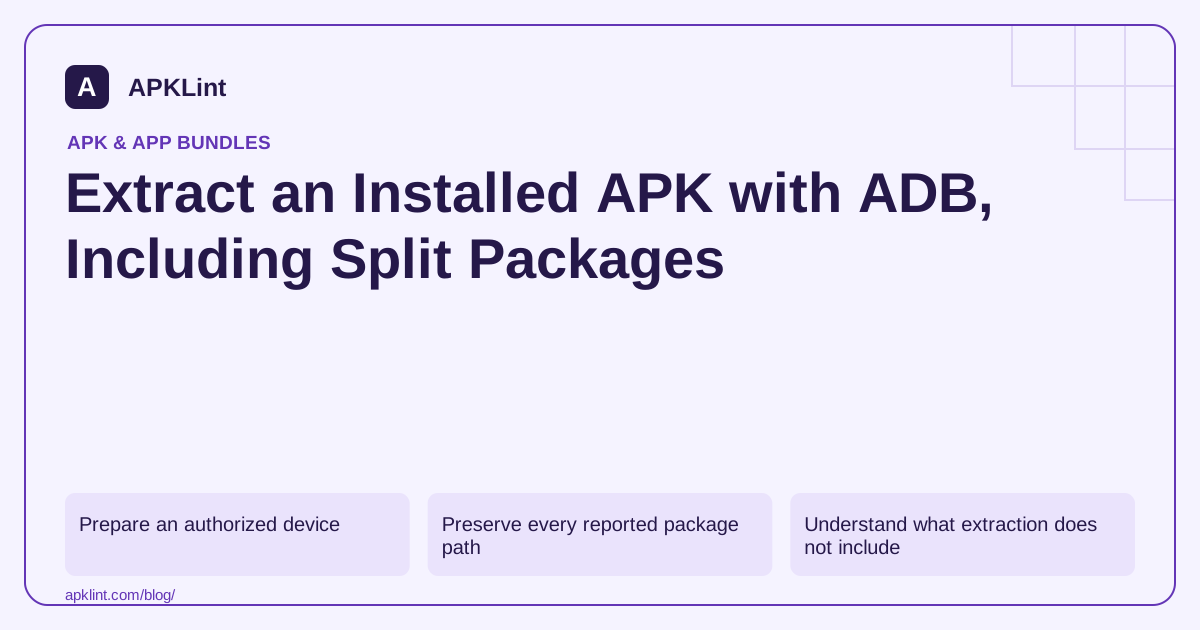
Prepare an authorized device
Use a test device you control, enable USB debugging deliberately and authorize only the intended development computer. Confirm which device ADB is targeting before reading files. Do not use a production user's device as an unplanned extraction lab.
adb devices
adb shell pm path com.example.app
Replace the example package with the installed application ID. When several devices are connected, use adb -s SERIAL ... for each command so the source remains unambiguous. ADB reference.
Preserve every reported package path
pm path can print multiple package: lines. Copy each path and pull it to a dedicated folder, for example:
adb pull /data/app/ACTUAL_INSTALL_PATH/base.apk ./extracted/base.apk
adb pull /data/app/ACTUAL_INSTALL_PATH/split_config.arm64_v8a.apk ./extracted/
The paths shown are placeholders. Use only the paths returned on your device; installation directories are not stable identifiers. Record the full returned list even if some entries are not relevant to your immediate analysis.
Understand what extraction does not include
Pulling package APKs does not back up private databases, account tokens, user preferences or all downloaded content. It is not a complete app backup. Protected app data remains governed by Android's sandbox and the device's security model.
On-demand features or asset packs that were never downloaded might not be present. A device-specific split set is also not a universal release for every CPU, density or language. Bundle delivery structure.
Verify the set before relying on it
Check application IDs, version codes and signing information across the files. Keep them together under one extraction record. Combining a base from one version with configuration splits from another can fail installation or create misleading analysis results.
For your own distribution tests, prefer generating a coherent APK set from the original AAB using bundletool. That is more reproducible than assembling files collected from unrelated devices.
Close the debugging session
When finished, remove temporary artifacts that contain confidential information and revoke debugging access where appropriate. Do not upload extracted commercial builds to public scanners without authorization.
APKLint can inspect the APKs you select, but a single uploaded base APK does not necessarily describe the complete installed application. State that limitation in any security, size or compatibility conclusion derived from the extraction.
Keep the device and package set in one record
Suppose a test phone returns a base APK, an arm64 configuration APK and an English language APK for your notes application. Create a directory dedicated to that extraction and save the complete returned path list before pulling files. Associate the directory with the device serial, application ID, observed version and extraction time. A later query after an update may return different installation paths; do not mix the two results in one unlabeled folder.
Pull each reported file using the selected device explicitly. For a package with three reported paths, confirm that the local inventory contains three successful copies before claiming the set is complete. If one transfer fails, retain the error and retry that transfer from the same installation state. Do not replace the missing file with a similarly named split found on another device or download site.
Verify what the copied bytes can establish
Compute local hashes and inspect each APK with appropriate Android tooling. Check that package identity, version and signing information are coherent. The ADB reference documents device selection and file transfer; these commands do not transform the result into a source backup or a universal installer. Describe your evidence as the package set observed on that particular device.
If the purpose is to investigate a missing feature, record whether that feature was installed when you queried package paths. An optional feature absent from the device may still exist in the publishing bundle. Obtain the original build artifact for a whole-product inventory rather than interpreting one device's installed state as the complete release.
Before sending the extraction to another analyst, decide which files and device details they actually need. Use a synthetic or development installation for repeatable experiments and keep confidential release binaries within the approved review channel. The useful handoff is a coherent set with provenance and limits, not a collection of files named base.apk whose originating devices and versions are no longer known.
Sources and further reading
- Android Developers: Android Debug Bridge
- Android Developers: bundletool
- Android Developers: App bundle format
Reference review: 29 September 2026. Examples illustrate the workflow; check your installed versions, release artifact and account-specific Console requirements before applying them. This guide is not a claim that APKLint executed your project or verified your private account.

Android inspection tools and practical release guides. About APKLint · Report a correction