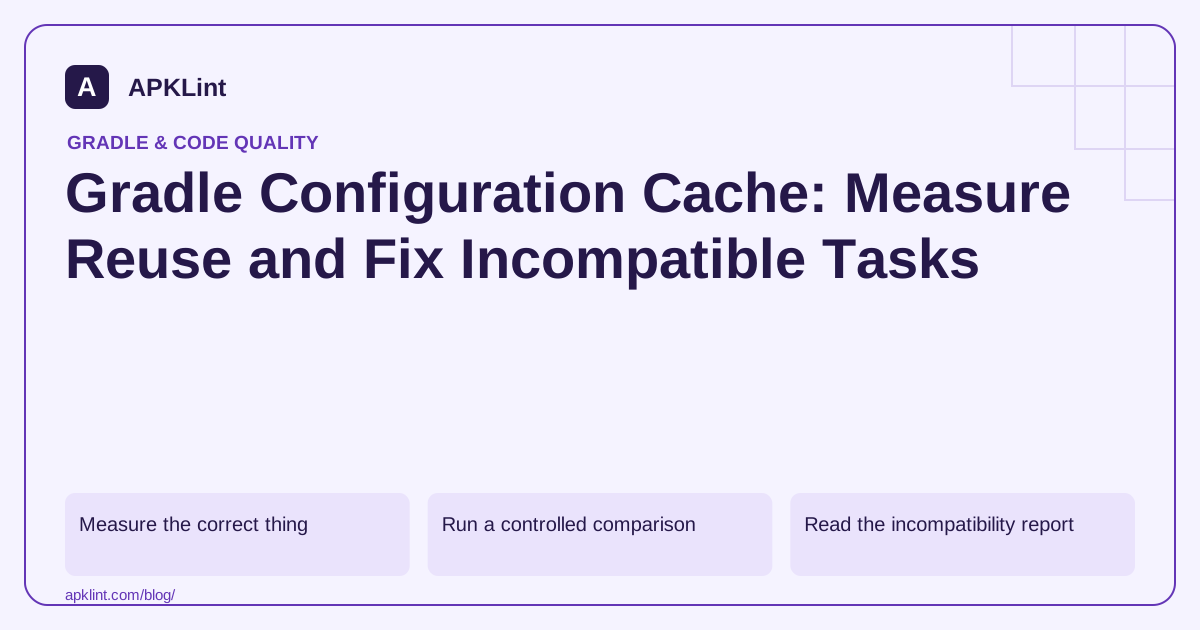
Measure the correct thing
| Mechanism | Reuses or avoids |
|---|---|
| Configuration cache | Configuration work for a compatible task graph |
| Build cache | Previously produced task outputs |
| Up-to-date checks | Unnecessary execution when inputs and outputs are unchanged |
The configuration-cache guide explains compatibility and invalidation. A faster second build alone does not identify which mechanism helped.
Run a controlled comparison
./gradlew :app:assembleDebug --configuration-cache
./gradlew :app:assembleDebug --configuration-cache
Keep the same environment and requested tasks. Inspect whether Gradle stored and then reused the configuration entry. Do not compare a cold dependency download with a warm build and attribute the entire difference to configuration caching.
Read the incompatibility report
Tasks that access project state during execution or depend on undeclared configuration inputs may be incompatible. Use the generated report to identify the owning task or plugin.
Prefer a supported plugin update or a correct task implementation over globally suppressing problems. Custom tasks should use declared inputs, outputs and supported providers rather than reaching back into mutable project configuration at execution time.
Preserve build correctness
A cache hit is not the only acceptance criterion. Change a relevant input and verify that Gradle invalidates or reconfigures appropriately. A task that reuses stale configuration can produce the wrong artifact quickly.
The Gradle performance guide recommends measurement rather than speculative flags. Benchmark a representative set of developer and CI tasks.
Document the result
Record Gradle, AGP, JDK, task invocation, cache reuse and measured timings. APKLint's Build Analyzer can help inspect custom task patterns, but it cannot reproduce your environment or prove cache correctness from a build fragment. Keep the actual Gradle reports with the optimization change.
Separate configuration reuse from task reuse
For a representative developer task, record the first invocation that stores a configuration entry and several subsequent invocations that report reuse. Keep dependency downloads warm before comparing timings, and record whether compilation tasks were executed, up to date or restored from another cache. A second run can improve for several reasons at once. Attribute a measured configuration improvement only to evidence about the configuration phase.
The Gradle configuration-cache documentation describes the stored build configuration and supported model. Keep the command, Gradle version, plugin versions and relevant environment with the measurement. A median across comparable runs is more informative than selecting the fastest run from one setup and the slowest from another.
Test a configuration input that changes the artifact
Suppose a build property selects a demo API endpoint for a test variant. Build once, change that property through the supported configuration mechanism and build again. Inspect the generated value or artifact to confirm that the second build uses the new endpoint. Use synthetic endpoints and avoid placing production secrets in generated code. The experiment should demonstrate correct input tracking, not just a log line saying the cache was reused.
If a custom task causes a compatibility problem, identify the exact task and the unsupported access shown in the report. Refactor its inputs through supported properties or providers so execution does not reach into mutable project state. Test the task both with and without configuration caching. A compatibility workaround that silently drops an input can produce an apparently faster but incorrect build.
For a third-party plugin, check its supported version and documented cache status before applying a broad suppression. Keep any temporary exception limited and measurable. Also test a different requested task graph, such as unit tests after assembly, because it may require a separate cache entry. Report the scenarios that were actually validated. Do not promise a fixed percentage speedup for all users: project configuration cost, task selection, machine resources and plugin behavior determine how much reuse helps a particular workflow.
Sources and further reading
Reference review: 29 September 2026. Examples illustrate the workflow; check your installed versions, release artifact and account-specific Console requirements before applying them. This guide is not a claim that APKLint executed your project or verified your private account.

Android inspection tools and practical release guides. About APKLint · Report a correction