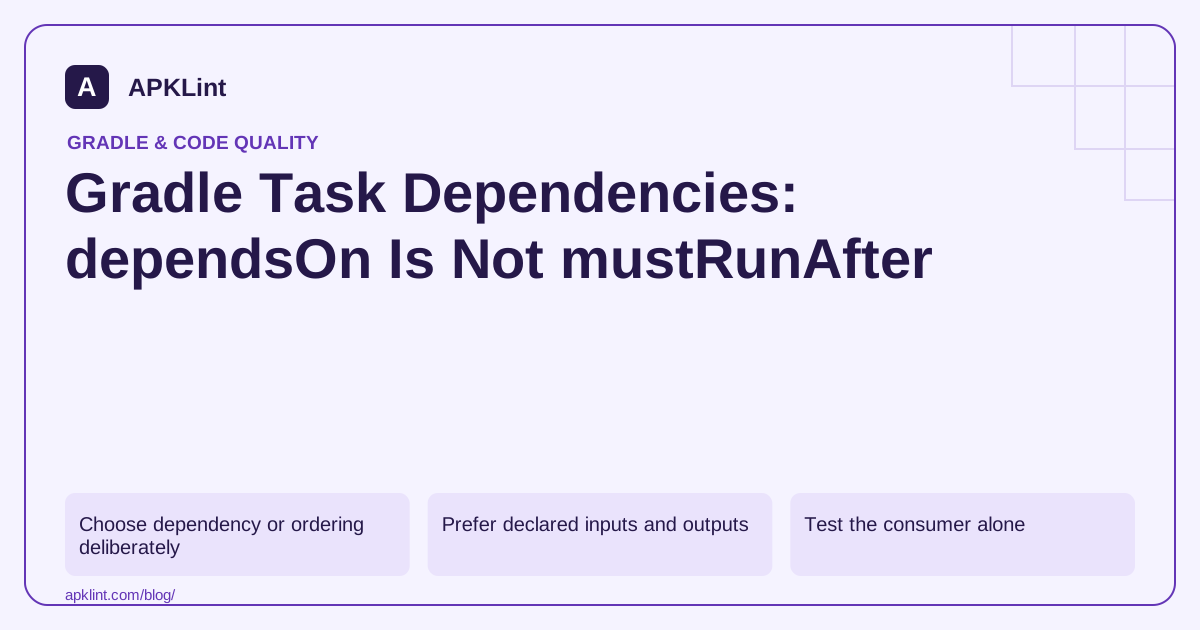
Choose dependency or ordering deliberately
| Relationship | Effect |
|---|---|
dependsOn(producer) |
Schedules the producer before the consumer |
mustRunAfter(other) |
Orders both tasks when both are scheduled |
shouldRunAfter(other) |
Expresses a weaker ordering preference |
finalizedBy(cleanup) |
Schedules a finalizer under Gradle's documented rules |
The task execution reference describes the differences. Ordering does not establish that a required output exists.
Prefer declared inputs and outputs
If one task consumes another task's output, model that relationship through task providers and declared properties where possible. This gives Gradle information for dependency inference, incremental execution and caching.
An illustrative explicit dependency is:
val generateManifest = tasks.register("generateManifest") {
    // A real task should declare its inputs and output file.
}
tasks.register("packageExample") {
    dependsOn(generateManifest)
}
This example shows scheduling only. It is not a working Android packaging task and should not replace AGP's own artifact APIs.
Test the consumer alone
Run the consumer task from a clean relevant output state. If it succeeds only after a developer manually ran the producer, the dependency model is incomplete.
Also test parallel execution where your build supports it. Accidental ordering that works in a serial local build can fail in CI when tasks run concurrently.
Avoid global task-order patches
A broad mustRunAfter rule across all tasks can hide the symptom without declaring the missing data relationship. It may also slow the build and make future plugin upgrades fragile.
Use plugin-supported APIs for generated Android sources or resources rather than relying on internal task names that can change between AGP versions.
Review with build evidence
APKLint's Build Analyzer can help inspect suspicious task wiring, but it cannot execute the actual graph from a fragment. Retain the successful task invocation, declared inputs/outputs and configuration-cache results with the change. The goal is a correct dependency model, not merely a command that happened to finish once.
Model a generated resource as data
Imagine a task generates a synthetic catalog JSON file and another task copies that file into a distribution directory. The copy operation needs the producer's output, so its input should be wired to the producer's declared output property through a supported task provider. A bare path string plus a scheduling rule loses useful information about where that file comes from and which inputs can change it.
First define the generator's input data and output file. Then make the consumer use that output provider. Gradle can use the modeled relationship when scheduling and checking task state. The task execution reference explains dependency and ordering behavior; Android generated-source integration should additionally use the public APIs supported by the selected Android plugin.
Demonstrate why ordering alone is insufficient
With only consumer.mustRunAfter(producer), requesting the consumer does not by itself request the producer. If yesterday's output remains in the build directory, the consumer may appear to succeed. Remove only the disposable generated output in a test checkout and request the consumer again. A missing-file failure exposes the accidental dependence on stale state. This is a stronger diagnostic than repeatedly running both tasks manually in a favorable order.
After modeling the dependency, run the consumer alone and verify the generated contents. Change a generator input and confirm the consumer receives the new value. Repeat with parallel execution if the project supports it. A valid dependency should express the required data relationship regardless of which unrelated tasks happen to run nearby.
Use finalizers for their documented lifecycle purpose, such as cleaning up a test resource after a task, rather than as a substitute for producing an input before consumption. Keep cleanup scoped to resources created by that task and preserve useful failure diagnostics. Finally, check configuration-cache compatibility if the project enables it. A task graph that works once but reaches into unsupported project state during execution remains fragile. Document the provider connection and the isolated consumer test so later refactoring does not replace the relationship with an unexplained ordering patch.
Sources and further reading
Reference review: 29 September 2026. Examples illustrate the workflow; check your installed versions, release artifact and account-specific Console requirements before applying them. This guide is not a claim that APKLint executed your project or verified your private account.

Android inspection tools and practical release guides. About APKLint · Report a correction