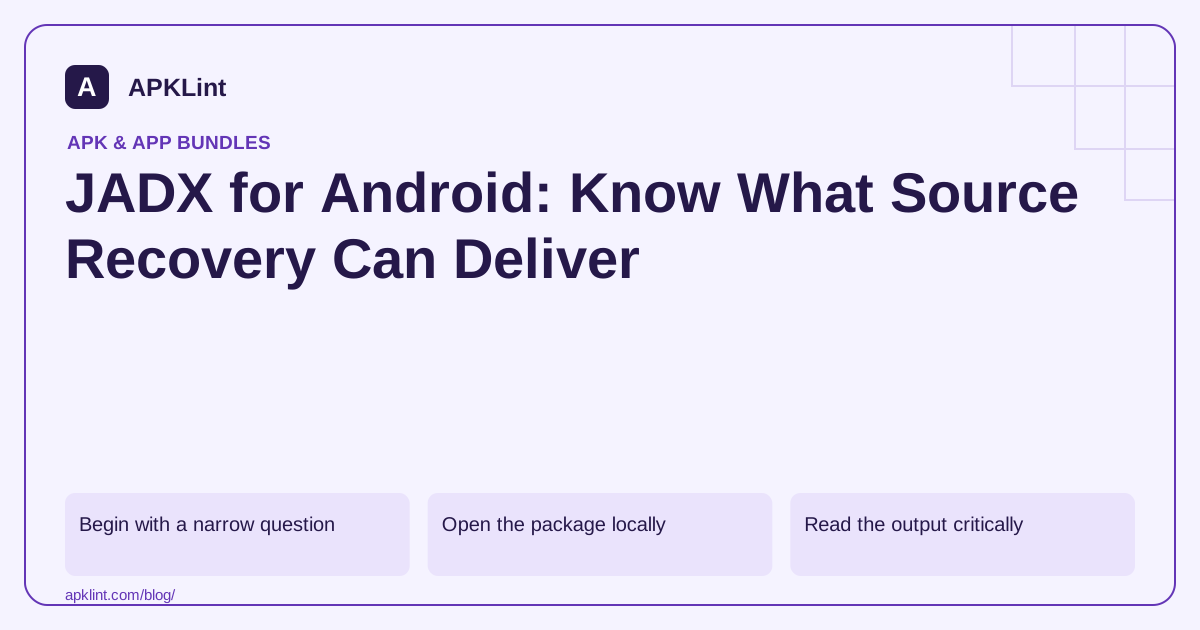
Begin with a narrow question
Decide whether you are locating a permission-related call, identifying a bundled SDK, tracing an error or understanding your own lost implementation. A focused question limits the amount of code you need to interpret and reduces accidental exposure of unrelated proprietary information.
Keep a copy of the original APK, its package/version and the JADX version used. Analyze only software you own or are authorized to inspect.
Open the package locally
The command-line form is:
jadx -d jadx-output owned-app.apk
The graphical interface is useful for navigation and cross-references, while the command line makes the run easier to record. Obtain releases from the official JADX project, not an unverified download mirror.
Read the output critically
| Observation | Appropriate interpretation |
|---|---|
| Readable method body | A useful reconstruction to verify against behavior |
| Warning or failed method | Incomplete analysis requiring bytecode inspection |
| Very short class names | Possible obfuscation, not necessarily malicious intent |
| Generated state-machine code | Often a compiler transformation, not handwritten design |
| Missing expected source | It may be optimized away, native, split-delivered or absent |
A package namespace can hint at a library's origin, but it is not a definitive version or vulnerability identifier. Confirm dependencies through build records when available.
Use cross-references to test a hypothesis
Find where a method is called and under which conditions. Follow inputs from a UI action, intent or network response to the relevant operation. Record the path rather than quoting one isolated API call as proof of behavior.
If a reconstruction seems contradictory, inspect the DEX format and disassembled method. Dynamic loading, reflection and native calls can limit what static navigation reveals.
Do not equate export with source recovery
JADX cannot reproduce every original Gradle setting, source comment, removed branch or signing credential. An exported project-like directory is not necessarily buildable, and compilation after manual edits does not prove behavioral equivalence.
APKLint's decompiler can help with an initial inspection workflow. For deeper code navigation, preserve a local analysis record and validate important conclusions using the original source or a controlled runtime test whenever available.
Investigate one data path rather than one API name
Suppose you are reviewing an owned app's export feature and find a file-writing API call. Identify the method containing it, the value used for the destination path and the callers that supply that value. Trace whether the path is fixed, selected by the user or derived from another input. The API name alone does not tell you whether the feature writes to the intended location.
Create a small synthetic export in the running test build and compare the observed filename and content with the static hypothesis. If the app takes an alternative branch on cancellation, inspect and test that branch separately. Record the exact class and method descriptor alongside the artifact hash, because an obfuscated name can change on the next build.
Resolve a failed method before relying on its output
If JADX reports that a relevant method could not be reconstructed cleanly, retain the warning and examine its bytecode-level representation. Do not quote a plausible-looking fragment as complete implementation evidence. The official project documentation describes the available tools and limitations; version-specific options should be checked against the installed release.
Where the original source is available, compare the compiled release with that source and matching mappings. This can explain synthetic classes, renamed members and optimized control flow. Where it is unavailable, state the inference and the untested assumptions. A cross-reference view may not reveal every reflective or native invocation, so absence from a simple caller list is not universal proof that a method is dead.
Keep exported analysis files separate from the source repository. An exported Java-like file is a useful reading aid but may require substantial reconstruction to compile, and successful compilation would still need behavioral tests. A clear investigation result might identify the destination-path calculation and the tested cancellation behavior while leaving unrelated failed methods outside its claim. That is more useful than describing the whole APK as fully recovered.
Sources and further reading
Reference review: 29 September 2026. Examples illustrate the workflow; check your installed versions, release artifact and account-specific Console requirements before applying them. This guide is not a claim that APKLint executed your project or verified your private account.

Android inspection tools and practical release guides. About APKLint · Report a correction