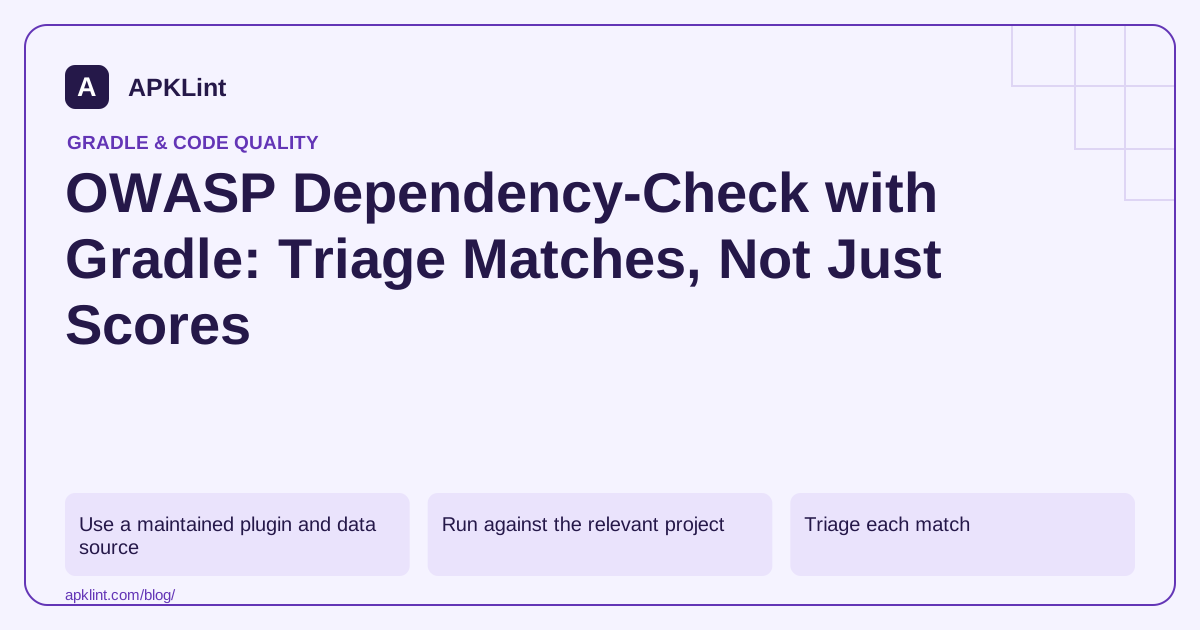
Use a maintained plugin and data source
The official Gradle plugin project documents the current plugin, supported Gradle/Java versions and vulnerability-data requirements. Its current documentation lists the 13.0.0 line and warns that older versions require updates for NVD API compatibility.
Pin a reviewed compatible plugin version. Configure any required API credentials through protected build configuration, not source code or a public CI log.
Run against the relevant project
A typical task invocation is:
./gradlew dependencyCheckAnalyze
Task availability and scope depend on where the plugin is applied. Consult the selected version's documentation for multi-module aggregation and report locations; do not assume an old blog's output path remains correct.
Triage each match
| Question | Evidence |
|---|---|
| Is the identified component correct? | Coordinate, resolved version and package evidence |
| Does the advisory cover this version? | Publisher advisory and affected range |
| Is it in the release runtime graph? | Gradle dependency report |
| Is a fix compatible? | Upgraded graph and feature tests |
| Is suppression justified? | Narrow rule, explanation and review date |
Use dependency insight to find the parent introducing the library. Updating a direct declaration may not change the selected transitive version.
Avoid score-only build gates
A threshold can support policy, but it should not replace review. A broad suppression that hides an entire package indefinitely can conceal future genuine issues. Keep false-positive evidence and expiry or reassessment conditions with each exception.
Combine with APKLint
APKLint's dependency and vulnerability tools can assist quick reviews, but a pasted build fragment is not the resolved graph and a clean report is not a complete application security assessment. Preserve scan date, data freshness, resolved dependencies and remediation tests so the result can be reproduced for the released build.
Investigate a transitive match before suppressing it
Suppose the report associates a packaged library with a vulnerability affecting a similarly named product. First compare the resolved Maven coordinate, version and advisory's product identity. Keep the report's matching evidence with the investigation. A familiar filename alone cannot establish applicability, while an inconvenient severity score is not a reason to dismiss a correct match.
The Gradle plugin documentation describes analysis tasks and data requirements. Record whether the vulnerability-data update completed, when the data was refreshed and which configurations were analyzed. A report generated after an update failure can have a different assurance value from a current successful scan.
Verify that the intended fixed version is selected
Find the dependency path introducing the library and review the publisher's advisory for the affected and fixed versions. Make the appropriate direct or transitive update, then inspect resolution again. A build-file edit can leave the old version selected because another constraint or dependency still controls the result.
Run the feature tests that exercise the library's actual role. For a document parser, include a supported document and a malformed synthetic document; for a networking library, include the relevant connection and error paths. Passing a dependency scan does not establish that an API or behavior change preserved the app's functionality.
If the match is demonstrably false, create a narrow suppression with the exact identification evidence, an owner and a reassessment condition. Avoid suppressing every future advisory for the component. A later version or a different vulnerability can change the conclusion even when the library name remains the same.
Keep the before-and-after reports with the resolved release graph and artifact hash. When the result changes, explain whether the cause was a dependency update, a corrected identification or refreshed vulnerability data. Those are different kinds of evidence and should not all be described as a code fix.
Finally, confirm that the configured analysis scope includes the runtime dependencies of the delivered variant. A clean report for an unrelated test configuration cannot close a finding against a library still present in the production package.
Sources and further reading
Reference review: 29 September 2026. Examples illustrate the workflow; check your installed versions, release artifact and account-specific Console requirements before applying them. This guide is not a claim that APKLint executed your project or verified your private account.

Android inspection tools and practical release guides. About APKLint · Report a correction