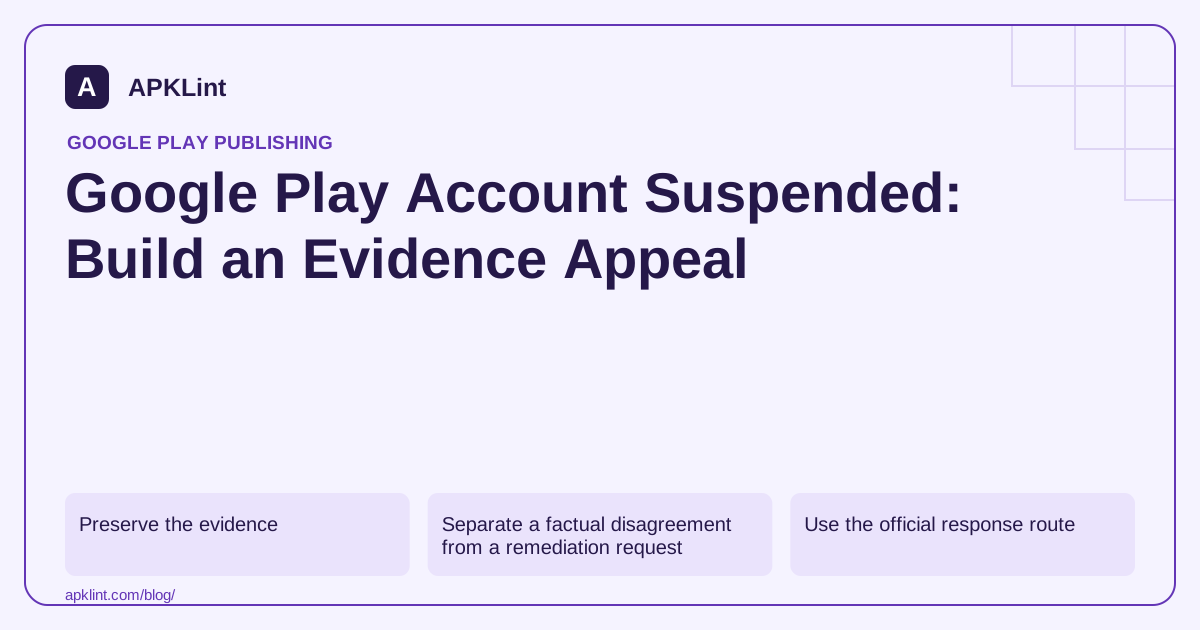
Preserve the evidence
Save the notice, package name, version code, cited policy, timestamps and case identifier. Record which account owner can access the relevant Console page. Do not distribute the notice publicly with personal details or authentication links intact.
Compare the reviewer-described behavior with the precise production artifact and server configuration active at the time. A corrected development build is not evidence that the reviewed release behaved differently.
Separate a factual disagreement from a remediation request
| Situation | Appeal evidence |
|---|---|
| Reported feature is not present | Reproducible navigation and matching release evidence |
| A real defect was corrected | Root cause, changed artifact/configuration and verification steps |
| SDK caused undisclosed behavior | Affected version, removal/update and revised disclosures |
| Ownership or licensing questioned | Genuine rights documentation for the relevant material |
State what you know, what changed and what remains uncertain. Do not invent a security audit, user count or approval from another service.
Use the official response route
Follow the appeal or support route specified in the enforcement notice. Keep subsequent communication attached to the existing case where possible. Repeated copies of the same unsupported message do not add evidence.
Do not create replacement accounts or re-upload an unchanged suspended app to evade enforcement. Review Google's enforcement process for the consequences and permitted response.
Fix the complete user-visible problem
A violation may involve the listing, SDK behavior, web content opened by the app, review access or disclosures—not only Java/Kotlin code. Reproduce the entire flow and verify the release actually available to reviewers.
APKLint's rejection checklist can help structure this investigation. It cannot access Google's internal review evidence, guarantee reinstatement or submit an appeal for you.
An effective appeal is a compact evidence packet: action being challenged, factual explanation, root cause when applicable, implemented correction, reproduction instructions and supporting files. Keep it specific to the cited developer policy, not a lengthy unrelated account history.
Reconstruct the reviewed experience before drafting a response
Suppose a notice identifies misleading access to a feature advertised as free. Locate the exact listing revision, distributed artifact and server entitlement settings that were active for the reviewed release. Reproduce the route with a fresh synthetic account. The current development app may already contain changes and cannot stand in for the historical evidence.
Record whether the mismatch occurs in the store copy, onboarding, purchase screen or backend entitlement. If the listing promised unrestricted export while the server required payment, rewriting an unrelated help page does not correct the reviewed experience.
Build a response around verifiable facts
Use the official route described in the notice and the enforcement guidance. Identify the action and case being addressed. Then explain the factual disagreement or confirmed root cause, with supporting material tied to the affected release rather than a general assertion that the team follows every policy.
For a correction, describe what changed and how the original steps were retested. A useful attachment could show the revised listing claim alongside the actual entitlement screen using synthetic data. Redact personal information and reusable credentials before sharing evidence outside its intended secure channel.
If the available evidence does not reproduce the notice, describe the conditions you tested and the missing context. Do not turn an unsuccessful reproduction into certainty that the finding is false. Device, account, market or remote settings can explain a difference that an ordinary development session does not expose.
Have an authorized account owner retain the submission and subsequent case updates. Keep the internal engineering issue linked to the same case so later responses do not contradict an earlier explanation or refer to the wrong corrected version.
Review related product surfaces for the same root cause while the case is handled. A shared entitlement component or copied listing claim can affect more than one feature. Describe the actual scope of that review without inventing an independent audit, promising reinstatement or attempting to bypass the enforcement action through replacement accounts.
Sources and further reading
Reference review: 29 September 2026. Examples illustrate the workflow; check your installed versions, release artifact and account-specific Console requirements before applying them. This guide is not a claim that APKLint executed your project or verified your private account.

Android inspection tools and practical release guides. About APKLint · Report a correction