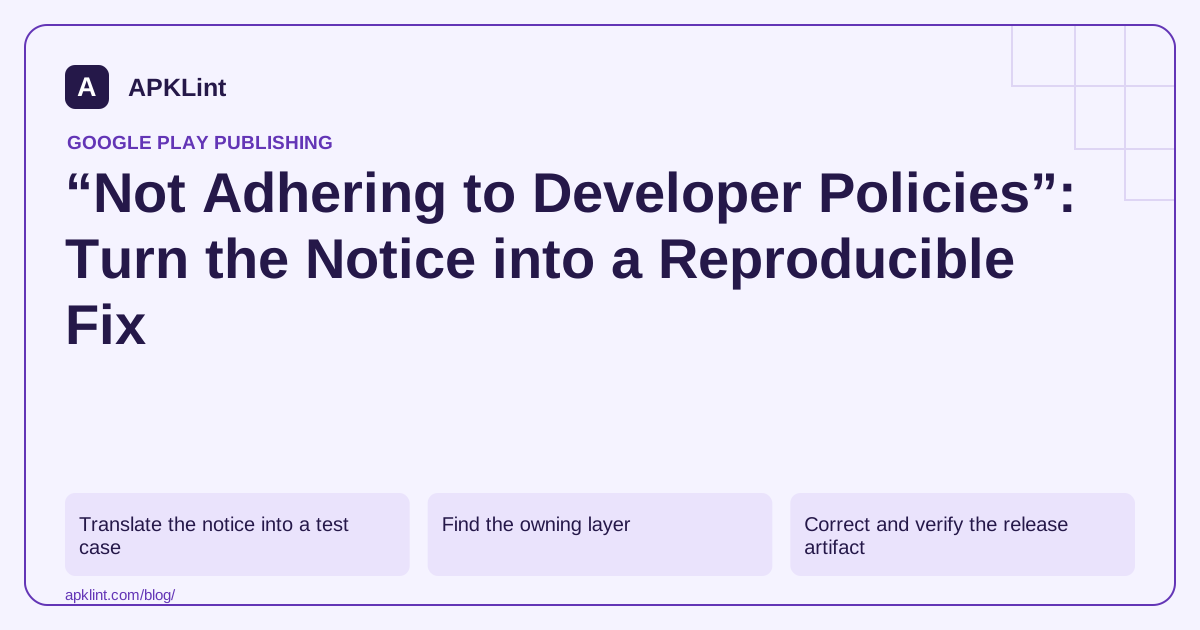
Translate the notice into a test case
Write the exact starting state, account conditions, navigation steps and observed result. Include geographic or audience configuration when relevant. If the notice references a screenshot, compare it with the reviewed build rather than the current development UI.
Separate facts supplied by Google from your hypotheses. “The ad adapter may initialize before consent” is a hypothesis until logs or code review establish the sequence.
Find the owning layer
| Layer | Examples to inspect |
|---|---|
| Store listing | Misleading feature claims or inappropriate metadata |
| App interface | Missing disclosure or inaccessible deletion flow |
| SDK/configuration | Collection, ad behavior or added permissions |
| Backend | Retention, account access or externally delivered content |
| Review setup | Broken credentials, geo restrictions or incomplete instructions |
A fix in the wrong layer can leave the reviewer-visible issue unchanged. For example, removing a manifest permission does not rewrite an inaccurate privacy policy.
Correct and verify the release artifact
Record the root cause and exact change. Build the intended variant, inspect its manifest and dependencies, and test the same steps that produced the issue. Use a new version code where a replacement artifact is required.
Test an existing-user upgrade as well as a fresh install. Old preferences or remote settings may keep the problematic behavior alive after the code changes.
Respond with evidence, not reassurance
Explain the cited issue, correction, artifact/version, verification and any review instructions. If you believe the finding is mistaken, provide the evidence supporting that disagreement without pretending uncertainty is proof.
APKLint's rejection checker can help organize this packet. It does not reveal the internal review process or guarantee the next decision.
Follow the notice's official response route and the enforcement guidance. Do not evade the action with an unchanged duplicate app. Keep the applicable policy linked to the issue so the next release does not accidentally reintroduce the same behavior.
Reproduce an initialization problem from a clean state
Suppose the cited issue concerns data transmission before the user's choice. Inspect automatic startup components as well as the code behind the visible consent button. In a controlled build with synthetic data, record the order of application launch, library initialization, choice display and relevant test requests. A correctly labeled button cannot govern a component that already initialized through another path.
Separate confirmed observations from hypotheses. If a request appears before the choice, identify its sender and payload purpose before concluding which declaration is wrong. If no request appears in a short run, do not treat that absence as proof that a delayed or remotely enabled path never executes.
Retest the original route and the neighboring states
After changing the initialization design, repeat the original clean-install sequence. Also test decline, acceptance, interrupted choice and a returning account where those states are part of the product. Check that an upgrade does not retain a stale preference that bypasses the correction.
Review the release dependency graph and merged manifest to ensure an obsolete adapter or startup declaration was actually removed. A source-code import disappearing from one module is not enough if a transitive dependency still contributes the same behavior.
Prepare the response through the notice's official route and keep the enforcement process in view. Describe the affected version, root cause, implemented change and repeatable verification. Use safe sample accounts and avoid including raw tokens or private customer data in the evidence.
If declarations or user-facing wording changed because the reviewed behavior was inaccurate, identify those corrections too. A technical fix can leave a contradictory privacy page or listing claim behind, and those surfaces remain part of what users and reviewers encounter.
Finally, retain a regression check for the repaired startup sequence. Run it when changing SDK versions or initialization architecture. The aim is to prevent the same underlying behavior from returning in a later release, rather than merely producing a reassuring response that is disconnected from the actual shipped artifact.
Sources and further reading
Reference review: 29 September 2026. Examples illustrate the workflow; check your installed versions, release artifact and account-specific Console requirements before applying them. This guide is not a claim that APKLint executed your project or verified your private account.

Android inspection tools and practical release guides. About APKLint · Report a correction