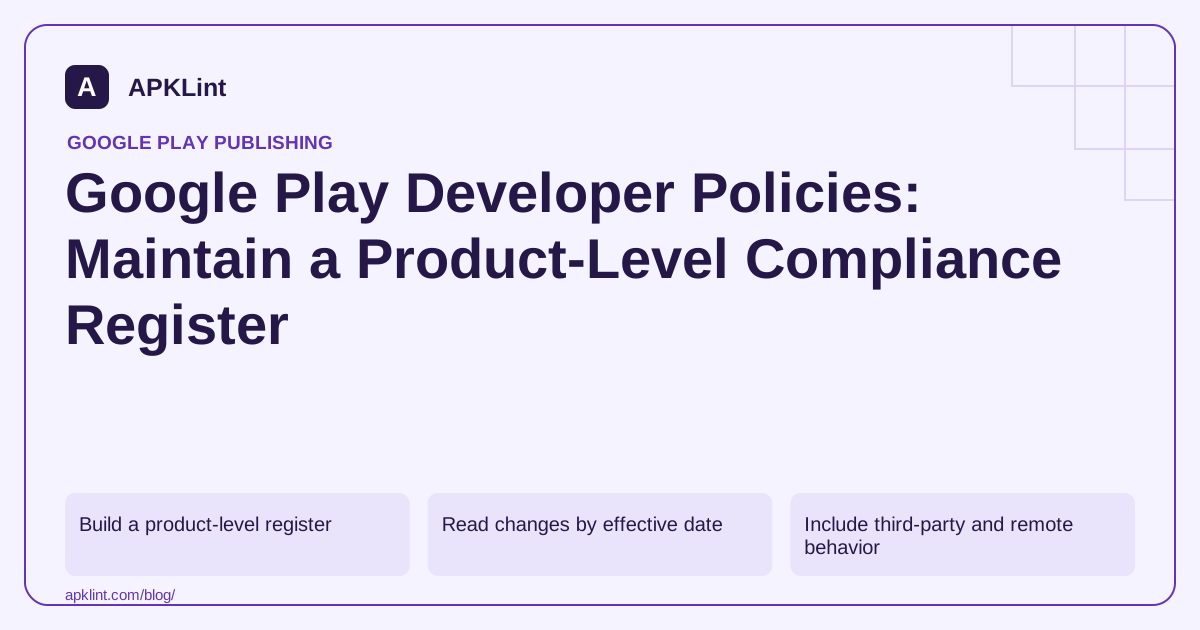
Build a product-level register
Create a row for each applicable policy area: user data, permissions, advertising, families, intellectual property, subscriptions or other product-specific requirements. Avoid marking unrelated policies as “passed”; use “not applicable” with a reason.
| Field | Example of useful evidence |
|---|---|
| Feature or SDK | Background location used by a declared tracking feature |
| Requirement | Applicable permission and disclosure conditions |
| Implementation | Consent screen, permission request and backend retention |
| Verification | Release version and reproducible test steps |
| Owner and review date | Person responsible for the next check |
This register connects source code, Console declarations and user-visible behavior instead of treating policy as a form-filling exercise.
Read changes by effective date
A newly announced requirement may have a future enforcement date. A current deadline may apply only to particular app categories or account types. Record announcement, effective date, affected scope and required work separately.
Do not rewrite every date in your internal policy document to today without rechecking the underlying requirement. That creates the appearance of review without evidence.
Include third-party and remote behavior
Your app can display externally hosted content, serve ads through mediation or receive remote feature settings. Those choices still affect the experience you publish. Inspect the production configuration, not only the default development settings.
When replacing an SDK, check collection, permissions, supported audience, initialization and contractual responsibilities. Removing one library can leave its adapter or manifest declaration behind.
Make policy review a release gate
Require evidence for changed high-risk flows before submission. The release owner should know which declarations need updating and how the app can be reviewed without access barriers.
APKLint's Google Play Policy Checker can organize questions and detect some declared signals. It is not an official certification, and a clean checklist cannot guarantee approval.
Maintain links to the Developer Program Policies, User Data policy and sensitive-permission requirements. Keep the register concise enough to update whenever the product changes, rather than producing an impressive document nobody maintains.
Add a remote feature to the policy register before activation
Imagine a local journal app introducing optional cloud backup. Create a register entry for the new data flow, including the selected content, destination, account requirement, deletion behavior and user control. The relevant change is the actual flow, even if a remote flag keeps the feature hidden in the first submitted binary.
Map that entry to the applicable Developer Program Policies and the product's declarations. Identify the owner who can verify implementation and the owner who updates the user-facing explanation. A single tick beside privacy does not reveal whether the new backup path was reviewed.
Define a concrete reason to reopen a completed entry
For cloud backup, useful triggers include adding a storage provider, changing retention, enabling background upload or allowing shared folders. Each can change the facts behind an earlier declaration. Keep the trigger close to the feature's release process so it is considered when the change is proposed.
Use a synthetic journal entry to check the enabled and disabled paths. Verify whether queued work continues after the user changes the preference, and whether deletion covers derived copies. Record the observed behavior accurately instead of choosing the answer that would be easiest to place in a form.
When a new policy announcement arrives, record its scope and effective date beside the affected register entries. Separate a future deadline from a currently failing requirement. This lets the release team schedule necessary work without presenting every announcement as an immediate universal block.
Keep unresolved questions visible with a specific next step, such as inspecting an SDK initialization path or clarifying a service-provider data practice. An unknown flow should not silently become a passed item because no owner has yet supplied evidence.
At release review, inspect the entries changed by the candidate and verify that their referenced artifact, remote settings and declarations agree. Retain the prior version of the register for historical diagnosis. This gives the team a maintainable record of product decisions without misrepresenting a checklist as official certification.
Sources and further reading
- Google Play: Developer Policy Center
- Google Play: User Data policy
- Google Play: Permissions and APIs that access sensitive information
Reference review: 29 September 2026. Examples illustrate the workflow; check your installed versions, release artifact and account-specific Console requirements before applying them. This guide is not a claim that APKLint executed your project or verified your private account.

Android inspection tools and practical release guides. About APKLint · Report a correction