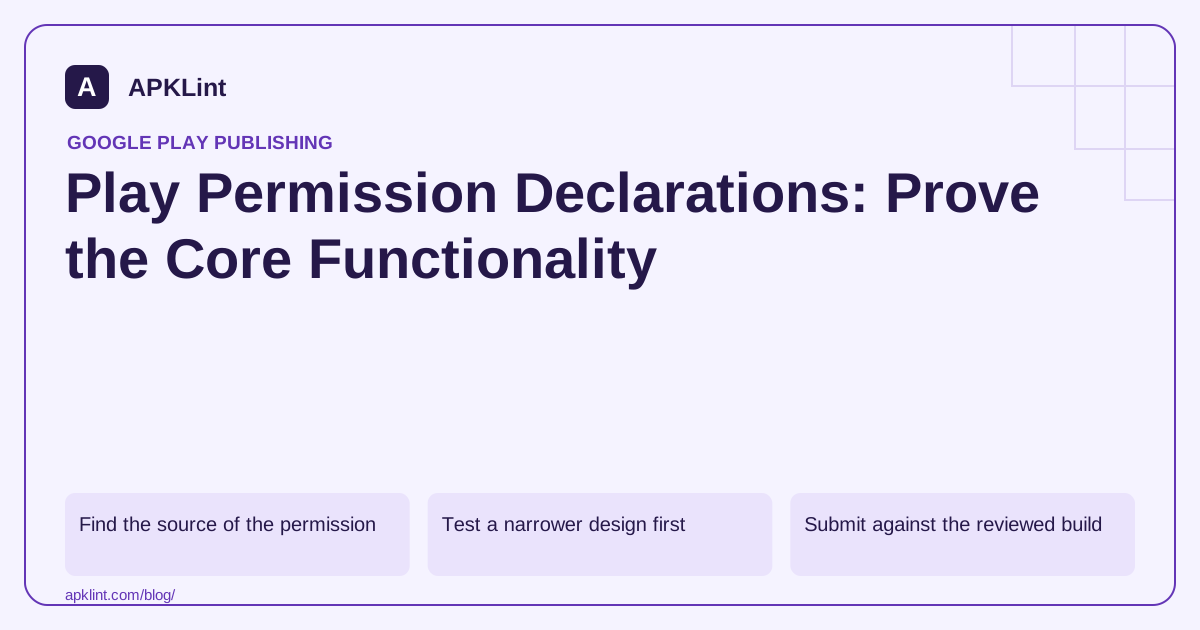
Find the source of the permission
Inspect the merged release manifest and dependency contributions. A library may introduce a permission that your app never intentionally requests. Remove unused access through a tested dependency or manifest change rather than writing a justification for an unnecessary capability.
Keep normal runtime permissions, special access and restricted Play-policy categories separate. They do not all use the same declaration form or eligibility rules.
Test a narrower design first
Examples include using the system photo picker instead of broad media access, a document picker instead of all-files access, or package-specific queries instead of broad app visibility. The correct alternative depends on the actual task.
| Evidence for a declaration | What to show |
|---|---|
| Core feature | User-visible purpose matching the store listing |
| Access scope | Exact permission and data used |
| Alternatives | Why a narrower supported API is insufficient |
| Disclosure | What the user sees before sensitive access |
| Demonstration | Reproducible instructions or requested video |
A vague statement such as “needed for app performance” does not explain why broad file access is necessary.
Submit against the reviewed build
Use the applicable declaration in Play Console's app-content workflow and answer for the release being submitted. Make sure reviewers can reach the feature with the provided account and instructions.
If a form is unavailable, first check the detected permission, app state and account permissions. Do not add unrelated permissions merely to trigger a form.
Verify denial and withdrawal
The app should handle users refusing or later removing access. Do not hide essential account or deletion controls behind an unnecessary permission gate.
APKLint's manifest and policy tools can surface declarations and review questions. They cannot approve restricted permission use or observe every runtime flow.
Consult the current sensitive-permission policy for the exact category. Keep the justification tied to the implemented product, and revisit it when the feature, SDK or distribution audience changes.
Compare broad access with the actual import task
Suppose a document app requests broad file access but its visible feature imports one user-selected file. Build a controlled version using the supported document-selection flow and test the real task: selecting, reading, processing and reopening the chosen document where the feature requires it. This establishes whether a narrower design meets the need before writing a justification for broad access.
The sensitive-permission policy describes category-specific requirements. Keep the technical capability question separate from policy eligibility. A permission being available in Android does not by itself establish that the app's store-distributed use qualifies.
Demonstrate the feature from a clean state
For a permission that remains necessary and applicable, record the exact release declaration, the user-visible feature and the reason the narrower alternative is insufficient. Reproduce the flow from a clean installation using synthetic data. Reviewers should be able to reach the same feature with the supplied account and instructions.
Test denial and later withdrawal. The application should identify the affected capability and preserve unrelated functionality. If the feature can offer a limited alternative, explain its behavior accurately rather than repeatedly redirecting the user to grant access.
Inspect dependency-contributed declarations in the merged manifest. Removing a direct line may leave the permission through a library, and adding a library can reintroduce access after a previous review. Compare the final artifact with the declaration form, not only the source file used in the original justification.
Prepare any requested demonstration material against the actual submitted build. A video from an older variant or a privileged internal account can conceal the navigation and access conditions a reviewer will encounter.
After a product change, revisit both the implementation and the justification. If the broad-access feature was removed, remove its unused permission and verify the resulting artifact. If the feature's purpose changed, reassess eligibility using the current category guidance instead of carrying forward a form answer whose original rationale no longer describes the app.
Sources and further reading
Reference review: 29 September 2026. Examples illustrate the workflow; check your installed versions, release artifact and account-specific Console requirements before applying them. This guide is not a claim that APKLint executed your project or verified your private account.

Android inspection tools and practical release guides. About APKLint · Report a correction