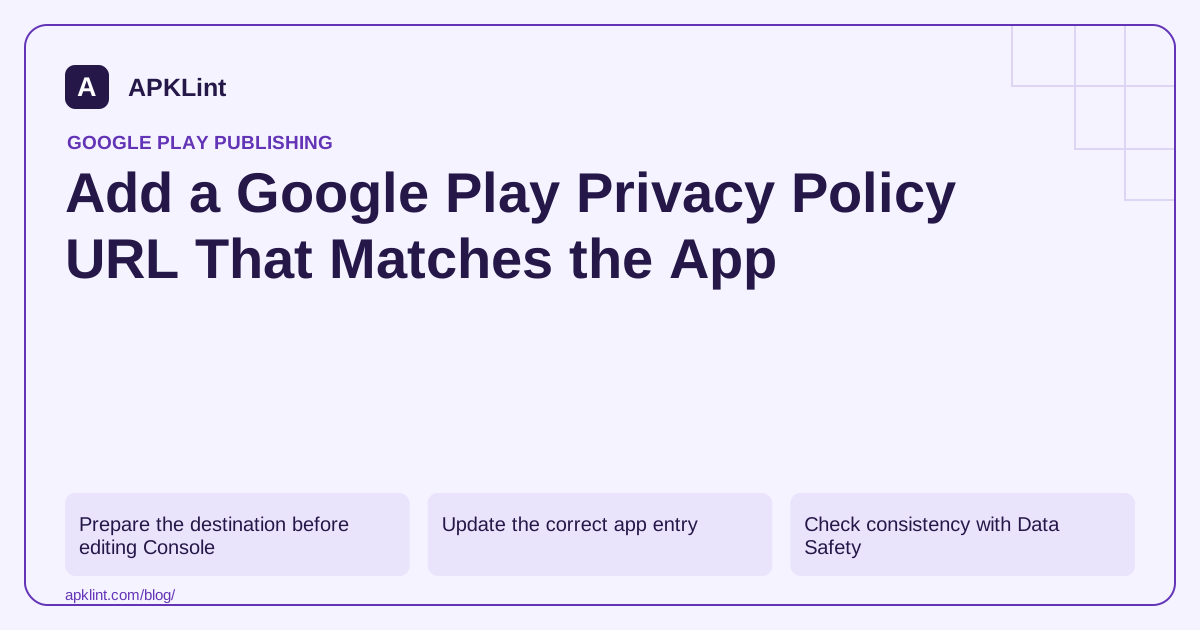
Prepare the destination before editing Console
Use a stable public HTTPS page that works without login, a geographic restriction or a special download. Identify the app or responsible entity clearly and provide a usable privacy contact. Test the page in a signed-out browser on a phone.
The policy should explain the data handled by the app and relevant SDKs, its purposes, sharing, security approach, retention and deletion. “We collect nothing” is unsuitable when an analytics or advertising SDK sends data off-device.
Update the correct app entry
Open the app's App content page in Play Console and manage the Privacy policy entry. Enter the public URL and save the change. Review any resulting pending changes in the publication workflow; saving a field and publishing a reviewed change are not always the same event.
Also update the in-app policy link. A corrected Console URL cannot repair an old link hard-coded into a released screen. Where the destination remains stable, revise the content transparently and keep a meaningful effective or revision date.
Check consistency with Data Safety
Compare the policy against the submitted Data Safety answers and account-deletion flow. A policy promising immediate deletion conflicts with a backend that retains an account indefinitely. A form describing optional analytics conflicts with unconditional collection before the choice appears.
APKLint's Privacy Policy Generator can help draft a structured starting point. Treat generated language as a draft to customize and review, not as legal certification or evidence of how the app behaves.
Prevent quiet link failures
Monitor the URL after domain changes, redirects and hosting migrations. Confirm that cookie dialogs, CDN challenges or broken mobile navigation do not prevent access. Keep previous revisions internally so the team can identify what users were told for a particular release.
Consult Google Play's User Data policy and Data Safety guidance. For jurisdiction-specific legal wording, obtain qualified review rather than treating a store form as a complete privacy-law checklist.
Test the exact destination that the shipped app opens
Install the candidate and open its privacy link from the normal settings or onboarding path. Compare that destination with the URL entered for the app in Console. A web page edited at a new address does not help users whose installed application still opens an old broken path. Prefer a stable maintained destination when it fits the product's hosting arrangement.
The User Data policy describes public accessibility, identification and content requirements. Use a publicly readable web page rather than a document that requires an account, editing permission or an unsupported download flow. Keep a clear privacy contact available to the reader.
Check signed-out access and mobile readability
Open the destination in a fresh signed-out browser and on a narrow phone screen. Follow any redirects and confirm that the final page still identifies the intended app or responsible entity. Check that a cookie banner, verification challenge or navigation overlay does not conceal the content indefinitely.
Test the policy's own contact and deletion links. A main privacy page can load correctly while its account-deletion route points to an obsolete form. Use a synthetic request path where appropriate and confirm the instructions match the service actually handling the request.
Review a concrete data flow against the text, such as an optional upload or crash report. If the policy says no information leaves the device, verify that this is consistent with the app's SDKs and enabled features. A URL field can be technically valid while the content behind it describes the wrong product.
When revising the page, preserve prior versions internally and use a meaningful revision date for the substantive change. Keep the current page's wording, Data safety declaration and user controls synchronized. Changing the date alone does not establish that any practice was reviewed.
After a hosting or domain migration, repeat the installed-app link test rather than checking only the new site's home page. This verifies the actual user path and catches redirect, certificate or path changes that can quietly break access from older supported releases.
Sources and further reading
Reference review: 29 September 2026. Examples illustrate the workflow; check your installed versions, release artifact and account-specific Console requirements before applying them. This guide is not a claim that APKLint executed your project or verified your private account.

Android inspection tools and practical release guides. About APKLint · Report a correction