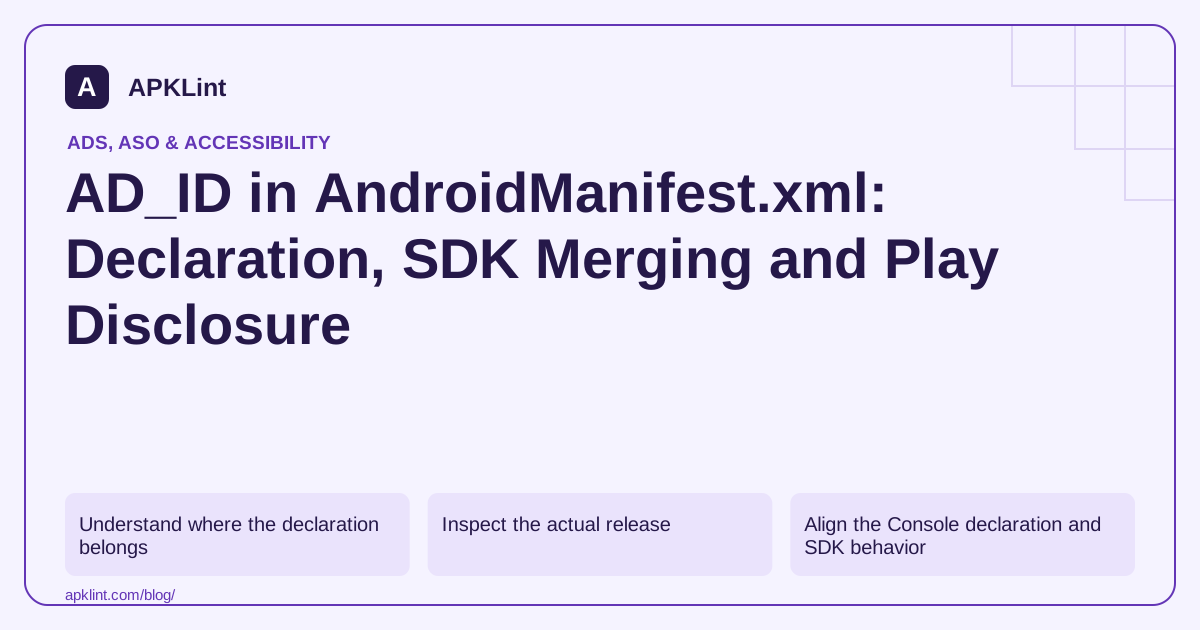
Understand where the declaration belongs
A direct declaration is a child of <manifest>, not <application>:
<uses-permission
    android:name="com.google.android.gms.permission.AD_ID" />
An advertising SDK can contribute this declaration during manifest merging. Google's legacy Mobile Ads SDK documentation notes automatic inclusion in supported SDK versions. Therefore, the absence of the line in your source manifest does not prove it is absent from the APK.
Inspect the actual release
Use Android Studio's merged-manifest view and inspect the final artifact. Identify which dependency introduced the permission and whether the product still uses that dependency.
If the app intentionally does not use advertising ID, review the SDK's supported configuration and manifest-removal procedure. Do not remove a declaration while continuing to claim that identifier-dependent features will behave identically.
| Signal | What it does not prove |
|---|---|
| AD_ID present | That every ad request includes an available identifier |
| AD_ID absent | That no other identifier or user data is collected |
| Advertising ID unavailable | That all advertising must stop |
| No runtime prompt | That no privacy disclosure is required |
Align the Console declaration and SDK behavior
Review the advertising-ID declaration in Play Console for the app and include SDK use when answering. Separately reconcile Data Safety, privacy policy, consent and audience settings.
A child-directed or mixed-audience app needs the applicable audience controls; copying a permission from an adult app is not a compliance strategy.
Test availability without depending on a fixed ID
Handle unavailable or reset identifiers without crashing. Do not cache a previous advertising ID as a permanent identity or reconnect it through another identifier to defeat a user's choice.
APKLint's Advertising ID Checker can help inspect the declaration. It cannot observe every runtime request or determine whether an identifier is available on a particular device.
Use the Mobile Ads setup reference, Android advertising-ID guidance and manifest-merging documentation to keep declaration, implementation and disclosure separate.
Identify the library that contributed the declaration
Consider a project whose main manifest contains no advertising-ID permission but whose release APK does. Open the merged-manifest report for the release variant and follow the declaration's origin to the contributing library. Record that dependency and the resolved version. Editing an unrelated source manifest without inspecting the merge does not establish that the final declaration changed.
The manifest-merging guide explains source priority and merge markers. The Mobile Ads setup guide describes SDK contribution of the advertising-ID declaration. Use those contracts with the exact variant being released, including flavor-specific manifests and transitive dependencies.
Compare artifacts before and after an intentional change
Save the original release manifest and dependency inventory. Make the intended supported configuration change, rebuild the same variant and inspect the resulting manifest again. Compare only the relevant declaration and contributing dependency first; unrelated manifest differences can hide the fact that the permission remained through a second library.
If the product intentionally disables advertising-ID collection, verify the supported SDK configuration and runtime behavior as well as declaration removal. Keep the expected effect narrow. Removing one permission does not prove the absence of IP addresses, app-set identifiers, analytics events or data handled by another component.
Test a normal advertising flow and the applicable unavailable-identifier branch using test advertising. The application should handle the intended configuration without assuming that a unique advertising ID is always present. A crash or broken screen after removal needs a concrete integration repair, not a claim that the missing permission automatically makes the application private.
Finally, reconcile the built artifact with the app's current Console declaration and data-flow review. Keep those records tied to the artifact version so a later adapter upgrade that reintroduces the permission is detectable. A small manifest difference can be significant, but it remains one observable part of the implementation rather than a complete answer about collection, user choice or store policy.
Sources and further reading
- Google: Legacy Google Mobile Ads SDK setup
- Android Developers: Best practices for unique identifiers
- Android Developers: Merge multiple manifest files
Reference review: 29 September 2026. Examples illustrate the workflow; check your installed versions, release artifact and account-specific Console requirements before applying them. This guide is not a claim that APKLint executed your project or verified your private account.

Android inspection tools and practical release guides. About APKLint · Report a correction