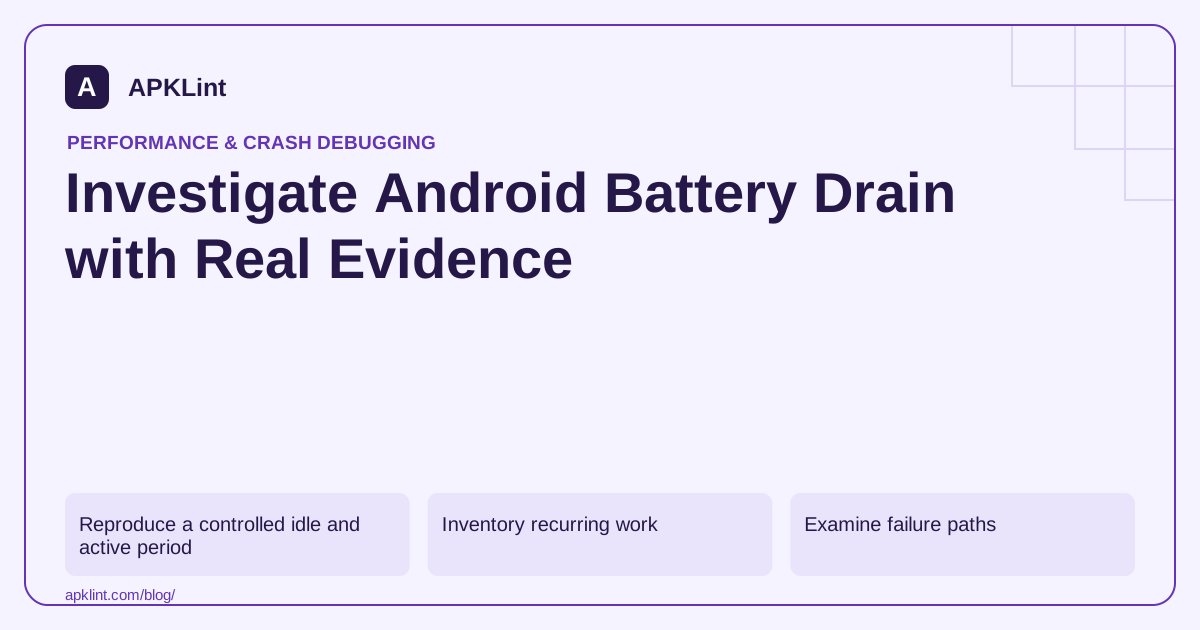
Reproduce a controlled idle and active period
Compare a known user journey and a known idle interval on the same device conditions. Screen brightness, radio conditions and other apps can dominate a casual battery comparison.
Use the battery guidance and appropriate system diagnostics for the device version. Record the workload and duration before comparing builds.
Inventory recurring work
| Source | Review question |
|---|---|
| Wake lock | Is acquisition bounded and release reliable? |
| Network retry | Is backoff bounded and connectivity-aware? |
| Location | Is frequency/accuracy proportional to the feature? |
| Background worker | Does it use the supported scheduling model? |
| Timer or polling loop | Can an event-driven or batched approach replace it? |
The background-work guide helps choose APIs appropriate to persistent, deferred or user-visible work.
Examine failure paths
A successful request may release resources correctly while a timeout leaves a wake lock or retry loop active. Test offline operation, cancellation, process restart and server errors.
Avoid repeatedly waking the device to discover that a task cannot proceed because the network is unavailable.
Optimize without breaking delivery guarantees
Batch compatible work and use appropriate constraints, but keep urgent user-facing operations within their documented execution model. Delaying everything indiscriminately can break reminders, uploads or communication features.
Validate with field signals
After a controlled local improvement, monitor affected versions and devices through the relevant quality metrics. A short bench test may miss long idle-period behavior.
APKLint's Performance and Vitals checkers are review aids, not power meters. The useful evidence is reduced unnecessary work or wake-lock duration under a defined scenario, followed by field confirmation—not a generic claim that a smaller APK always uses less battery.
Inspect an upload that retries while offline
Suppose a background photo upload succeeds quickly on Wi-Fi but retries every few seconds when connectivity disappears. Reproduce a fixed offline interval using synthetic files and record request attempts, worker starts and any wake-lock lifetime. The battery percentage alone may barely move during a short test, while the logs already demonstrate unnecessary repeated work.
Use supported work constraints and bounded backoff appropriate to the operation. Android's work-request guidance explains persistent scheduling controls. Distinguish a transient network failure from an invalid credential or permanently rejected file; repeatedly retrying every failure category can consume resources without making progress.
Check cleanup on timeout and cancellation
If the workflow legitimately holds a wake lock, identify its owner, bounded duration and release path. Follow the API-selection guidance rather than adding a manual lock by default. Exercise timeout, user cancellation and an exception after acquisition, because successful completion may be the only path currently releasing it.
Compare equivalent active and idle periods on the same device with recorded screen, network and charging conditions. A poor radio connection or another active app can dominate an uncontrolled comparison. Use appropriate system evidence, including the Batterystats workflow where applicable, to relate activity to the workload being investigated. Keep transfer volume comparable too: a candidate uploading ten photographs cannot be fairly compared with another uploading one thumbnail. Record whether work completed, remained queued or was rejected, because reduced activity caused by a broken upload is not an efficiency improvement.
After the retry repair, restore connectivity and confirm that the queued upload eventually completes once, without losing the user's file or duplicating its server-side operation. Check that cancelling it prevents later unexpected work. Observe a longer idle interval to detect periodic wakeups that a brief foreground test misses. Keep the measured attempt count, elapsed interval and lock evidence with the change, then monitor the affected release in the field. Report reduced unnecessary work under the tested conditions; do not convert one bench observation into a universal battery-life percentage for every device and usage pattern.
Sources and further reading
Reference review: 29 September 2026. Examples illustrate the workflow; check your installed versions, release artifact and account-specific Console requirements before applying them. This guide is not a claim that APKLint executed your project or verified your private account.

Android inspection tools and practical release guides. About APKLint · Report a correction