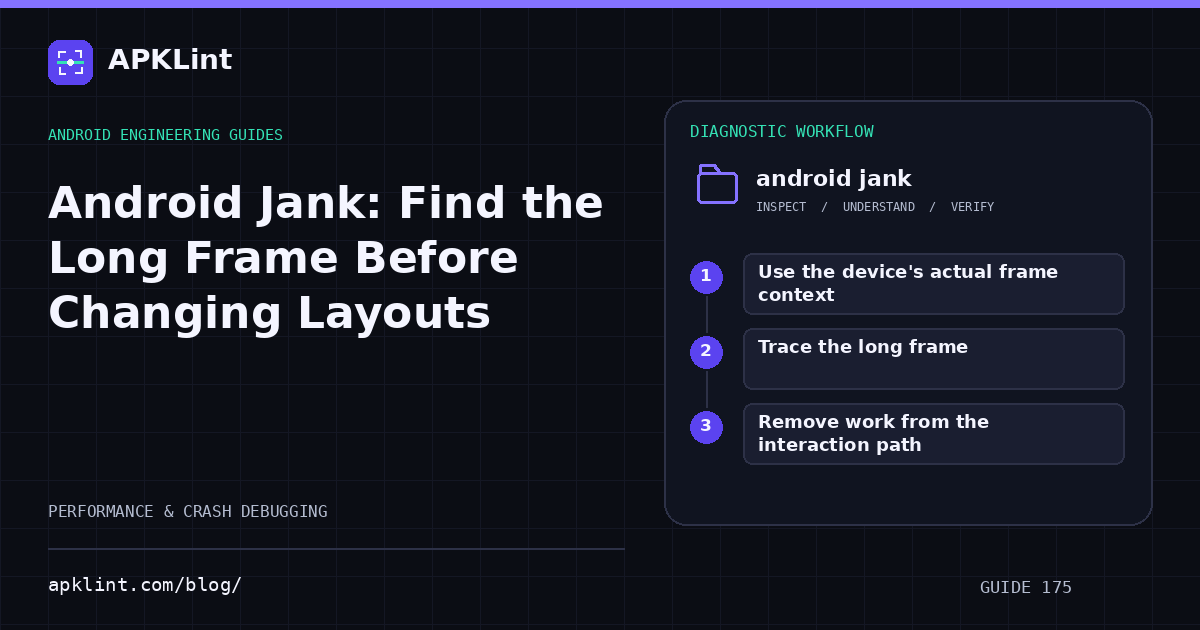
Use the device's actual frame context
The rendering guide explains frame performance. The often-quoted 16.7 ms budget corresponds to 60 Hz; higher refresh rates have shorter frame intervals. A single fixed budget does not describe every device mode.
Measure the interaction users notice: scrolling, a transition, dragging an object or opening a complex screen.
Trace the long frame
Use the profiling tools to correlate input, main-thread work, rendering and scheduling.
| Evidence | Candidate cause |
|---|---|
| Long main-thread computation | Parsing, sorting or expensive state work |
| Repeated layout/measurement | Unnecessary invalidation or complex layout |
| Image work during scroll | Decode or allocation on the critical path |
| Frequent garbage collection | Excessive temporary allocation |
| Waiting rather than running | Lock contention or scheduling pressure |
Do not assume every late frame is GPU-bound.
Remove work from the interaction path
Precompute where appropriate, right-size images, avoid repeated allocations and keep state updates scoped. Test lifecycle cancellation so obsolete work does not continue competing with the visible screen.
A cache should have a clear owner and memory bound. An unbounded cache can trade jank for an eventual out-of-memory failure.
Measure repeated interactions
Run the same journey several times under comparable conditions. Inspect worst cases and distributions rather than only an average that hides visible stalls.
Preserve a regression scenario
Keep the scroll or animation test, representative data and trace. APKLint's Performance Checker can help structure the investigation, but it does not measure frame deadlines from static code or APK metadata. The evidence of improvement is fewer late frames in the same workload without a new memory or startup regression.
Sources and further reading
Reference review: 22 September 2026. Examples illustrate the workflow; check your installed versions, release artifact and account-specific Console requirements before applying them. This guide is not a claim that APKLint executed your project or verified your private account.

Android inspection tools and practical release guides. About APKLint · Report a correction