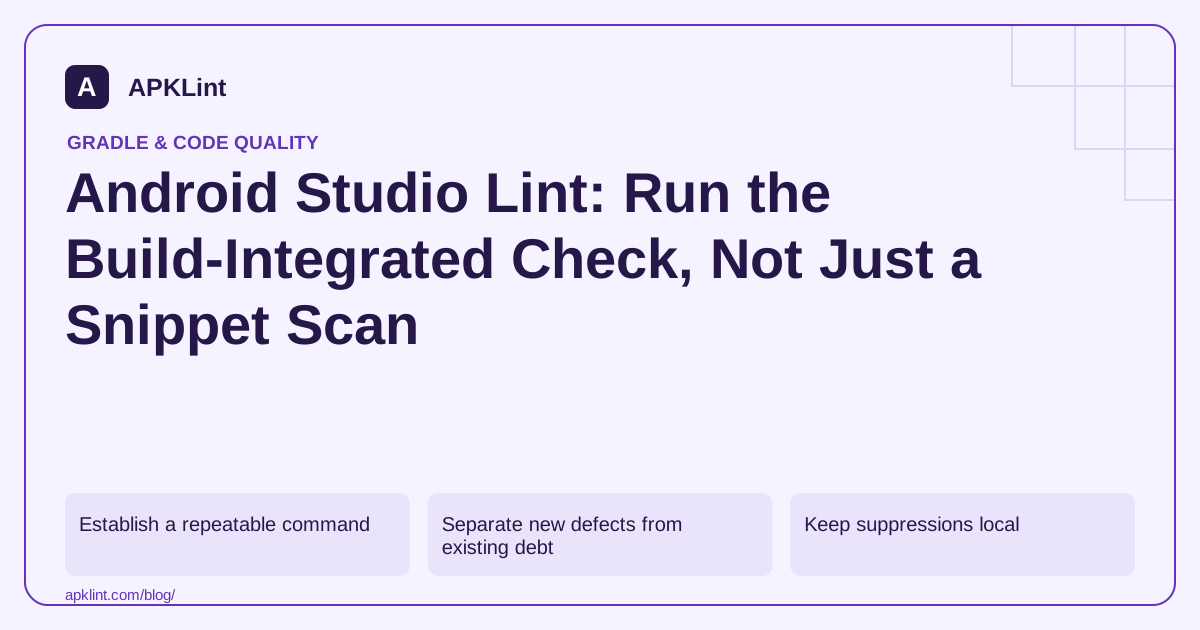
Establish a repeatable command
./gradlew :app:lintRelease
Use the task that exists for your actual module and flavors. The Android Lint documentation describes command-line execution, reports and configuration. A successful debug lint run does not automatically cover every release-specific source set.
Separate new defects from existing debt
An existing project may need a baseline to keep old findings from blocking every change immediately. A baseline records known issues; it does not fix them or prove they are harmless.
| Finding state | Review action |
|---|---|
| New actionable error | Fix before promotion |
| Existing baseline issue | Assign an owner and planned review |
| False positive | Narrow suppression with a reason |
| Generated code issue | Configure the correct source scope, not a global disable |
Avoid regenerating the baseline automatically whenever CI fails. That can convert every new defect into silently accepted debt.
Keep suppressions local
Suppress the specific issue at the smallest justified scope. A project-wide disable for a warning caused by one unusual component can hide unrelated future problems.
Review severity changes as policy changes. Turning an error into a warning may be reasonable in a staged migration, but it should be visible in code review.
Run alongside tests
Lint can identify suspicious patterns without executing the app. It cannot prove business logic, backend authorization or every runtime lifecycle path. Use unit and device tests for those behaviors, and inspect the final release artifact after build-time transformations.
Understand APKLint's scope
APKLint's Android Lint and code-checking pages provide focused heuristic review of submitted material. They are not the same as running the Android SDK's build-integrated lint task against the complete project. Use them for quick triage or explanation, while keeping the Gradle-generated report as the release evidence.
Confirm that the failing code belongs to the analyzed variant
Consider a project with free and paid flavors plus debug and release build types. Identify the candidate's actual variant and the corresponding lint task before collecting release evidence. A shared source file may be analyzed in several variants, while a release-only manifest or generated resource can be absent from the default debug check.
The Android Lint documentation explains task selection and report output. Preserve the command, wrapper version, Android Gradle Plugin version and report path with the result. Do not copy a task name from another project without checking that the module and variant exist.
Review a new warning without rewriting the baseline
Suppose a newly added screen calls an API unavailable on the minimum supported platform. Read the rule explanation and inspect whether the call has the necessary version guard or supported alternative. Reproduce the relevant behavior in the project's tests where practical. Lowering the rule severity does not supply the missing compatibility path.
After repairing the call, rerun the same variant's analysis and keep the earlier report for comparison. Confirm that the specific warning disappeared for the intended reason. A configuration change excluding the source set can also remove the warning while leaving the code unchanged.
For an actual false positive, use the narrowest supported suppression and document the evidence. Keep the rule identifier and rationale near the exception or in the review record. A future developer should be able to understand why the warning was suppressed without recreating the entire investigation.
Review baseline changes as changes to accepted debt. If an unrelated historical issue remains, keep its owner and planned resolution visible. Do not automatically regenerate the baseline in a failed CI job, because that can accept new defects without anyone evaluating them.
Pair lint with the appropriate unit, device and artifact checks. A clean structural report does not establish that account authorization, network recovery or a complex screen transition works. The lint workflow contributes a repeatable analysis result to the release decision, with a defined source and variant scope.
Sources and further reading
Reference review: 29 September 2026. Examples illustrate the workflow; check your installed versions, release artifact and account-specific Console requirements before applying them. This guide is not a claim that APKLint executed your project or verified your private account.

Android inspection tools and practical release guides. About APKLint · Report a correction