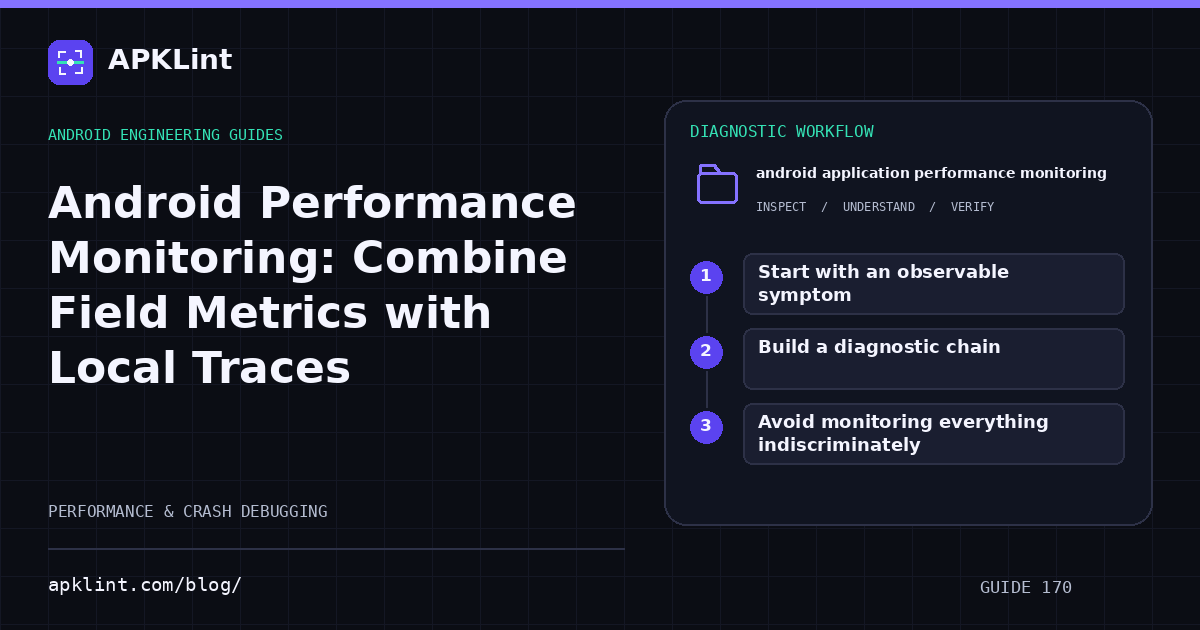
Start with an observable symptom
Use Android vitals for supported field quality signals and Firebase Performance for the app's configured traces. Define the metric population, time window and version before comparing values.
A rising aggregate can reflect a new device mix or network mix as well as a code regression.
Build a diagnostic chain
| Stage | Output |
|---|---|
| Field signal | Affected version, device cohort and task |
| Reproduction | Controlled steps and realistic data |
| Local trace | CPU, memory, rendering or network evidence |
| Fix | A change tied to the observed bottleneck |
| Verification | Same workload improves without new failures |
The Android profiling guide helps select the local tool for the suspected resource.
Avoid monitoring everything indiscriminately
Stable task names and a small set of meaningful attributes are easier to interpret than thousands of unique labels. Do not include personal content or tokens in diagnostic dimensions.
Instrument failure and cancellation paths so traces do not disappear precisely when the experience is worst.
Compare release cohorts deliberately
Use rollout version, device class and relevant app state. A new build with only a few highly active testers is not directly comparable with a mature production release used by a broad population.
Keep a baseline and alert threshold that reflect normal variance. An alert should lead to a clear investigation, not merely announce that a number changed.
Feed findings into release tests
Add representative scenarios for newly affected devices or workloads. APKLint's Vitals and Performance checkers are planning and review aids; they do not connect to your private metrics or profile a running app. Use their checklists to make evidence collection repeatable, then base decisions on the actual field and local measurements.
Sources and further reading
- Android Developers: Android vitals
- Firebase: Performance Monitoring on Android
- Android Developers: Profile your app performance
Reference review: 22 September 2026. Examples illustrate the workflow; check your installed versions, release artifact and account-specific Console requirements before applying them. This guide is not a claim that APKLint executed your project or verified your private account.

Android inspection tools and practical release guides. About APKLint · Report a correction