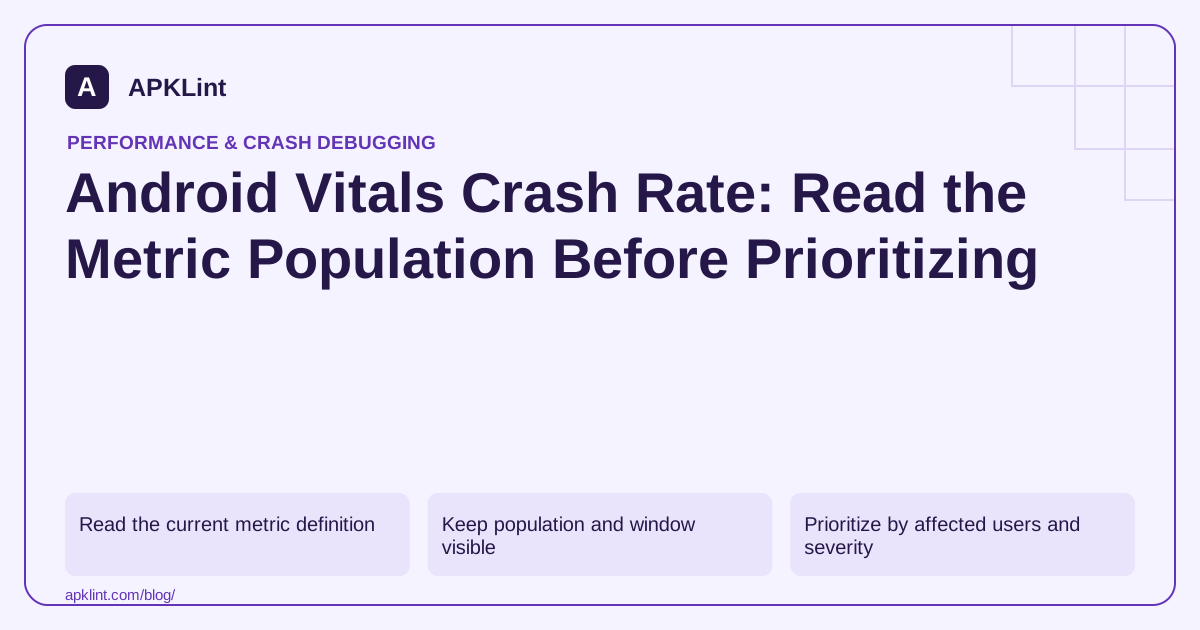
Read the current metric definition
The Android vitals documentation, reviewed on 29 September 2026, describes user-perceived crash rate and the participating Play/device population. It is not simply “all crash events divided by all sessions” from any analytics system.
The published overall bad-behavior threshold is 1.09%, with separate per-device thresholds. Recheck the official table before using a threshold in a later release review.
Keep population and window visible
| Dimension | Why it changes the comparison |
|---|---|
| Install source | Play data does not represent every sideloaded build |
| User data-sharing eligibility | Not every installation contributes |
| Daily users vs sessions/events | Denominator changes the percentage |
| Version and device filters | A small affected cohort can disappear in an aggregate |
A low overall rate can coexist with a serious failure on one device family.
Prioritize by affected users and severity
Use the crash investigation guide to identify the largest actionable clusters. A repeated startup crash deserves attention even when a newer low-volume release has not accumulated much data.
Do not optimize the metric by merely suppressing reporting. Fix the user-visible failure or make the unsupported scenario fail safely.
Verify the fix before broad rollout
Reproduce the issue with the affected version/device conditions, validate an optimized release and use a controlled rollout where appropriate. Monitor the new version separately before expecting an aggregate window to recover.
Keep the static checker in context
APKLint's Vitals Checker can help organize a release review, but it does not read Play Console metrics or calculate your actual crash rate. Record the dashboard definition, window, filters and fixed crash cluster alongside the release decision so later comparisons remain meaningful.
Two denominators can describe the same day differently
Imagine 1,000 eligible active users, of whom 20 experience at least one qualifying user-perceived crash. The simple affected-user fraction is 20 divided by 1,000 times 100, or 2%. If the app also records 5,000 sessions, dividing 20 crash events by those sessions would give 0.4% under that separate hypothetical event-per-session calculation. The two numbers answer different questions.
The Android vitals reference explains population and rate differences between reporting systems. Its overall user-perceived crash threshold remains 1.09% at this guide's 29 September 2026 review. Always preserve the actual metric definition and window when comparing a dashboard value with a threshold.
Find a repairable cluster inside the aggregate
Filter the affected version and device cohort, then inspect the largest relevant clusters. A repeated startup failure on one device family can deserve immediate investigation even if the overall app rate is diluted by unaffected users. Keep the exception's causal chain and build-specific mapping information with the cluster.
Reproduce the suspected trigger using a release-like artifact and synthetic data. For an import crash, retain a minimal document that preserves the failure condition. For a lifecycle crash, include the navigation or background transition needed to expose it. A stack trace alone may not reproduce the user's state.
Validate the repair against the failing scenario and an ordinary successful case. Catching an exception while returning a fabricated success can improve the crash count while leaving the user's task broken. Check the actual output or saved state independently where appropriate.
After rollout, track the repaired version and adoption before interpreting the overall window. Older versions can continue contributing failures, and a small new-version population can produce unstable comparisons. Keep the count and denominator context visible.
Use the observation to improve future release checks. Add the affected device condition or fixture to the regression set, and retain a clear connection between the field cluster, source repair, tested artifact and later cohort result.
When a cohort is too small for the dashboard to show a reliable result, preserve that limitation. An unavailable rate should not be entered into the release worksheet as zero crashes or a verified improvement.
Sources and further reading
Reference review: 29 September 2026. Examples illustrate the workflow; check your installed versions, release artifact and account-specific Console requirements before applying them. This guide is not a claim that APKLint executed your project or verified your private account.

Android inspection tools and practical release guides. About APKLint · Report a correction