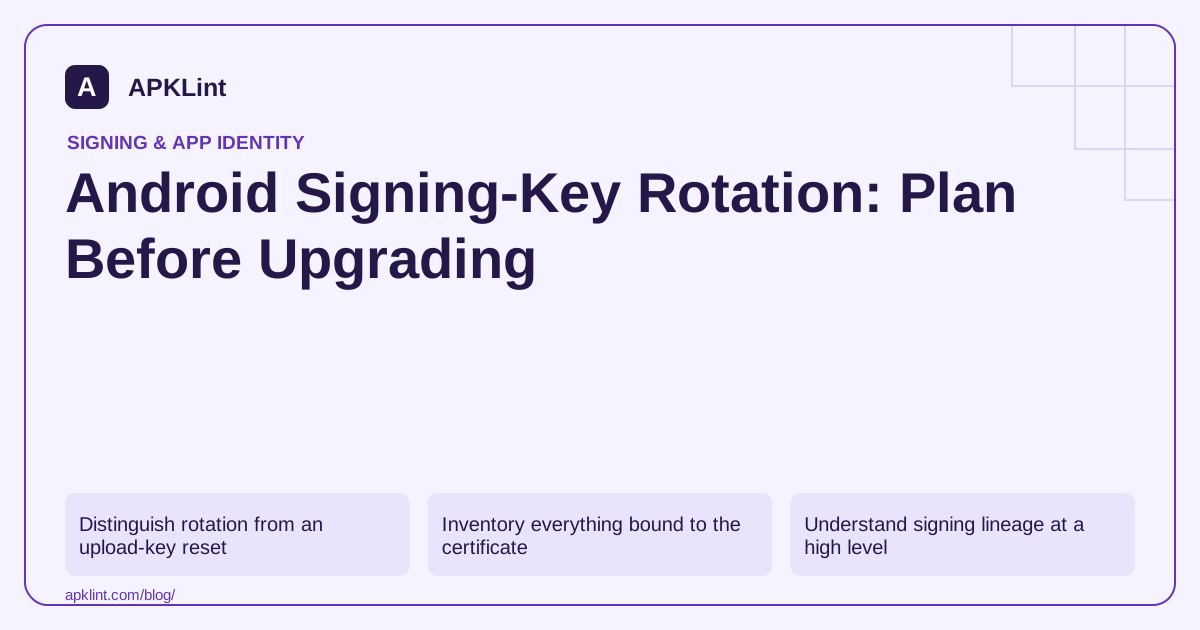
Distinguish rotation from an upload-key reset
An upload-key reset changes the credential used to submit future releases to Play. An app-signing-key upgrade affects the identity used for delivered packages and can involve platform-specific behavior. Confusing the two can lead to unnecessary API changes or an update path that no longer matches expectations. Play App Signing.
Inventory everything bound to the certificate
Before changing a signing identity, list API restrictions, Firebase registrations, signature-level permissions, companion apps and non-Play distribution channels. Include old supported Android versions and users moving between channels.
A rotation that is valid for one platform path may still require operational updates elsewhere. The certificate register should identify both old and new identities and when each is expected to appear.
Understand signing lineage at a high level
APK Signature Scheme v3 supports proof-of-rotation information connecting signing identities under its rules. That does not mean any APK signed with a new key is automatically accepted as an update. The lineage must be established and used by compatible tooling and platforms. v3 specification.
Use the official build or Play workflow rather than hand-editing metadata or assuming that copying a certificate file preserves trust.
Test the supported transition matrix
| Test path | Evidence to capture |
|---|---|
| Existing installation to new release | Update success and retained data |
| Fresh install on newer Android | Expected certificate and working integrations |
| Older supported Android | Documented delivery/signing behavior |
| Companion or enterprise integration | Correct permission and identity handling |
| Alternate distribution channel | Explicit compatibility with its signing arrangement |
Use production-like release artifacts. A debug-key experiment does not reproduce the app's real installed base.
Roll out with an identity record
Document the authorized operation, affected app IDs, fingerprints, signing lineage where applicable and the platform range for each path. Keep recovery and incident-response access restricted but usable.
Android's signing guide and your app's current Play options should be the authority for implementation details. APKLint can display certificate metadata from an artifact, but a single-certificate summary is not a complete validation of every rotated signing path or all dependent services.
Track old and new certificates by delivery path
Consider an app using an API restricted by package name and certificate fingerprint, plus a companion app protected by a signing relationship. A planned app-signing-key upgrade affects both dependencies. Inventory which certificate each supported device and distribution channel is expected to receive, then update the authorized integrations according to their supported migration procedures.
The v3.1 specification describes platform-targeted rotation behavior. That is why a single visible certificate on one modern test device cannot represent every supported update path. Use the signing tooling and store workflow appropriate to the app rather than constructing an assumed lineage from certificate filenames.
Test continuity before broad distribution
Prepare controlled devices representing the relevant platform ranges. For each, install the actual prior release, create synthetic saved state and update through the intended channel. Capture package-manager acceptance, data continuity and the result of the certificate-bound API call. Separately test a clean installation of the new release, since it exercises a different history.
For the companion integration, check both applications in the supported old/new combinations. A migration can leave users temporarily running different releases, so testing only the newest pair may miss the real transition. Preserve the required permission behavior and reject unauthorized callers throughout.
Keep the authorized operation, public fingerprints, signing configuration and recovery information in a controlled release record. Preserve diagnostic evidence without exposing private keys. If the problem is merely loss of an upload key, use the upload-key recovery route instead of treating it as a reason to change the delivered app-signing identity. Conversely, resetting the upload credential does not automatically remediate every concern involving the app-signing key. The completion evidence should show the supported transition matrix working with actual release artifacts and dependent services, while any unsupported channel or device path is identified before users encounter it.
Sources and further reading
- Google Play: Use Play App Signing
- Android Open Source Project: APK signature scheme v3
- Android Developers: Sign your app
Reference review: 29 September 2026. Examples illustrate the workflow; check your installed versions, release artifact and account-specific Console requirements before applying them. This guide is not a claim that APKLint executed your project or verified your private account.

Android inspection tools and practical release guides. About APKLint · Report a correction