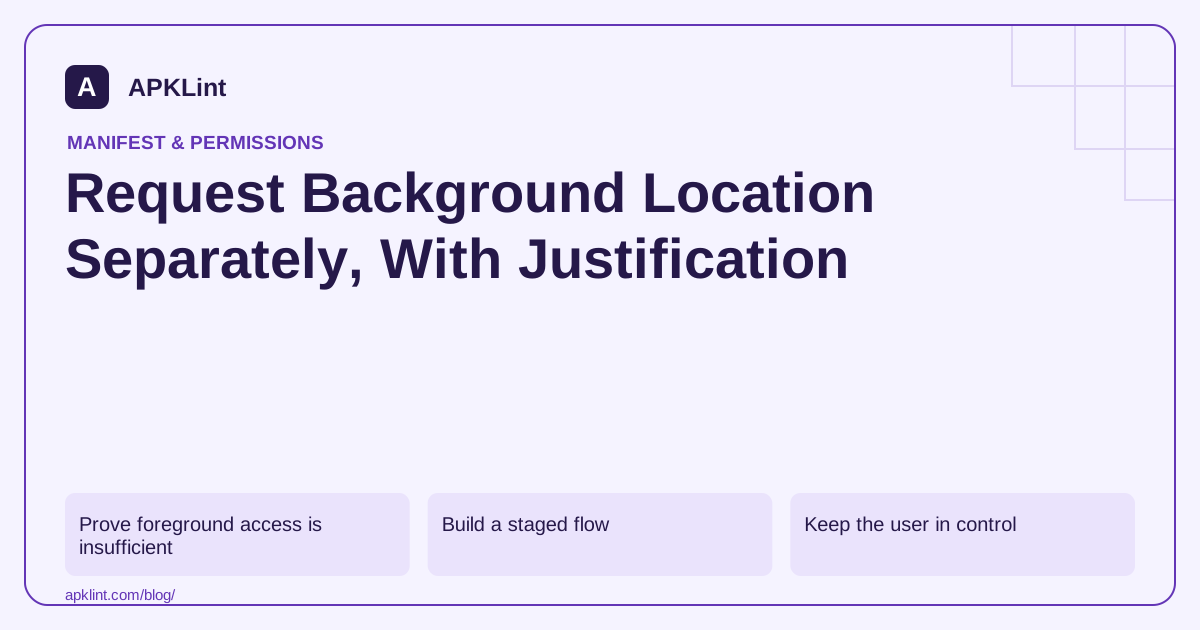
Prove foreground access is insufficient
Write down the event requiring location, expected frequency, user benefit and stop condition. A feature that only needs location while its map is open should not request background access for convenience.
The background-location guide describes version-dependent request behavior. On newer Android versions, foreground and background access should not be bundled into one undifferentiated permission request.
Build a staged flow
User enables the location feature
→ request the necessary foreground scope
→ demonstrate the feature
→ explain the separate background requirement if essential
→ follow the platform's background access flow
→ recheck access and preserve a foreground-only fallback
Use the location guidance to handle precise and approximate access. A background grant does not necessarily mean the app receives precise location.
Keep the user in control
Show whether background collection is enabled and provide a way to stop the feature. Do not restart tracking solely because the app was reopened if the user previously disabled it.
Handle denial without repeated prompts. An explanation should describe the actual ongoing use, not a vague warning that the whole app will stop working.
Check policy and data handling
Google Play's sensitive-permission policy can impose additional eligibility and disclosure requirements. Document the core feature, in-app disclosure, collection behavior and retention. A manifest declaration cannot establish compliance.
Review SDKs too: a dependency's location collection belongs in the app's data-flow assessment.
Test interruptions and revocation
Test foreground-only access, approximate access, background denial, later revocation and device restart. Confirm the feature stops or degrades safely and does not silently switch to another identifier or data source.
APKLint can inspect relevant permissions, but it cannot prove the frequency or purpose of runtime collection. Retain device-level evidence and current policy references with the release.
Define the event before requesting continuous access
Imagine a user-enabled reminder that should trigger after leaving a chosen area. Specify the area, the condition that activates the reminder, how the user disables it and what happens when access is unavailable. Determine whether the supported geofencing or scheduling approach can serve that need before designing repeated location polling.
The background permission guide distinguishes the Android 10 dialog from Android 11 and later settings-based access. Follow the branch appropriate to the app's target and device version. A settings screen returning to the app is an opportunity to recheck the grant, not evidence that the user approved it.
Keep the disabled and foreground-only states truthful
If background access remains unavailable, show the reminder's actual limitations. Do not display an active automatic reminder that can only work while the screen is open. Preserve the user's configured area where appropriate, but distinguish saved configuration from an enabled collection operation. A later foreground grant should not silently enable a previously declined background feature.
Test approximate access with an area whose boundary is small relative to location uncertainty. The background grant does not override the user's precision choice. Explain uncertainty where the feature requires it, and avoid claiming that an event occurred at an exact address solely because an approximate fix crossed a nominal boundary.
Use controlled synthetic accounts and locations for a test sequence: enable the reminder, deny background access, grant it through the supported flow, disable the feature in the app and revoke the grant in settings. At every transition, inspect whether callbacks, scheduled work and any transmission stop or continue as designed. Test restart recovery so saved state does not reactivate a user-disabled feature.
Review dependencies that might access location separately from your own reminder code. An analytics or advertising SDK's behavior belongs in the application's data-flow assessment even if your feature implementation is careful. Retain evidence of the actual feature need and consult current distribution policy before submission, because a technically available permission is not a store-eligibility decision.
When diagnosing a missing reminder, separate access, device settings, scheduling and event logic. Repeatedly requesting broader permission cannot repair an incorrectly calculated area or a disabled callback. Document the observable failure at the relevant layer and verify the correction with the same transition sequence.
Sources and further reading
- Android Developers: Request background location
- Android Developers: Request location permissions
- Google Play: Permissions and APIs that access sensitive information
Reference review: 29 September 2026. Examples illustrate the workflow; check your installed versions, release artifact and account-specific Console requirements before applying them. This guide is not a claim that APKLint executed your project or verified your private account.

Android inspection tools and practical release guides. About APKLint · Report a correction