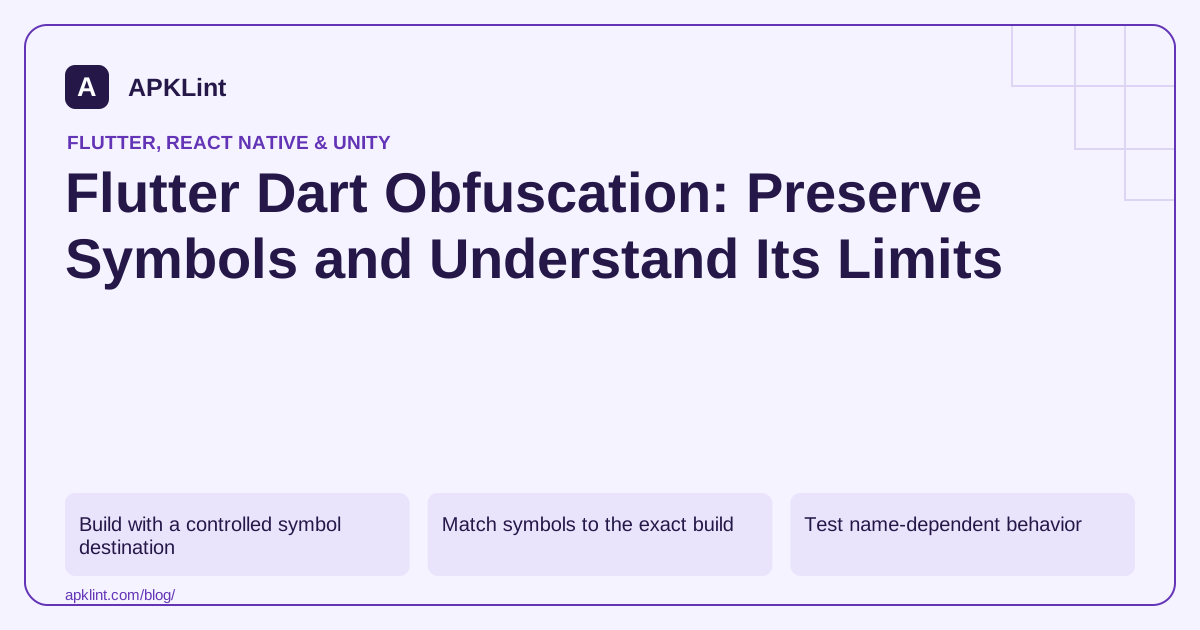
Build with a controlled symbol destination
The Flutter obfuscation guide documents the flags. An illustrative release command is:
flutter build appbundle --release \
  --obfuscate \
  --split-debug-info=artifacts/dart-symbols/release-42
Use a unique release directory rather than overwriting the previous build's symbols. The path is an example; protect the archive according to your release process.
Match symbols to the exact build
Record source revision, build number, Flutter version, architecture outputs and artifact hash. A symbol file from another build can produce misleading crash information.
Keep Dart symbols separate from Android R8 mappings and native symbols. They describe different layers of the application.
Test name-dependent behavior
Code that depends on runtime names or string-based lookup needs careful review. Do not assume that a debug test exercises the same transformed behavior as an obfuscated release.
| Concern | Required check |
|---|---|
| Crash readability | Symbolize a trace from this build |
| Runtime name assumptions | Test the affected feature in release |
| Native plugin exception | Retain Android/native diagnostics separately |
| Secret exposure | Remove privileged values rather than rely on renaming |
Do not confuse smaller with safer
A size change can accompany symbol splitting or optimization, but it is not a security score. An obfuscated app with an unrestricted backend remains vulnerable at that backend boundary.
Verify the support workflow
Practice symbolizing a controlled release trace before a real incident. Keep access limited, but ensure the support/build team can retrieve the correct artifacts.
APKLint's Flutter Analyzer can help identify package characteristics; it cannot restore missing Dart symbols or certify that every name-dependent path survived. The reliable result is a functioning obfuscated release with a tested, repeatable crash-symbolization process.
Select symbols using build and architecture identity
Suppose a release produces multiple architecture-specific symbol files and a crash arrives from an arm64 device. Choose the file matching both that architecture and the exact distributed build. A nearby filename from another release can produce an incorrect interpretation even when the human-readable version name is identical.
The Flutter obfuscation guide documents the symbolization workflow. Keep the original stack trace, selected symbol-file digest and reconstructed output together. The build command above is illustrative; its output directory must remain unique and controlled in the actual release pipeline.
Prove recovery with a known release exception
Add a test-only action that throws from a recognizable Dart method in an optimized candidate. Capture its trace, symbolize it with the retained symbols and confirm the expected method can be identified. Then remove or appropriately gate the trigger before public distribution. This validates the diagnostic path before an incident depends on it.
If the failure instead originates in an Android plugin, inspect the Java/Kotlin mapping or native symbols for that layer. Dart symbols do not decode every Android or native frame, and R8 mappings do not reconstruct arbitrary Dart AOT code. A mixed failure may require several independently matched artifacts. Keep the architecture in the incident record rather than asking the support team to guess it from a device's commercial model name.
Review application logic that depends on type names or string representations. Obfuscation can change name-dependent behavior, so test serialization, routing and diagnostics in the actual obfuscated release rather than relying on debug output. Keep a deliberate stable wire identifier where the protocol requires one instead of deriving it from an implementation name. Finally, inspect secret handling separately: a privileged service credential remains a distributed credential even if nearby symbols are unreadable. Retain the release command, framework version, artifact digest and symbol archive with access limited to the appropriate team. The useful outcome is an operationally supportable release with tested behavior, not an unsupported promise that obfuscation makes the application impossible to analyze.
Sources and further reading
Reference review: 29 September 2026. Examples illustrate the workflow; check your installed versions, release artifact and account-specific Console requirements before applying them. This guide is not a claim that APKLint executed your project or verified your private account.

Android inspection tools and practical release guides. About APKLint · Report a correction