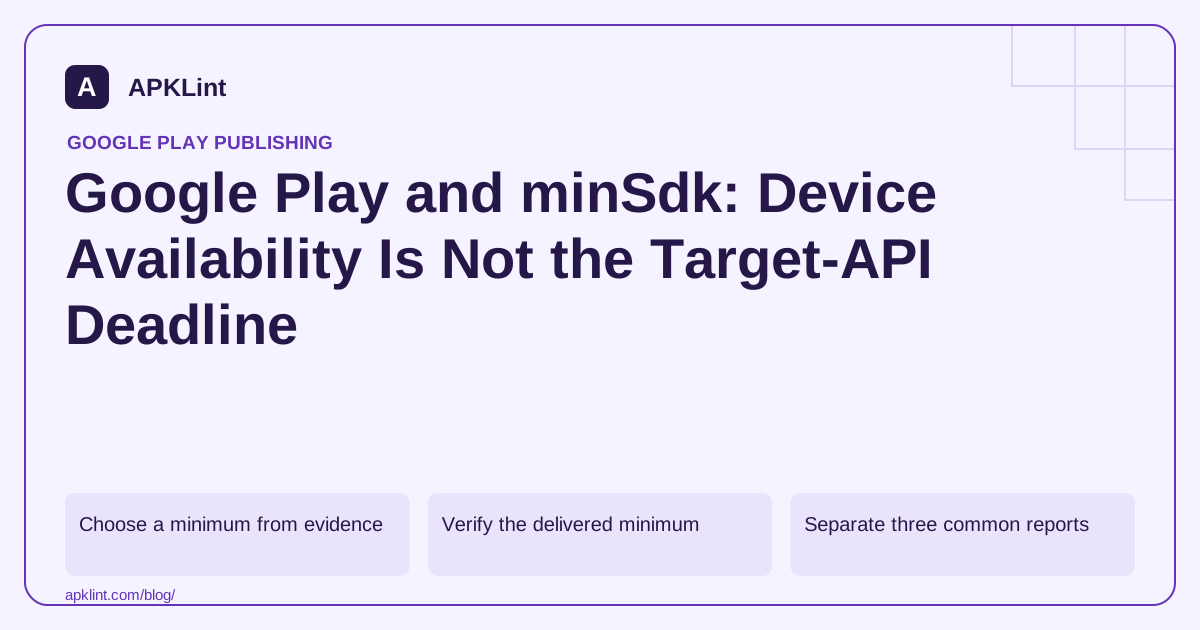
Choose a minimum from evidence
Start with the app's required APIs, native libraries and third-party SDKs. Then examine the devices you intend to support and the maintenance cost of testing them. “Use the lowest possible number” is no more defensible than “use the newest number everywhere.”
A dependency can require a higher minimum than the application. If manifest merging reports this, inspect the dependency's published requirement and release notes. Forcing tools:overrideLibrary may suppress a merge error without making the library safe to execute on an older OS.
Verify the delivered minimum
The final merged manifest is the relevant artifact. With Android's command-line analyzer available, inspect an APK:
apkanalyzer manifest min-sdk app-release.apk
apkanalyzer manifest target-sdk app-release.apk
The output describes that APK, not every variant or split generated from every bundle. For an AAB release, also inspect the device-specific distribution and any feature-delivery conditions.
APKLint's compatibility checker can assist with manifest-level inspection. It cannot verify every runtime API call or reproduce Google Play's full device catalog.
Separate three common reports
| Report | Investigation |
|---|---|
| An old phone cannot install the app | Minimum SDK, native ABI and device features |
| A new phone cannot find an older app on Play | Target-API availability policy and store filters |
| Installation succeeds but a screen crashes | Runtime API guards, dependencies and native loading |
A newer OS does not fix a missing CPU architecture. A lower minSdk does not override a country restriction. These checks should be recorded separately in a support ticket.
Test the lower boundary
Run the production-like build on the minimum supported API and at least one newer release. Exercise startup, authentication, file access, notifications and SDK initialization—not just installation. Test an upgrade from the last published build as well.
Read Android's SDK configuration alongside Google Play's current target requirements. Keeping those two documents separate prevents a store deadline from silently redefining your supported audience.
Test the installation boundary separately from usability
For an illustrative application with minimum API 23, prepare one test device below that boundary and one at API 23. The older system should not be treated as a supported installation target. On the API 23 device, installation is only the first check: run initialization, authentication, storage access and the features using recently updated SDKs. A declared minimum establishes an installation condition, while real support also depends on runtime code paths.
The Android uses-sdk reference defines the minimum and target attributes. Keep the example's value separate from your product decision; API 23 is not a universal Play requirement or a recommendation for every application. Native library requirements, required hardware features and distribution settings can restrict availability independently.
Plan a deliberate minimum increase
If a required SDK drops support for part of your installed population, estimate the affected audience and decide whether to retain a compatible SDK, replace it or raise the minimum. Review update behavior for existing installations and support messaging. Do not promise that changing one number makes unsupported dependencies work on older devices, and do not suppress a manifest conflict without investigating the library's actual runtime requirements.
Test an upgrade from the last supported build on devices that remain inside the new support range. Preserve representative local data so migrations and stored credentials are exercised. Also verify that different flavors or feature modules do not accidentally declare inconsistent assumptions. A successful fresh installation can miss a database or file-layout migration failure affecting real upgraders.
When a user reports that the app is unavailable, collect the device API level, model or ABI, distribution country and exact store message before assigning the cause to minimum SDK. Compare the package's declared requirements and the Console's applicable device filters. Avoid collecting unnecessary personal account details. Record the evidence supporting the diagnosis, such as a required hardware feature or unsupported architecture, so the resolution addresses the actual filter instead of lowering the minimum and exposing untested runtime behavior.
Sources and further reading
Reference review: 29 September 2026. Examples illustrate the workflow; check your installed versions, release artifact and account-specific Console requirements before applying them. This guide is not a claim that APKLint executed your project or verified your private account.

Android inspection tools and practical release guides. About APKLint · Report a correction