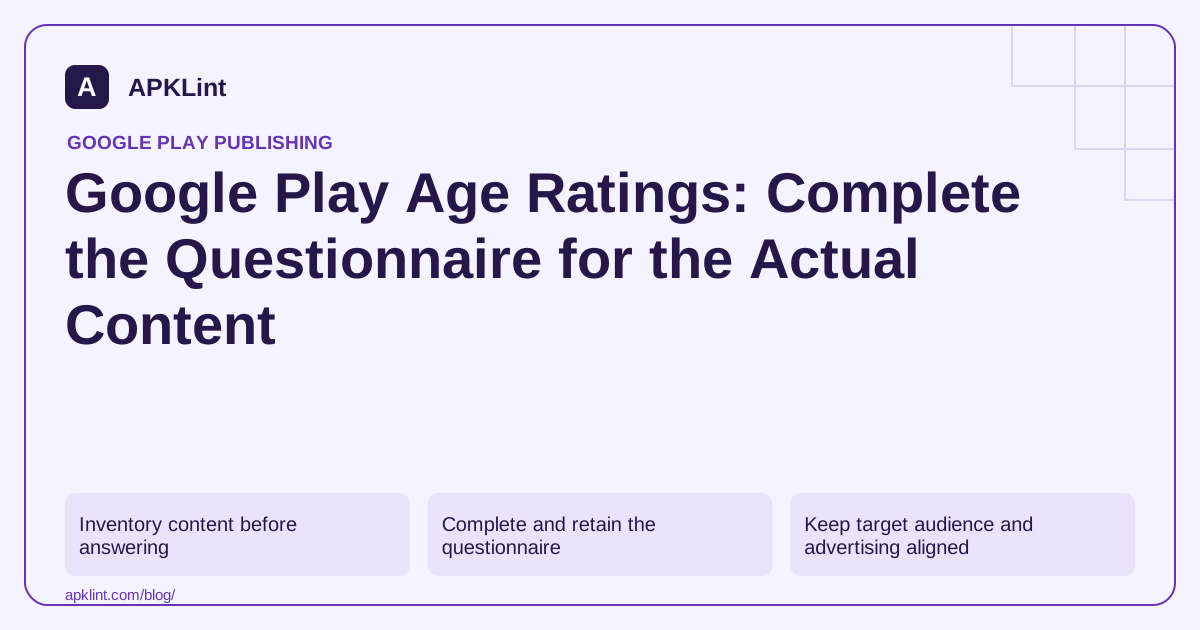
Inventory content before answering
Review the production app, remotely supplied content, user-generated areas, purchases, advertising and social interactions. A harmless opening screen does not describe everything available after login or several levels into a game.
Record the owner who can confirm each feature. When a question is unclear, consult its explanation and the rating authority's guidance rather than answering for the lowest possible rating.
Complete and retain the questionnaire
The current help guide directs developers to Policy → App content in Play Console. Start the content-rating questionnaire, provide the contact email, choose the appropriate category, answer the questions and review the generated summary before submission.
Save the answers and assigned certificates internally with the app version. Different rating authorities can produce different regional results; do not replace those ratings with a single worldwide number in your own records.
Keep target audience and advertising aligned
| Record | What it describes |
|---|---|
| Content rating | Classification of content and relevant features |
| Target audience | The age groups the product is designed for |
| Ad content controls | What advertising may appear inside the product |
These records should be consistent but are not interchangeable. A low content rating does not prove that an app was designed for children. Selecting children as an audience can bring Families obligations even when the app also serves adults.
Inspect ads and associated offers, not just the app's own artwork. An unsuitable ad can contradict an otherwise appropriate experience.
Revisit ratings when the product changes
New chat, user uploads, monetization or mature themes can require updated questionnaire answers. Do not leave the old response in place because the package name has not changed.
APKLint's Families Policy Checker can support the review checklist. It does not issue IARC ratings or determine a user's age.
See the official content-rating workflow and Families policy. Appeals about a rating should use the relevant rating authority's route identified in the rating correspondence, rather than a fabricated rating claim in the store listing.
Reassess a game when social features are added
Suppose a puzzle game adds player chat and user-submitted profile images. Its original questionnaire described only the fixed puzzle content. Review the new interaction and content surfaces before reusing those answers. An unchanged app title or package name does not mean the product still presents the same rating-relevant experience.
The content-rating guidance explains the questionnaire and regional rating process. Keep the answers and resulting certificates with the relevant release. The questionnaire outcome, intended audience and advertising controls answer different questions and should be reviewed together without being treated as interchangeable.
Inspect content beyond the first visible screen
Use synthetic accounts to reach chat, profile editing, later levels, purchases and any web content opened from the app. Ask each feature owner to identify remotely supplied content and moderation controls. A reviewer looking only at the opening puzzle can miss surfaces available after login or progression.
Review how advertising fits the experience. Test with approved development methods and representative configurations, without generating live-ad clicks. Keep the ad-content settings and included SDK inventory associated with the app's intended audience and assigned rating context.
When a questionnaire item is ambiguous, consult its explanation and the relevant rating authority's guidance. Record the factual feature description used to answer it. Choosing an answer simply to obtain a lower rating can create a mismatch that resurfaces when users or reviewers reach the feature.
After changing an answer, review the resulting regional outcomes and store presentation. Ensure screenshots and descriptions still represent the shipped experience, and do not substitute a preferred worldwide age number for the actual authority-specific result.
Assign ownership for future reassessment when chat rules, remote content or monetization changes. A retained questionnaire is useful evidence of what was declared for a release, but it should trigger a new review when the product introduces a materially different content surface. Keep that trigger in the feature's release checklist rather than relying on someone to remember an old form.
Sources and further reading
Reference review: 29 September 2026. Examples illustrate the workflow; check your installed versions, release artifact and account-specific Console requirements before applying them. This guide is not a claim that APKLint executed your project or verified your private account.

Android inspection tools and practical release guides. About APKLint · Report a correction