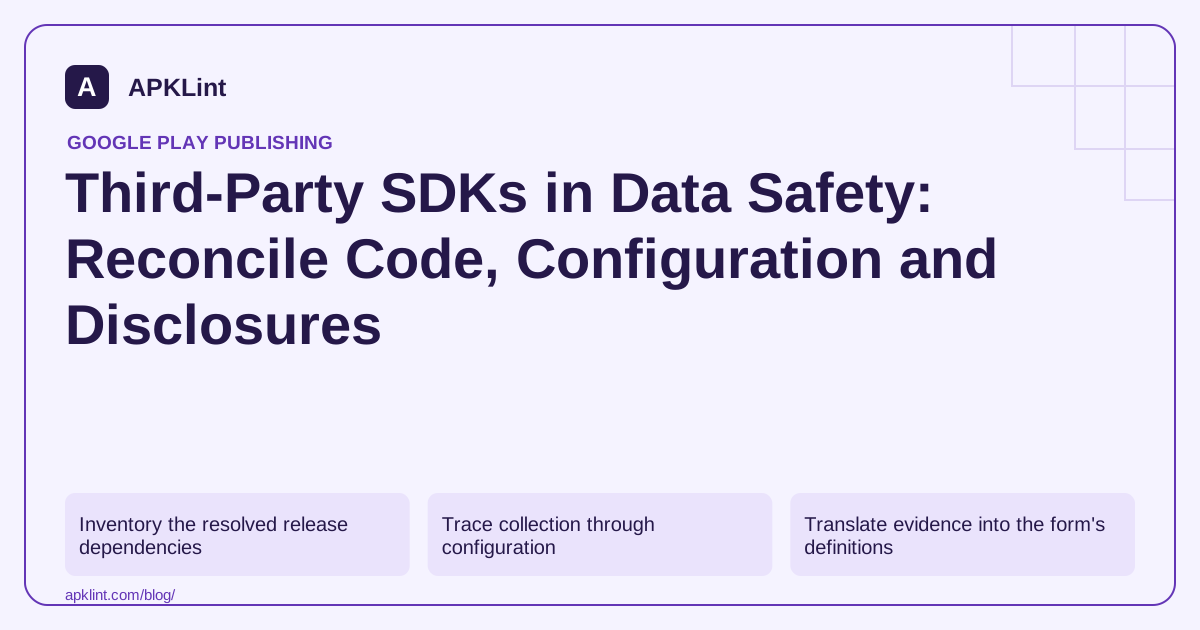
Inventory the resolved release dependencies
Start with the release dependency tree and final artifact. Record the SDK, version, purpose, adapter relationships and initialization trigger. A library removed from one Gradle file may remain transitively included through another dependency.
Separate the app's own backend requests from vendor traffic. Both matter to Data Safety, but their controllers, purposes and retention can differ.
Trace collection through configuration
For each SDK, ask when it starts, whether consent changes its behavior, what identifiers it uses and whether custom payloads contain additional data. A crash-reporting SDK configured with a user's email creates a different disclosure question from a report containing no custom identity field.
| Evidence | What it establishes |
|---|---|
| Vendor disclosure | Documented SDK behavior and available controls |
| Resolved version | Which implementation the app contains |
| Initialization/configuration | Which behaviors are enabled and when |
| Runtime inspection | Evidence of observed traffic in tested scenarios |
| Backend/vendor settings | Retention and service-side processing choices |
No single row replaces the others. A short network capture also cannot prove that a delayed or rarely triggered flow never occurs.
Translate evidence into the form's definitions
Apply Google's definitions of collection, sharing, purposes and optionality. Do not assume a vendor is exempt because it is widely used. Equally, do not label every service-provider transfer as sharing without checking the documented exceptions.
Compare the final answers with the privacy policy and in-app disclosures. Save the source version and review date for the next SDK upgrade.
Use scanners as leads
APKLint's SDK and Data Safety tools can identify declared signals and structure questions. They cannot infer every remote setting or certify a legal classification. Treat an unknown library or unexplained permission as an investigation item, not an automatic violation.
Use the Play Data Safety definitions and the relevant vendor guide, such as Google Mobile Ads data disclosure. Revisit the inventory whenever mediation, analytics, authentication or remote features change.
Review the fields added by your wrapper around an SDK
Suppose a crash-reporting SDK's default integration sends technical diagnostics, while the app's wrapper adds an account email and a document title. The vendor's default disclosure cannot describe those custom fields for you. Locate where each value is set, why it is needed and which service receives it, then decide whether the application should remove unnecessary information.
The Play Data safety guidance includes third-party code in the developer's review responsibility. Keep the vendor's versioned statement as one input alongside the resolved library version and the actual app-specific configuration.
Review an SDK upgrade as a configuration comparison
Capture the old and new resolved dependency graphs, including adapters and transitive libraries. Compare initialization providers, manifest declarations and optional features. A version update can add or alter behavior without changing the line of application code that calls the SDK.
Exercise a clean installation, the relevant consent or preference branch, a feature error and logout with synthetic data. Observe the available diagnostics and app-controlled payload construction. If the library queues events, include a return to connectivity so delayed behavior is represented in the test.
Record what the observation cannot establish. A short run without a particular request does not prove the flow never executes under a remote setting or rare failure. Resolve that uncertainty through documentation, configuration inspection or a more specific controlled scenario rather than automatically answering no.
Translate the confirmed flows using the form's current definitions, including the relevant exceptions and purposes. A service-provider relationship should be evaluated under those definitions; neither the existence of a vendor nor a familiar brand name determines every sharing answer by itself.
Update the privacy policy and in-app explanation where the actual practice changed. Retain a concise mapping from each affected answer to the SDK, configuration and evidence. This gives the next maintainer a starting point for an upgrade review instead of a copied disclosure whose relationship to the shipped implementation has been lost.
Sources and further reading
Reference review: 29 September 2026. Examples illustrate the workflow; check your installed versions, release artifact and account-specific Console requirements before applying them. This guide is not a claim that APKLint executed your project or verified your private account.

Android inspection tools and practical release guides. About APKLint · Report a correction