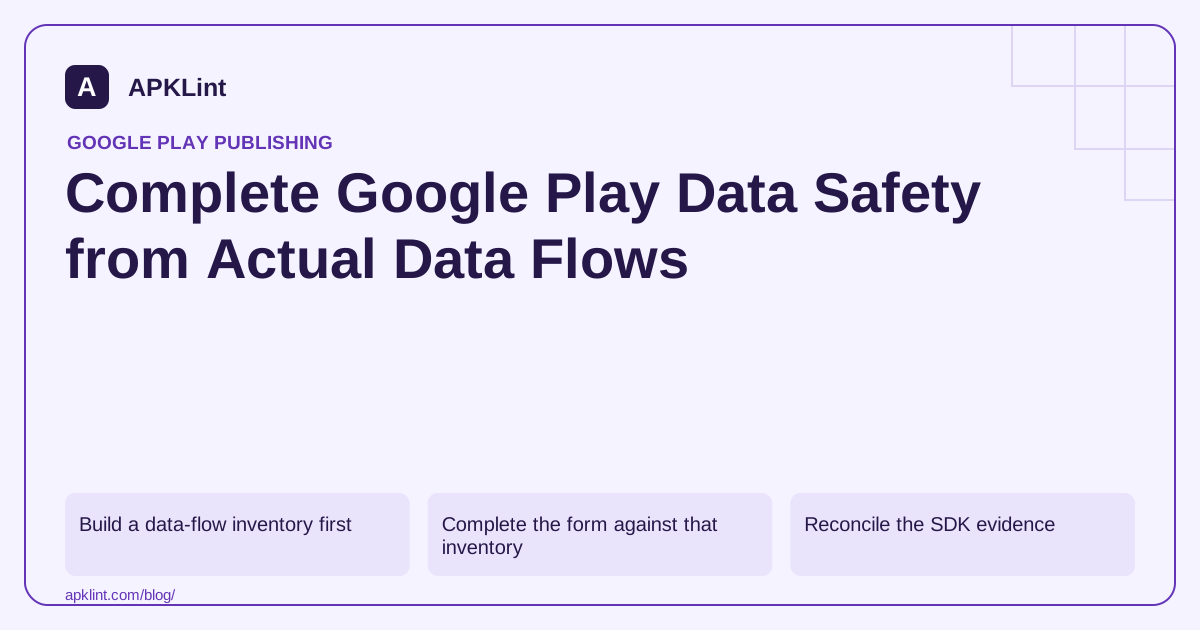
Build a data-flow inventory first
For each flow, record the data type, where it originates, whether it leaves the device, the receiving organization, purpose, retention and user control. Include default SDK behavior as well as features you explicitly enabled.
| Example flow | Evidence to gather |
|---|---|
| Crash report | SDK version, payload fields and collection configuration |
| Ad request | Ads SDK and adapters, identifiers, consent and audience settings |
| User-uploaded document | Server destination, retention and deletion procedure |
| Local-only calculation | Confirmation that input does not leave the device |
A permission is an indicator to investigate, not a complete data-flow description. Conversely, internet-based collection can occur without a dangerous runtime permission.
Complete the form against that inventory
In Play Console, open the app's App content page and its Data safety section. Start or manage the declaration, review the questionnaire and compare the preview with your privacy policy and implemented controls.
Use Google's definitions for collection, sharing, optional processing and the available exceptions. Ephemeral processing and service-provider relationships have specific treatment; they are not blanket reasons to omit a flow. An optional answer needs to reflect a real choice available to the affected users.
Reconcile the SDK evidence
A vendor's disclosure guide is an input, not a finished answer for your application. Mediation adapters, authentication, custom events and remote configuration can change the complete picture. Save the versioned vendor reference with your release checklist.
APKLint's Data Safety Helper can organize this review and expose inconsistencies. It cannot observe every server request, determine your legal obligations, or make an authoritative declaration on your behalf.
Validate and maintain the result
Check the declaration after adding an SDK, enabling a feature, changing retention or altering account deletion. Test both consent acceptance and rejection paths. The form, in-app disclosure and privacy policy should describe the same product rather than three different versions of it.
The official Data Safety definitions and Mobile Ads disclosure guide are the primary references. Keep uncertainty in an internal review queue instead of converting it into an unsupported “no” answer.
Follow one uploaded document into the disclosure worksheet
Imagine an app that calculates locally but also offers an optional document upload for synchronization. Record these as separate flows. The local calculation may keep its input on the device while the upload sends document contents to a server. A blanket local-only description of the entire app would conceal the optional network feature.
Use the current Data safety definitions when translating the inventory into answers. Record the receiving service, purpose, retention and user control for the upload. Keep the factual data-flow record distinct from the policy classification so the reasoning behind each answer remains reviewable.
Verify what changes when the user declines
Start with a synthetic account and decline the optional synchronization choice. Exercise the local calculation and inspect application-owned network events. Then enable synchronization and repeat with a recognizable synthetic document. Confirm that the implemented choice controls the intended flow rather than merely changing the settings label.
Include queued work and a later withdrawal. An upload already sent, a task waiting locally and a new upload request have different states. The product should explain and implement the relevant behavior consistently instead of assuming that hiding the upload button cancels every pending transfer.
Review diagnostics separately. A failed upload can send a crash or error event containing additional fields even when the document itself did not reach its destination. Inspect custom attributes and error messages using synthetic markers so the disclosure inventory includes the actual application configuration.
Compare the completed form preview with the privacy policy and in-app explanation. If one says collection is optional while another says it is required, resolve the underlying product distinction before rewriting words. The correct answer depends on the flow users actually receive.
Retain the reviewed dependency versions and feature settings with the release. Revisit the affected entries after remote configuration changes as well as app updates. A declaration tied only to the original source review can become inaccurate when a previously dormant collection path is enabled later.
Sources and further reading
Reference review: 29 September 2026. Examples illustrate the workflow; check your installed versions, release artifact and account-specific Console requirements before applying them. This guide is not a claim that APKLint executed your project or verified your private account.

Android inspection tools and practical release guides. About APKLint · Report a correction