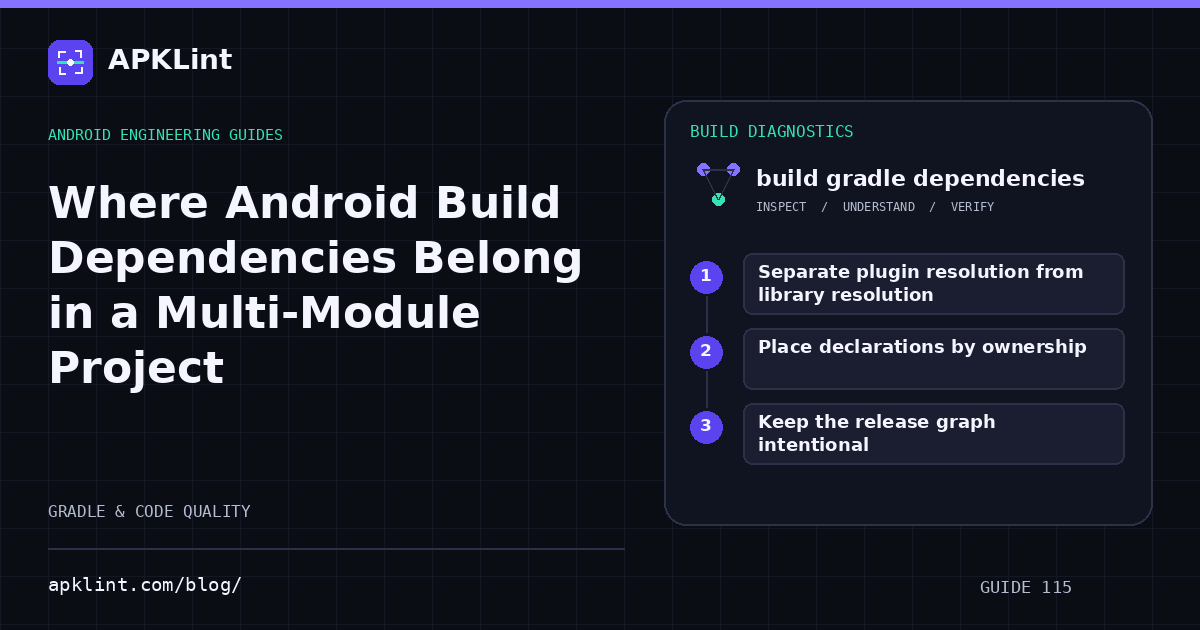
Separate plugin resolution from library resolution
A plugin changes how the build works. A library provides code or resources to a module. Settings-level plugin management and dependency repository configuration also have different roles.
The Android dependency guide explains supported declarations. Do not paste an old buildscript classpath example into an unrelated modern plugins block and assume the syntax or resolution path is equivalent.
Place declarations by ownership
| Input | Typical owner |
|---|---|
| Android application plugin version | Root plugin declaration or version catalog, then module application |
| App runtime library | App module dependency block |
| Shared library dependency | The library module that uses it |
| Unit-test framework | Relevant module's test configuration |
| Repository policy | Settings or supported centralized repository configuration |
Exact structure can vary, especially with convention plugins and included builds. Consistency with the project's established model is more important than forcing one tutorial layout.
Keep the release graph intentional
Use implementation, api and test scopes according to the code boundary. Gradle dependency resolution can bring in transitive dependencies, so the declaration list is not the complete release inventory.
Do not duplicate the same coordinate in several scopes to make an import resolve without understanding which source set needs it.
Diagnose unresolved dependencies precisely
Check coordinate spelling, repository availability, version existence and credentials. An artifact available through a plugin repository is not necessarily available through the library repositories configured for the module.
Avoid adding untrusted repositories globally as a quick fix. Prefer the publisher's documented distribution source and review repository scope.
Validate the built module
Run the affected module's build and dependency report. APKLint's Gradle Dependency Checker can review declarations and common mistakes, but it does not resolve your private repositories or entire multi-module graph. Use the tool as a configuration review alongside actual Gradle output, not as a substitute for it.
Sources and further reading
Reference review: 22 September 2026. Examples illustrate the workflow; check your installed versions, release artifact and account-specific Console requirements before applying them. This guide is not a claim that APKLint executed your project or verified your private account.

Android inspection tools and practical release guides. About APKLint · Report a correction