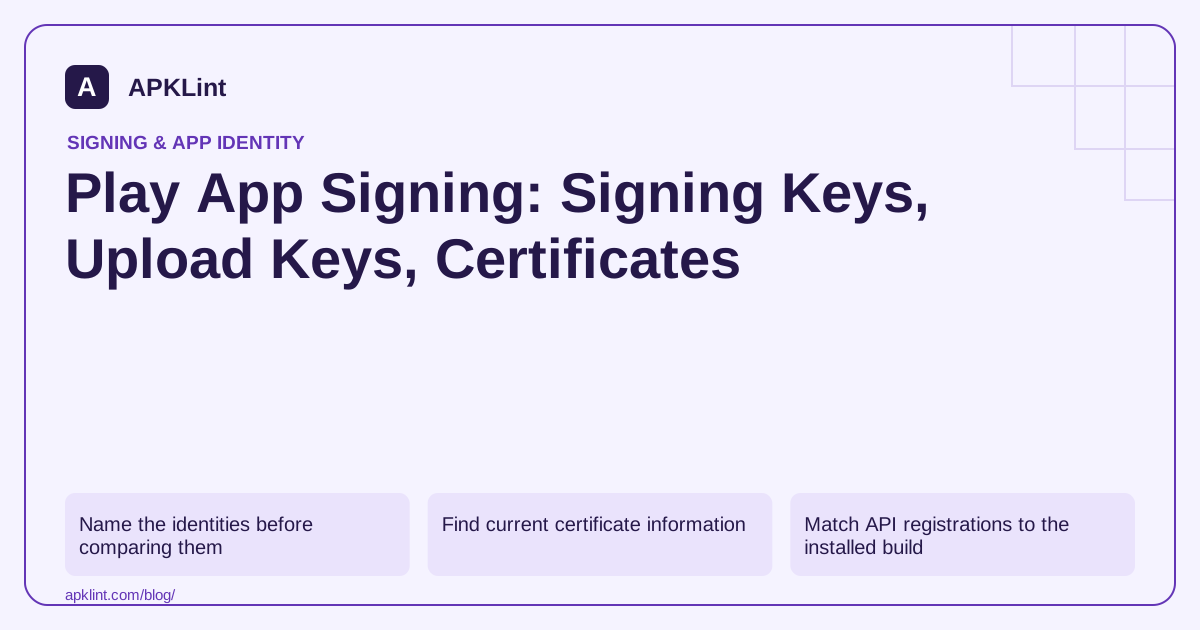
Name the identities before comparing them
| Identity | Main purpose |
|---|---|
| Upload key | Authenticate the artifact submitted to Play |
| App-signing key | Sign the APKs users install through Play |
| Debug key | Sign local development builds |
| Internal-sharing certificate | May identify builds delivered by the separate internal app-sharing path |
Do not label every certificate in a spreadsheet simply “release SHA.” Include the distribution path and certificate algorithm. Play App Signing documentation.
Find current certificate information
Open the selected app in Play Console and locate Play App Signing under Protected with Play. The current help documentation references Play Store distribution/protection in this area. Account UI labels and available actions can vary; use the signing page's certificate sections rather than assuming an old Setup → App integrity path still applies.
Download or copy the public certificate information from the relevant section. Never try to export a private key from an APK certificate viewer.
Match API registrations to the installed build
For Firebase authentication, Maps or another certificate-bound integration, register the fingerprint required by that service for the actual installed build. A local signed APK and a Play-installed release may use different certificates even when the package name and version are identical.
Test through the intended track. Internal app sharing and ordinary internal testing are distinct workflows; a successful test through one does not establish the same signing identity for the other.
Treat key reset and rotation differently
An upload-key reset replaces the credential used for future uploads. An app-signing-key upgrade affects the signing lineage and device compatibility arrangements. Do not perform one operation to solve a problem belonging to the other.
Review the options and timing shown for your app before acting. Current signing documentation includes newer platform-specific arrangements, so old universal claims about exactly one permanent fingerprint can be misleading. Android app signing.
Keep a release certificate register
For each distribution path, record the application ID, certificate fingerprints, owner, purpose and effective date. Associate the register with release version codes and CI configuration changes.
APKLint's certificate inspection can help compare a built APK with that register. It does not verify Console ownership, perform a reset or establish that a certificate's descriptive organization name is trustworthy. Use a cryptographic verifier when package integrity is the question.
Follow a bundle from CI to a test installation
Start with the AAB produced by the intended CI release task and identify the credential used to sign that upload. Then install the resulting release through the selected Play test track and inspect the delivered APK's signing identity. Keep both observations in the same release record. This demonstrates the distinction in your actual setup instead of assuming that the upload certificate is always the installed-app certificate.
If a certificate-bound API works locally but fails through the track, compare the package name and delivered signing certificate with the provider's registration. Also capture the actual API error so a certificate mismatch is tested as a hypothesis rather than used as a universal explanation. A network outage or disabled API can produce a different problem with similar visible symptoms.
Maintain public identity records through operational changes
When an upload credential is replaced, update the CI reference and upload-certificate row. Do not automatically overwrite the app-signing row or every backend registration. When an app-signing-key upgrade is planned, review the supported platform and distribution behavior separately. The Play App Signing help page describes these distinct operations and the requirements shown for eligible apps.
Assign an owner to the certificate register and include the effective date, purpose and approved source of each public fingerprint. Keep private-key custody and account permissions in the restricted operational records. A public certificate can be shared for integration setup; the private upload credential should remain available only to the release workflow and authorized recovery operators.
Test a supported upgrade path with synthetic saved data when signing arrangements change. A newly installed app launching successfully does not demonstrate compatibility with an existing installation. The release evidence should say which previous version, device environment and distribution path were exercised, alongside the certificate comparison. This turns a potentially confusing collection of Console values into a traceable release process.
Sources and further reading
Reference review: 29 September 2026. Examples illustrate the workflow; check your installed versions, release artifact and account-specific Console requirements before applying them. This guide is not a claim that APKLint executed your project or verified your private account.

Android inspection tools and practical release guides. About APKLint · Report a correction