Bluetooth and Nearby Devices Permissions: Split the Version Paths
Bluetooth permissions on Android depend on the operation and platform version. Scanning, connecting and advertising are separate capabilities. A manifest.
APKLint / Engineering notebook
Practical guides to Android packages, signing, security and release decisions. Start with the problem, inspect the evidence, and follow the relevant tool or official reference.
Showing 97–120 of 262 guides · Page 5 of 11.

Bluetooth permissions on Android depend on the operation and platform version. Scanning, connecting and advertising are separate capabilities. A manifest.

Camera and microphone access should be requested separately from unrelated capabilities and only for the feature that needs them. A video recorder may need.

Use an exact alarm only when the user-facing feature genuinely depends on precise timing. Most deferrable synchronization and maintenance tasks should not.

A foreground service type describes the actual user-visible work a service performs. It is not a generic label to keep the process alive. Choose the type,.

Android package visibility limits which installed applications your app can discover through package queries. It is separate from whether an intent can.

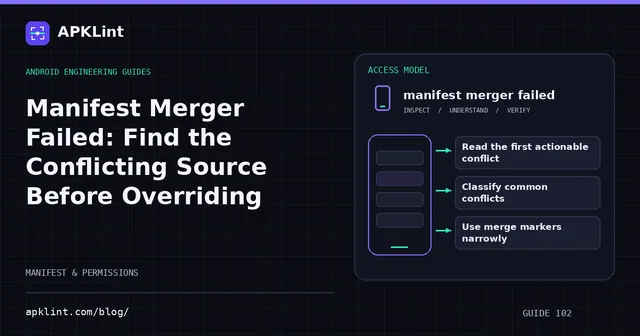
When Android reports “Manifest merger failed,” find the two contributing declarations before applying an override. The merger error is usually telling you.

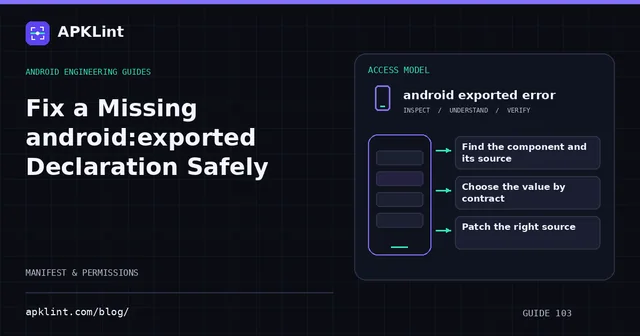
A missing android:exported declaration should be fixed by deciding whether the component is an intended external entry point. Setting every affected.

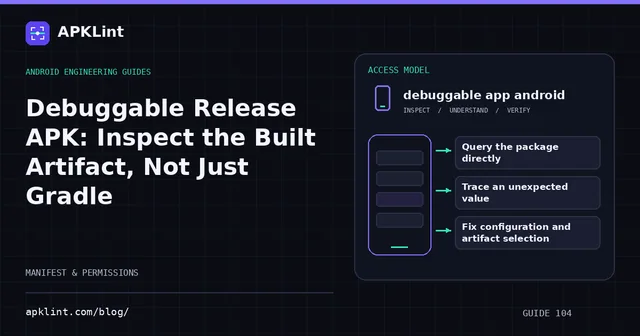
To check whether a release APK is debuggable, inspect the built artifact. A Gradle build type named release or a filename containing “production” is not.

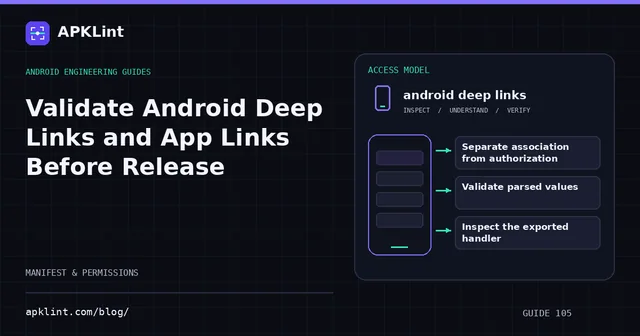
A deep link is untrusted input into your application. Verified Android App Links help associate a web domain with an app, but they do not authorize a user.

Gradle dependency configurations answer two questions: where a dependency is available and whether it becomes part of a consumer's contract. In an Android.

A transitive dependency enters your build because another dependency requires it. Removing a direct declaration does not necessarily remove the library.

Use api when a library intentionally exposes another library's types through its public contract. Use implementation when the dependency is an internal.

A Gradle dependency tree shows requested modules, selected versions and the paths that introduced them. Read the tree for a specific configuration; a.

“Gradle sync failed” means Android Studio could not complete the build-model import. The last line is rarely the root cause. Find the first actionable.

“Unable to find Gradle tasks to build” often follows an incomplete import or a project opened at the wrong directory level. Before inventing task names,.

Update the Android Gradle Plugin as part of a compatible toolchain, not as an isolated number replacement. AGP, Gradle, the build JDK, Kotlin integration.

“Latest Android Gradle version” can mean Gradle itself or the Android Gradle Plugin. They have independent version numbers. As checked on 22 September.

dependsOn adds a task dependency; mustRunAfter only orders tasks that are already scheduled. Confusing them can produce a build that works when two tasks.

Android build dependencies belong in the module and configuration that use them. Plugin dependencies, application libraries and test libraries are.

The root build file coordinates shared build configuration; the app module's build file configures that Android module. Putting applicationId or an.

A Gradle version catalog centralizes dependency aliases and version declarations. It improves consistency, but it does not by itself force every resolved.

The Gradle Wrapper defines the Gradle distribution a project should use. Updating a globally installed Gradle binary does not necessarily change the.

The Sentry Android Gradle Plugin connects build outputs such as obfuscation mappings and debug information to Sentry's release diagnostics. Adding the.

The Secrets Gradle Plugin helps keep configuration values out of source control. It does not make an API key secret after that key is compiled into an APK..
Guides are dated references, not a live view of your app or Console. Verify changing policy and SDK details before release.
APKLint is independent and is not affiliated with Google, Android or the other projects discussed.